
SiteW makes website creation easy and enjoyable thanks to a solution without technical or financial constraint.
Testimonials, interviews and examples of created websites. Discover our users’ reviews and creations.
Our history, news and commitments. Beyond online service, discover SiteW.
All resources at the service of your online presence.
You can directly enter the URL of the YouTube or Dailymotion page with a video hosted on these platforms. The creation of a website with videos becomes even easier and faster.
To ensure a perfect image quality and an optimal loading time, the Video block uses films hosted on YouTube or Dailymotion.
If you want to add one of your personal videos, send it to your YouTube or Dailymotion account (opening an account is fast and most of video formats are supported). Then, add your video to your website with a Video block by entering your page address directly.

Meanwhile, to publish a video from a platform on SiteW, it’s easy:
Copy the address of the YouTube video
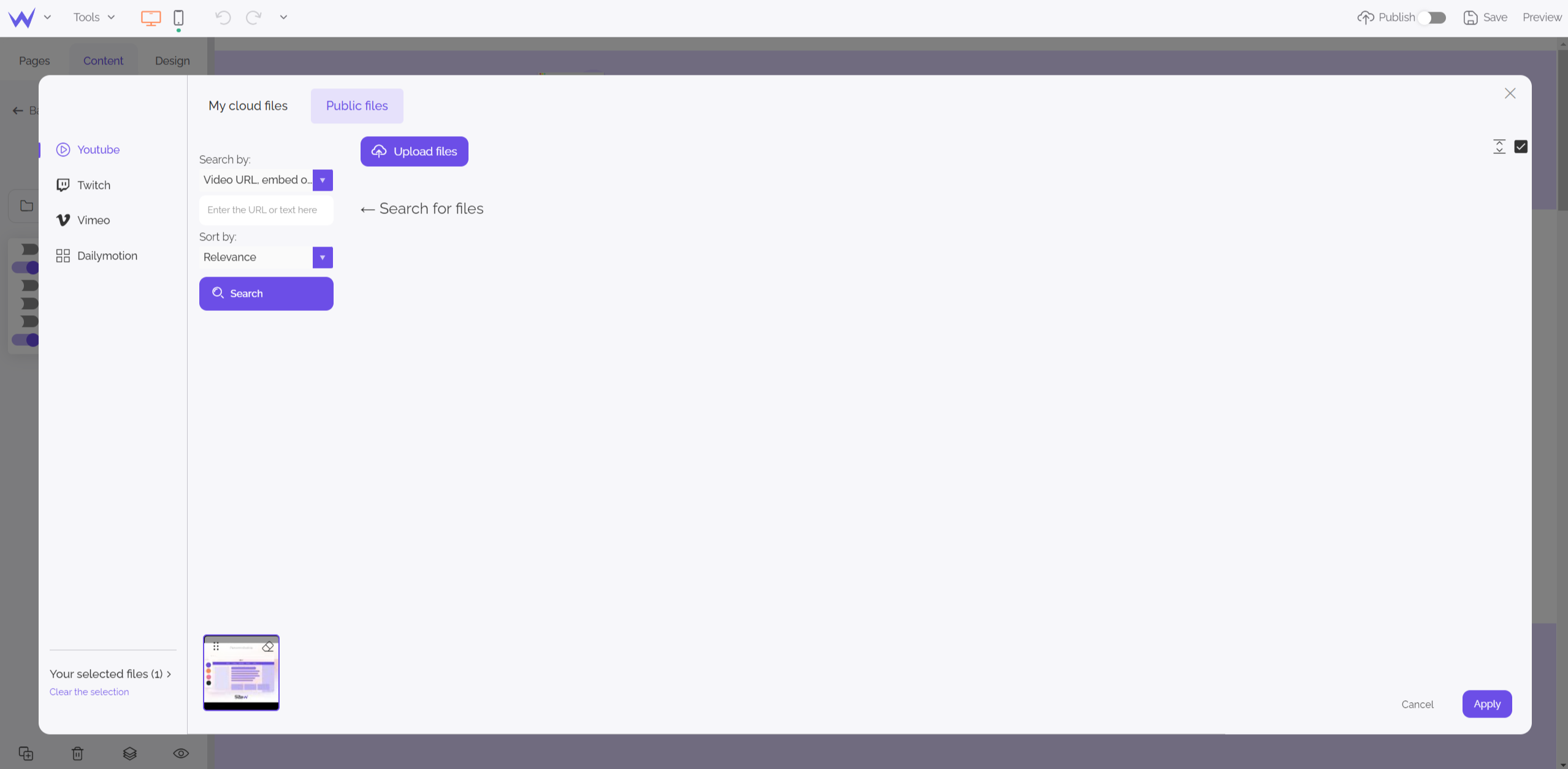
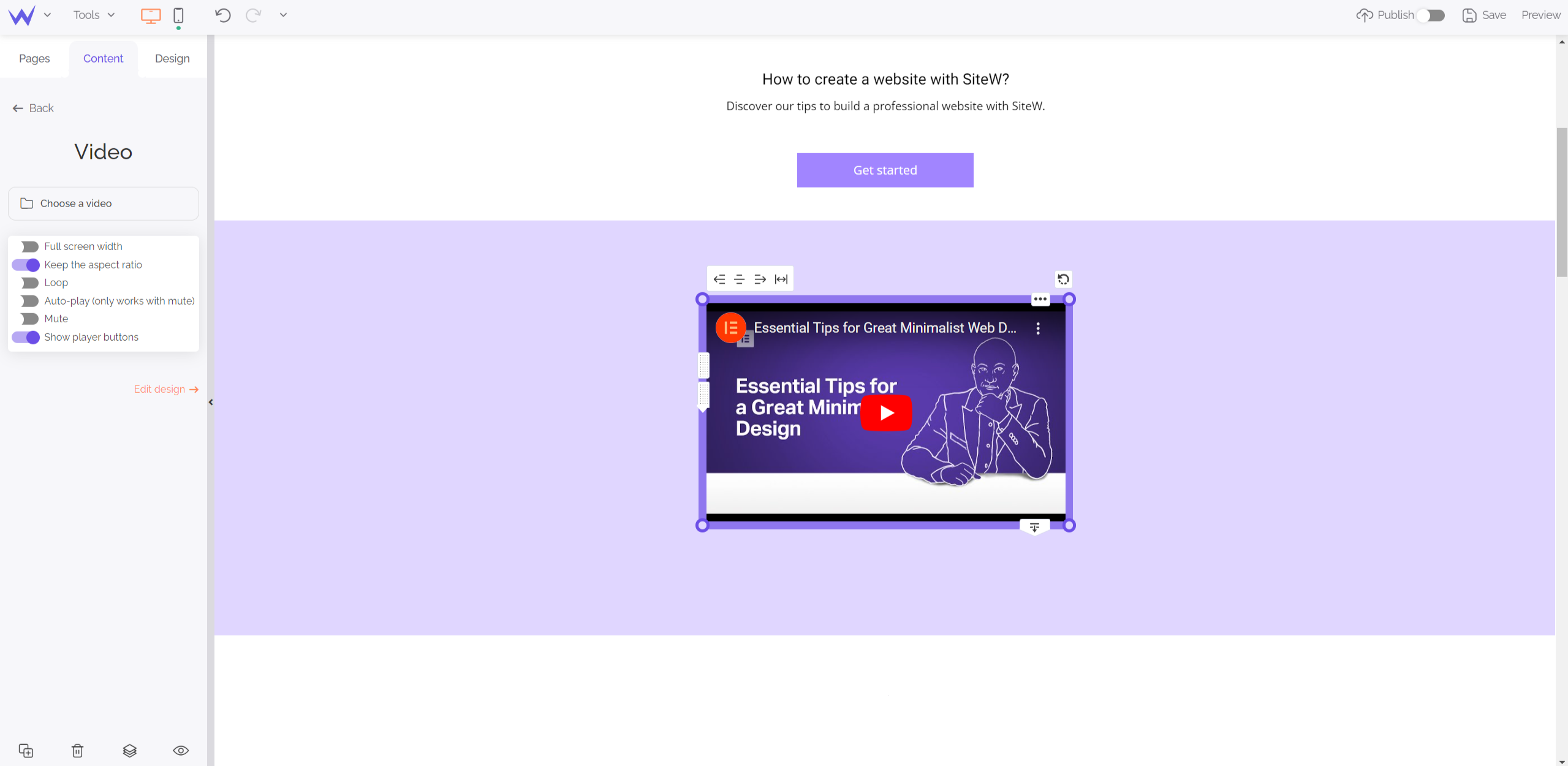
Add the video to your website and configure it as you wish.
Last update: February 22, 2023