



SiteW makes website creation easy and enjoyable thanks to a solution without technical or financial constraint.
Testimonials, interviews and examples of created websites. Discover our users’ reviews and creations.
Our history, news and commitments. Beyond online service, discover SiteW.
All resources at the service of your online presence.
The Social block lets you easily link your website to your various social networks. This block displays a list of social network icons on your website, allowing users to share your pages or your website with a single click.
Integrate your social networks into your website and increase your visibility. With the Social block, you can:
👉 Invite your visitors to share your site on their social networks,
👉 Invite your visitors to visit and follow you on social networks,
👉 Display your news feed or some of your posts on your website.
We'll tell you more right away about the possibilities available and how to configure them, just follow the instructions!
Insert a social network sharing button to invite your visitors to share your site.
Go to the social bar Social share buttons
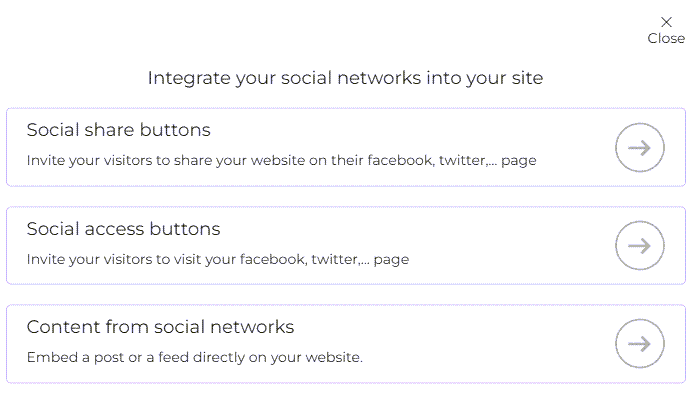
Now you're ready! All you have to do is configure and customise your button.
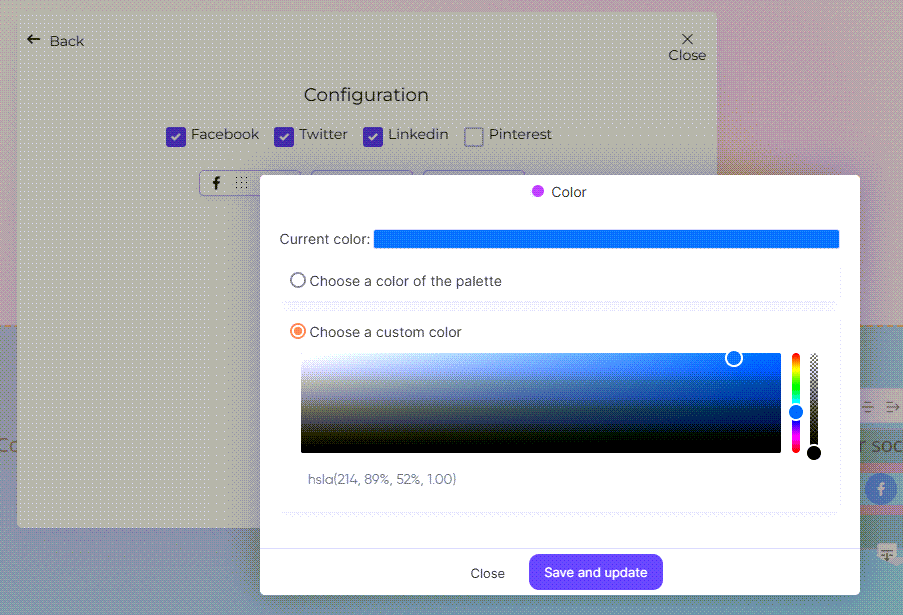
Increase your visibility on social networks by inviting your visitors to visit them and follow you.
Go to the social bar Social networks bar > Social share buttons
The steps for configuring your buttons are the same as above. The only difference is that you can now invite people to visit your Instagram page. You also need to enter the address of your social network pages.
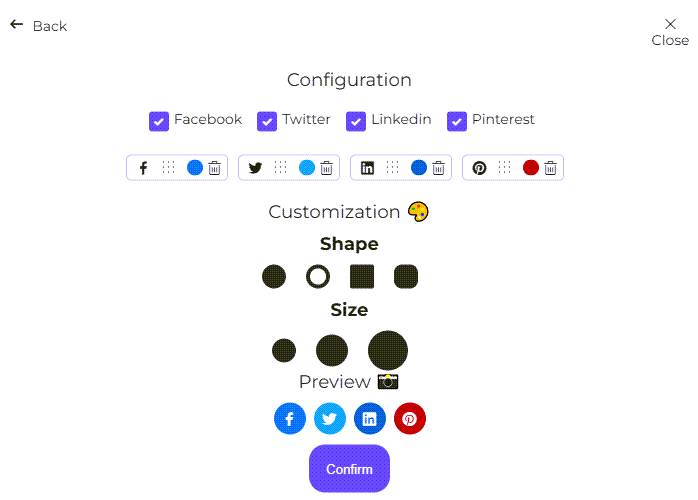
Show your visitors an overview of the content you post on social networks.
To do this, go to Content from social networks
You will then have 2 options for sharing the content of your Facebook, Twitter or Instagram feed:
1. Display your news feed on your website by adding the link to your page.
2. Display a specific post by entering the URL of the publication.
To retrieve the URL of a specific post, go to your page, then to the publication and simply click on it.
Last update: May 31, 2023
30% discount on annual subscriptions!
In 2024, maximize your
online presence 🚀