
SiteW makes website creation easy and enjoyable thanks to a solution without technical or financial constraint.
Testimonials, interviews and examples of created websites. Discover our users’ reviews and creations.
Our history, news and commitments. Beyond online service, discover SiteW.
All resources at the service of your online presence.
12 minutes
Video content is one of the most compelling ways to grab your website visitors’ attention and remain competitive in a highly visual web landscape.
In fact, studies show that no less than 80% of online traffic is driven by video. And according to Wyzowl, more than 91% of marketers now use video content on their websites. 🎥
That said, you probably also know how costly and time-consuming it can be to shoot and edit high-quality videos.
The good news? Thanks to rapid advances in artificial intelligence, powerful tools are now available to simplify the video creation process and save you a huge amount of time.
In this article, we'll introduce you to the best AI video generation tools to help you create videos faster to fuel your website and boost your online presence.
Let's dive in! 👌🤿
Videos consistently achieve higher organic reach than other types of content.
But as we all know, producing video content is often time-consuming and expensive. 💸
That’s where artificial intelligence comes in, completely changing the game and making video creation easier than ever.

AI doesn’t stop at video. You can also use it to build your website, automate content creation, generate synthetic images, and take advantage of AI-driven marketing strategies to scale your online presence more efficiently.
Watching a video is easy. Creating a high-quality one? Not so much.
Writing a script, shooting multiple scenes, and editing everything to perfection can take a lot of time... ⌚
As in many other fields, ranging from AI-powered copywriting to automated communication and online sales optimization, AI can give you a big boost.
From smart editing tools to text-to-video applications, there are many tools that can help you.
Here is our list of the best AI-powered video creation tools... 👌
Deevid.ai is a brand new video generation tool that has caught our attention and for good reason. 👀💜
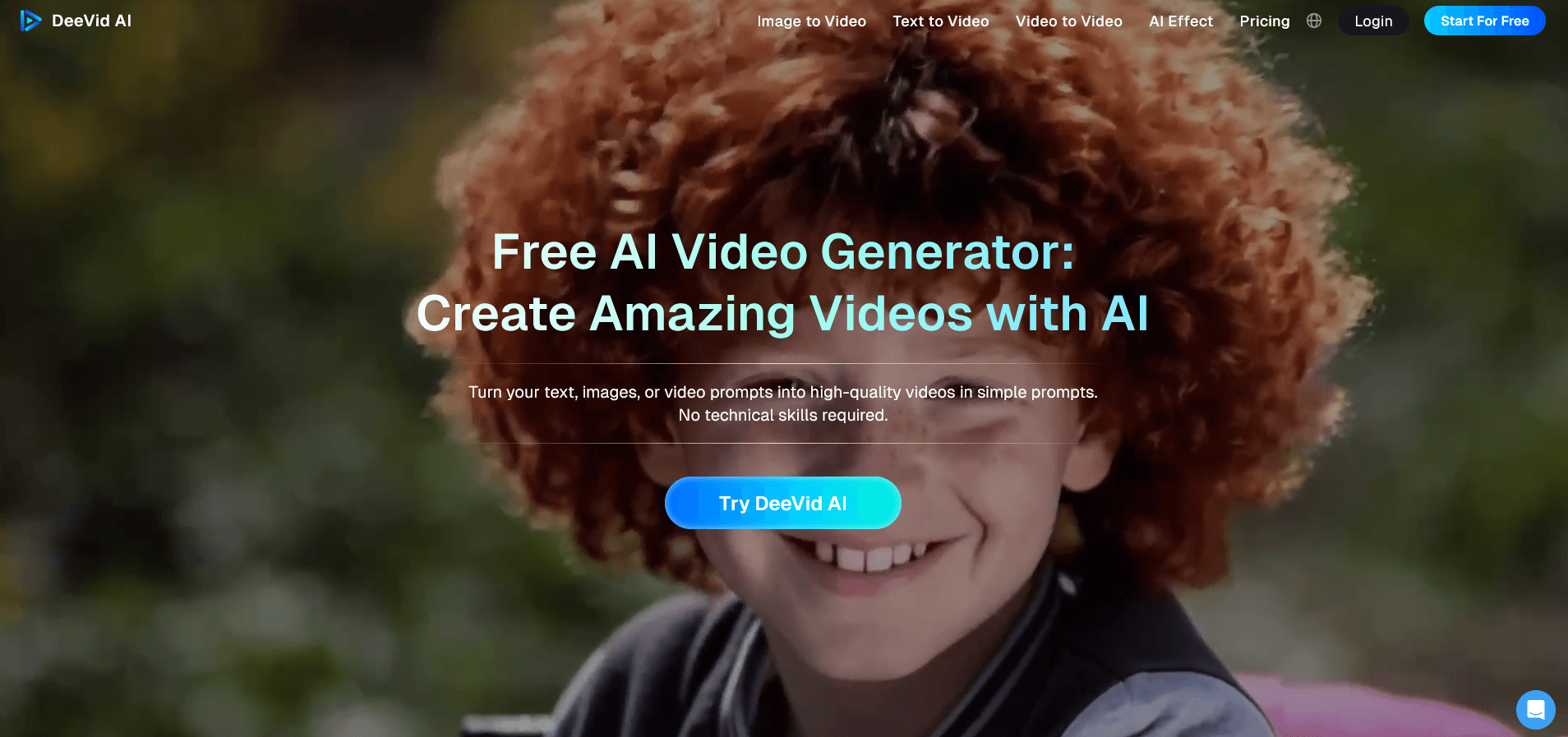
One of its biggest strengths is that it’s both incredibly easy to use and highly versatile.The platform gives you access to a wide range of powerful, intuitive AI-powered video features, including:
Text-to-video
Image-to-video
Video-to-video
AI lip-sync
AI image generation
100+ pre-designed AI video templates
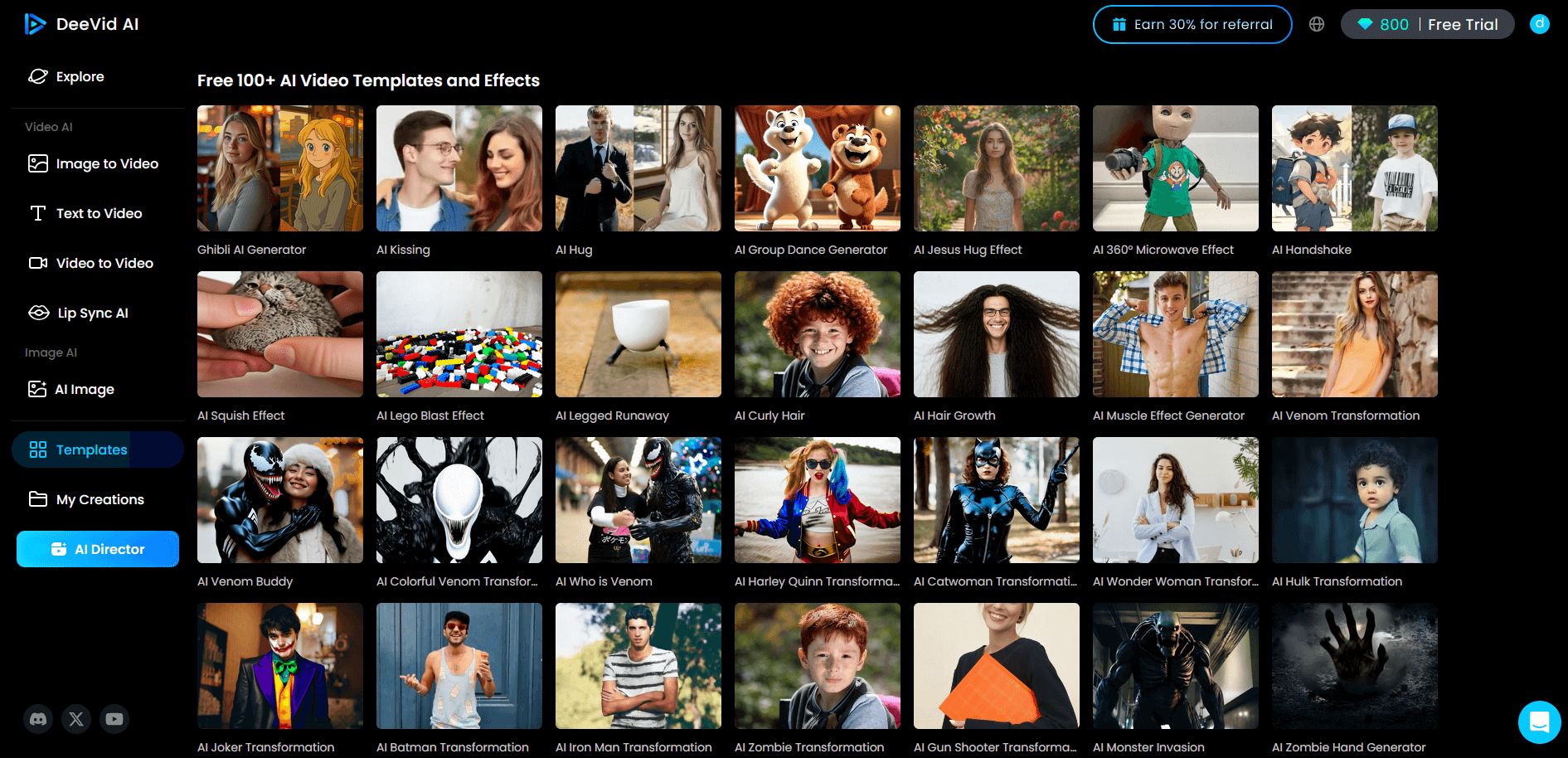
By clicking on the “Explore” section, you can also browse the incredible creations shared by the user community. It’s a great source of inspiration, and a powerful way to see just how capable the tool really is.
As for us, here’s the video the software generated from this simple prompt: “A very cute elderly woman, astonished as she looks at her computer.” Pretty impressive, right? ✨
FlexClip is transforming the way videos are made with its user-friendly interface and advanced AI-powered technology. Simply enter a text prompt, and the platform allows you to create professional-quality videos in just a few clicks.
Offering a range of AI-powered features, including Text-to-Video, Video Scripting, Blog-to-Video, Text-to-Speech, Translation, Auto-Captioning, and more, FlexClip allows creators to unleash their creativity.
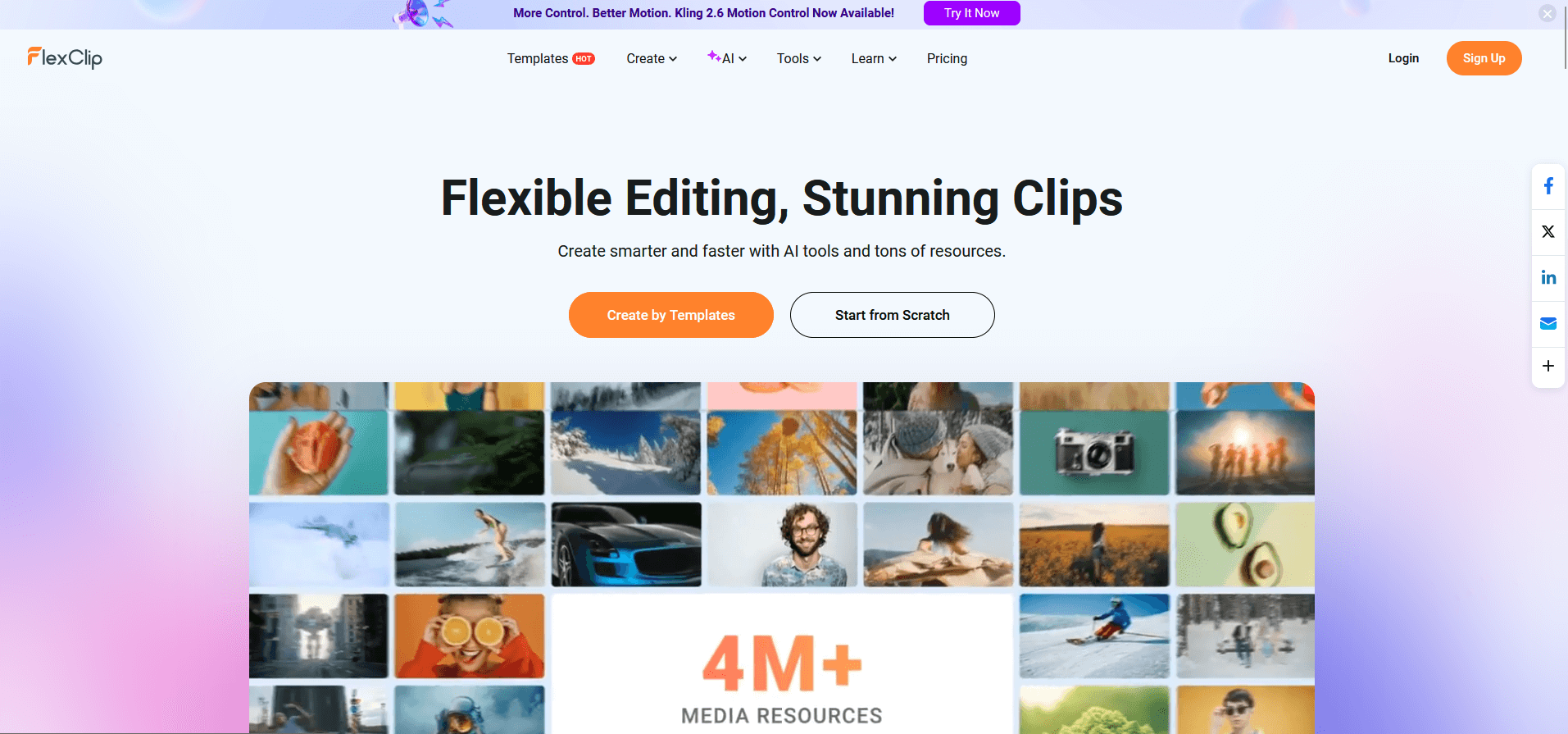
What truly sets FlexClip apart is its seamless access to a vast library of built-in resources, making it easy to produce a wide range of content such as educational videos, tutorials, product demonstrations, social media content, and ads.
Whether you're a beginner or a seasoned professional, FlexClip empowers you to create videos with the polish and confidence of an expert.
That wraps up our list of favorites. To discover other AI-powered video creation tools, keep reading... 👇
One of Pictory’s most appealing features is that it requires no prior experience in video editing or design.
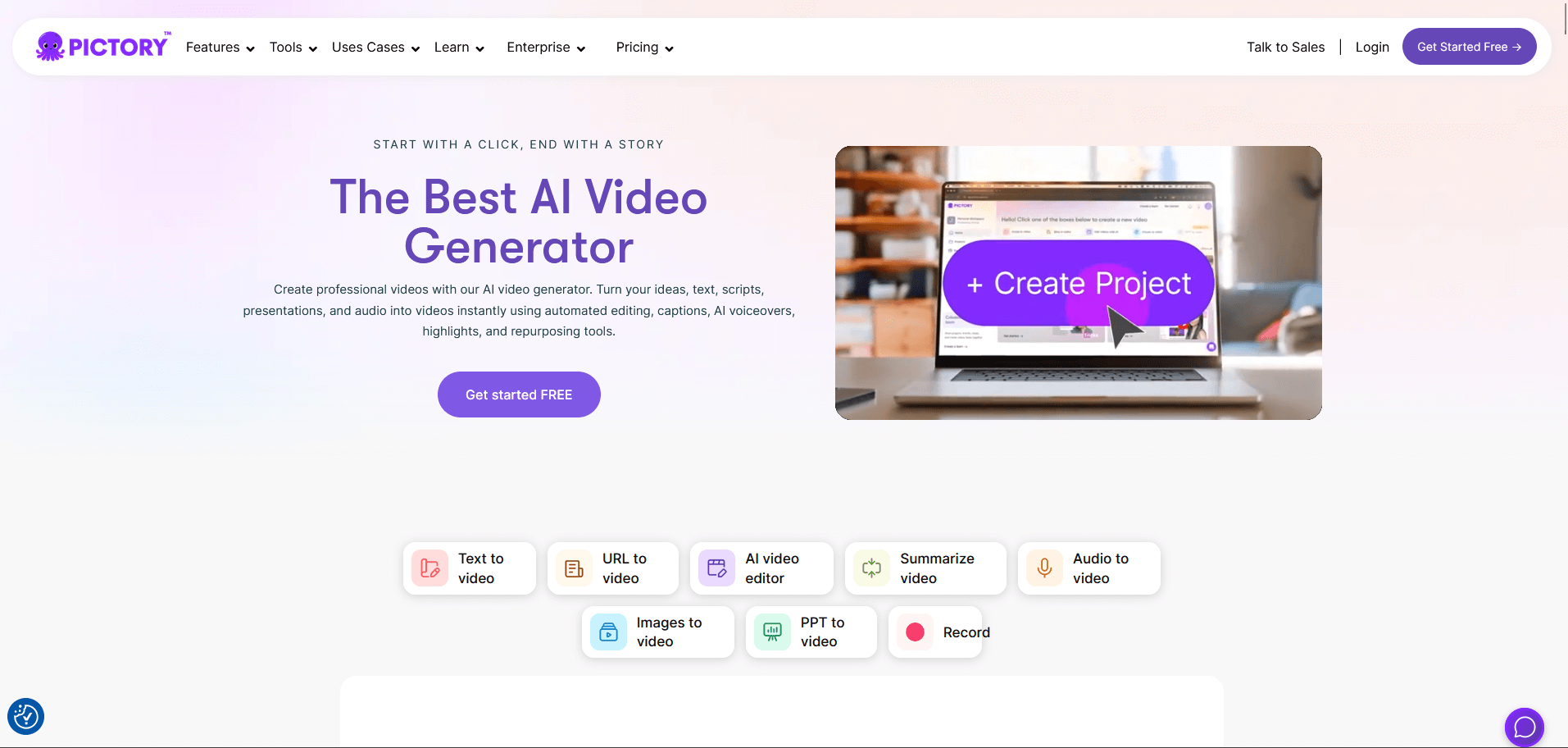
All you need to do is provide a script or an article, which the platform uses as the foundation for your video.
For example, Pictory can turn a blog post into an engaging video, perfect for social media or for enhancing your website content.
Here’s how it works:
Start by entering the URL of your page or pasting your text.
Choose a template and video format.
Edit and fine-tune your video.
This functionality is especially valuable for businesses looking to boost engagement and improve the overall quality of their web content. And because Pictory is cloud-based, it works seamlessly on any computer.
Pictory also allows you to easily edit videos using text, which is perfect for webinars, podcasts, Zoom recordings, and more.
Another standout feature is the ability to create short video clips, which is useful for making trailers or snackable content designed for social media.
On top of that, the platform can automatically generate captions and video summaries, saving you even more time.
Movavi is powerful video editing solution suitable for both beginners and experienced creators. Its intuitive interface makes it easy to produce impressive videos without requiring advanced technical skills.
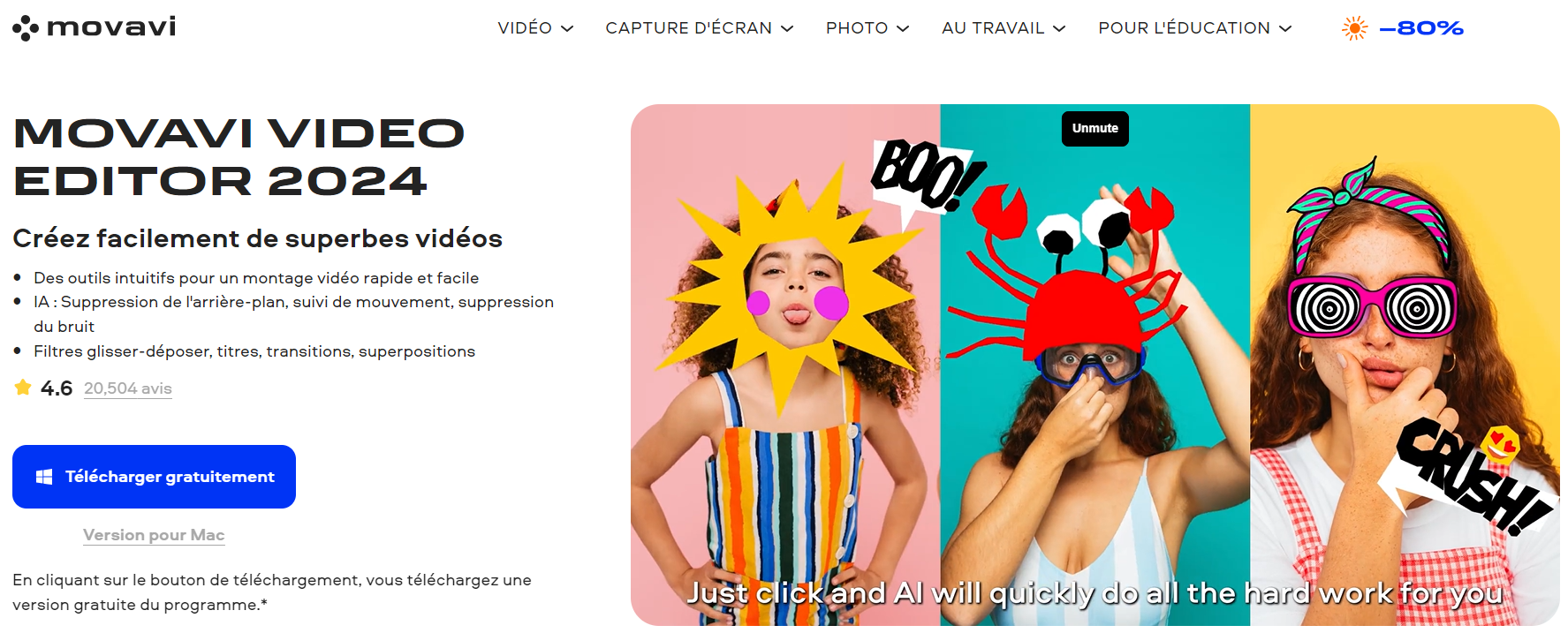
Movavi includes several AI-powered features, such as:
Automatic Video Stabilization: Automatically corrects shaky footage for more professional-looking videos.
Automatic Color Enhancement: Optimizes colors for better visual quality.
Motion Tracking: Detects and blurs faces to protect privacy or add fun effects.
Silence Detection: Automatically removes pauses for smoother editing.
All these features are intuitive and easy to use. Movavi also provides step-by-step tutorials to help users quickly get up to speed.
When recording a video, we often capture far more footage than we actually need, which leads to long and tedious editing sessions.
Cutting clips, separating tracks, and cleaning up content can be time-consuming, but Descript dramatically simplifies the process.
The platform automatically generates a full transcript of your recording and breaks it into scenes, separating audio and video tracks. You can then edit your video just like a text document: simply highlight the parts of the transcript you want to remove.
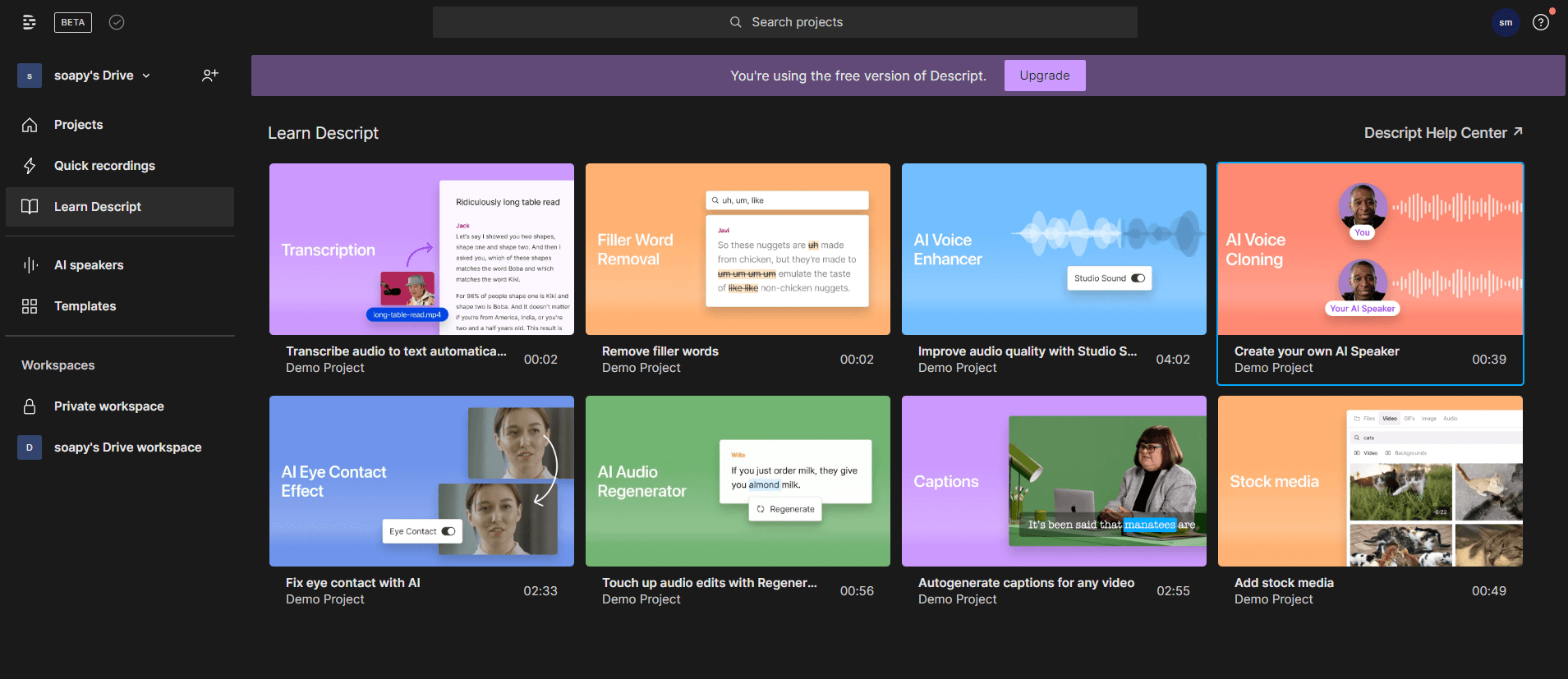
Once your script is polished, you can split your video into scenes by typing a slash ( / ) directly into the text where you want a cut.
Descript also lets you add stock footage to your project without ever leaving the editor.
And that’s not all! Descript offers even more features: you can connect it to a wide range of other applications to further automate your entire video production workflow.
You probably noticed it in 2024. The video editing industry experienced a new boom thanks to AI.
But what is AI video editing used for? 🤔
In short, it saves you time and makes complex, repetitive editing tasks far easier to handle.
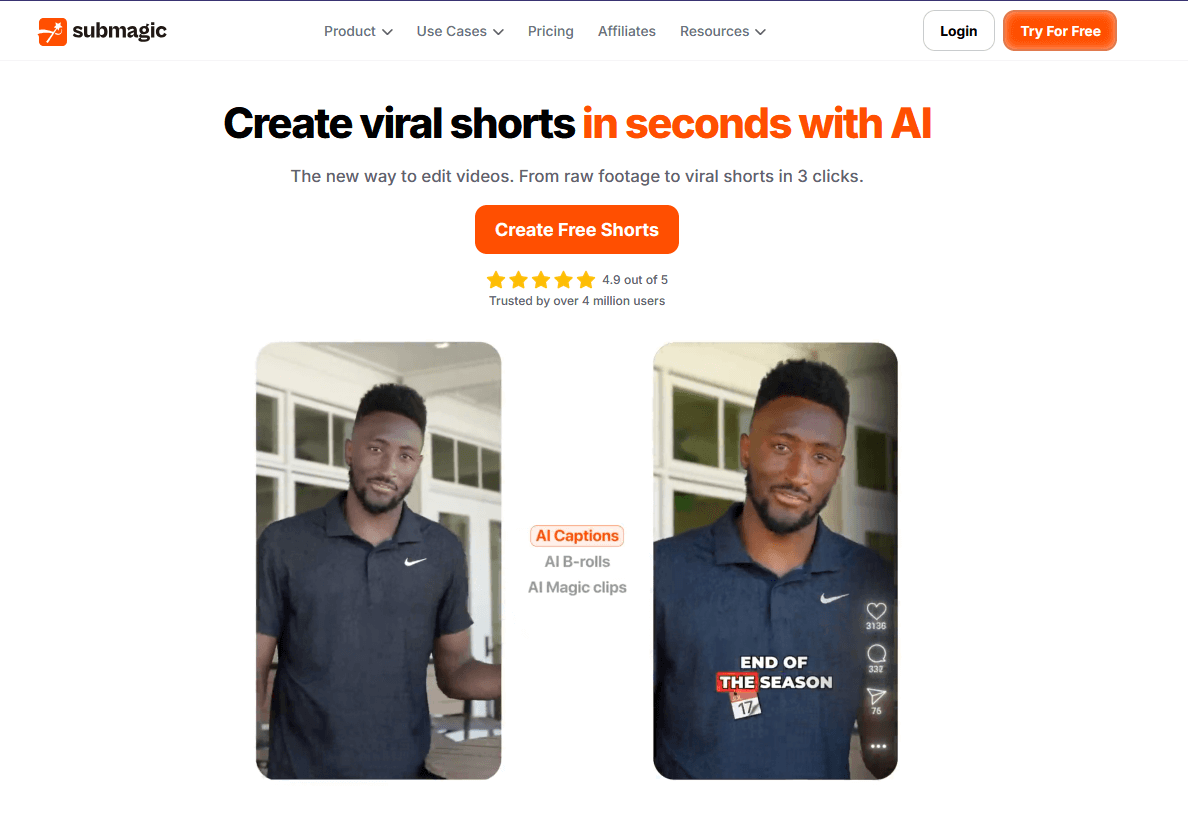
That's why Submagic stands out as a powerful ally!
This AI-powered editor can generate trending captions in just one click (in over 50 languages). But it doesn’t stop there: you can also instantly enhance your videos with B-roll footage, transitions, and sound effects.
With Submagic, you stay focused on what you do best. The AI takes care of the rest.
Synthesys is a leading company specializing in text-to-speech and text-to-video technologies for commercial use.
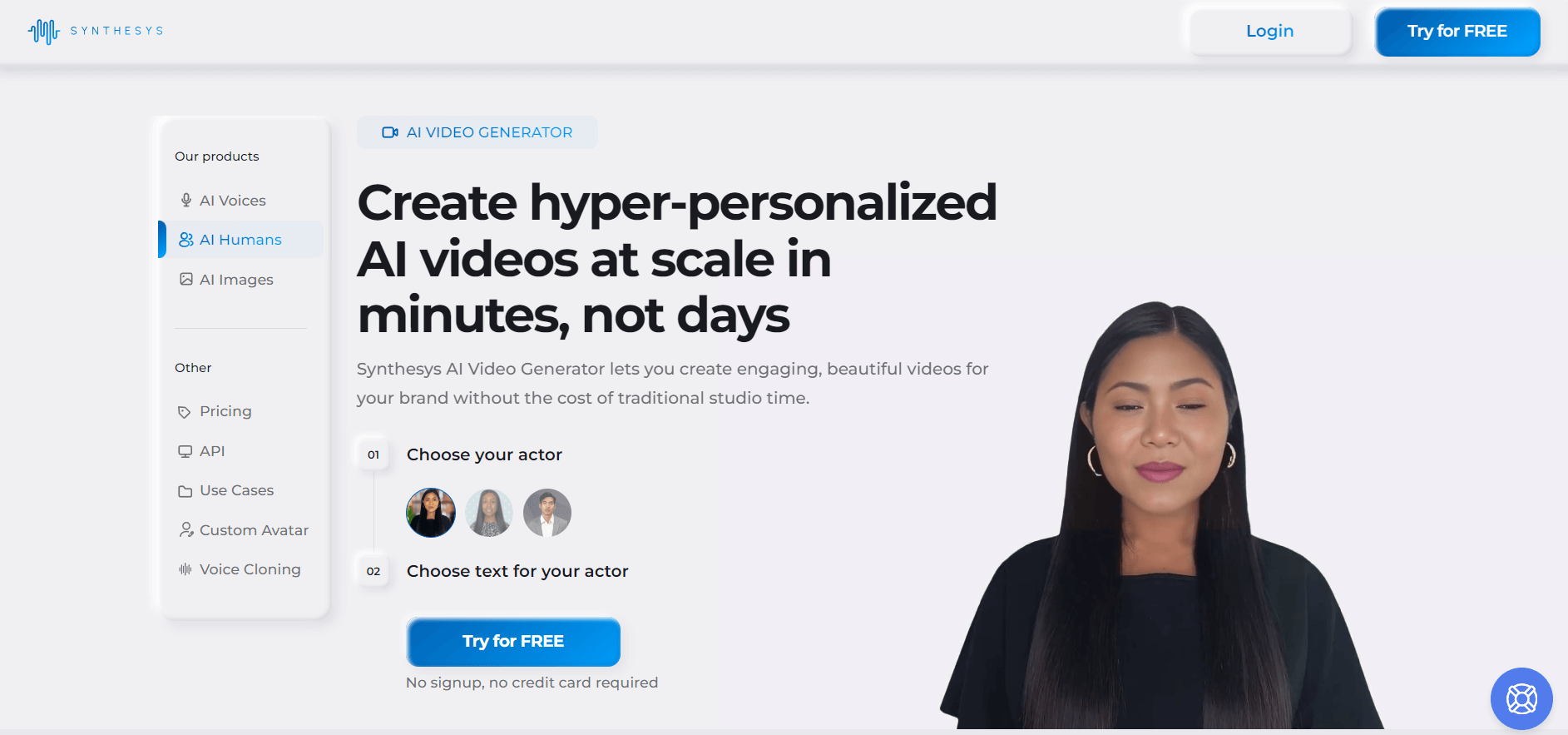
The software aims to help you produce high-quality video content (explanatory videos, product tutorials, etc.) in record time.
The platform uses its Text-to-Video (TTV) technology to transform scripts into dynamic visual presentations.
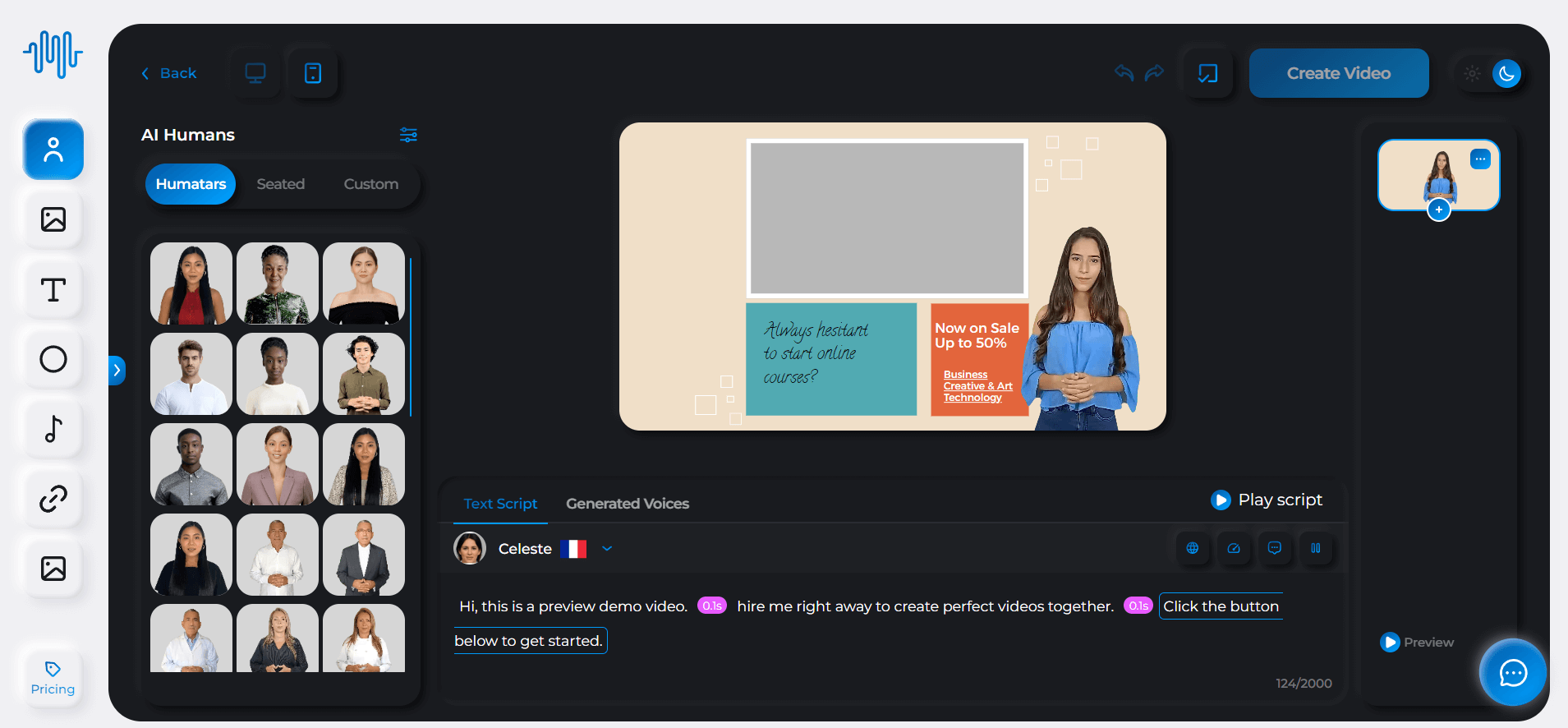
Companies can also use Synthesis' AI-based lip-syncing technology. This means there is no need for cameras or film crews. All you have to do is choose an avatar and enter your text in one of the 140 supported languages.
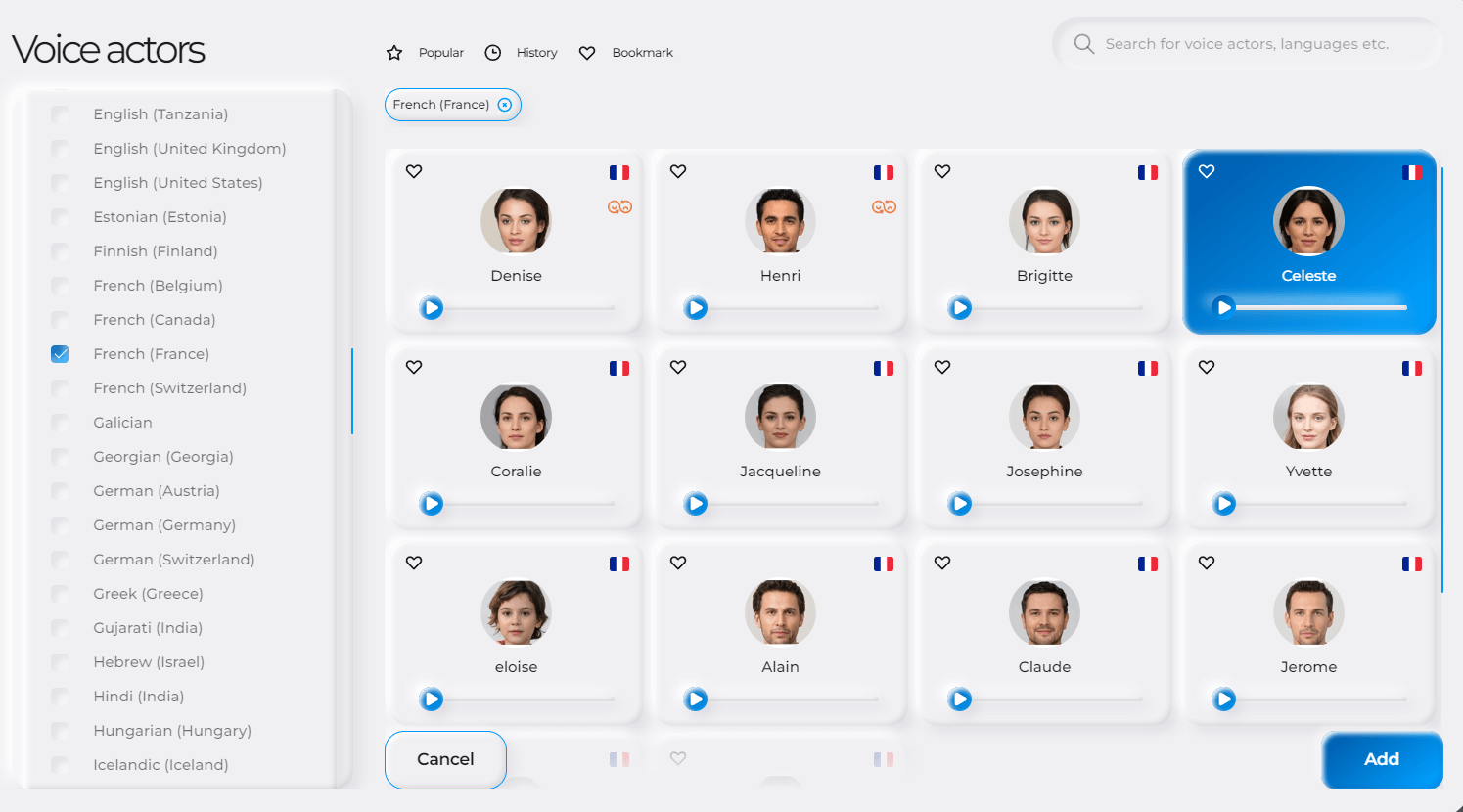
Synthesis offers 69 “humatars” and a library of 254 unique voices, full customization options, an intuitive editing interface, and high-resolution output.
Wondershare Filmora has been around for a very long time (over 15 years), and despite its longevity, it continues to evolve with the times.
Rather than falling behind, Filmora has embraced AI with a rich set of features designed to enhance video quality quickly, without long learning curves or complex setups.
Key AI-powered features include:
Smart Cutout: Easily remove objects from scenes.
Audio Denoise: Reduce background noise for clearer sound.
Audio Stretch: Extend music tracks seamlessly (for eight more seconds).
Al Motion Tracking: Detect and blur faces for privacy (or add stickers for fun effects).
Background Removal: Compose scenes without using green screens.
Silence detection: Remove hesitations and create clean, fast cuts.
All these features are easy to use, and if you ever need help, Wondershare provides clear, detailed guidance.
Filmora also offers additional features such as a template library for fast video creation and automatic synchronization, which aligns video clips perfectly with your audio track.
Synthesia is an AI platform that lets you quickly create professional videos using digital avatars.
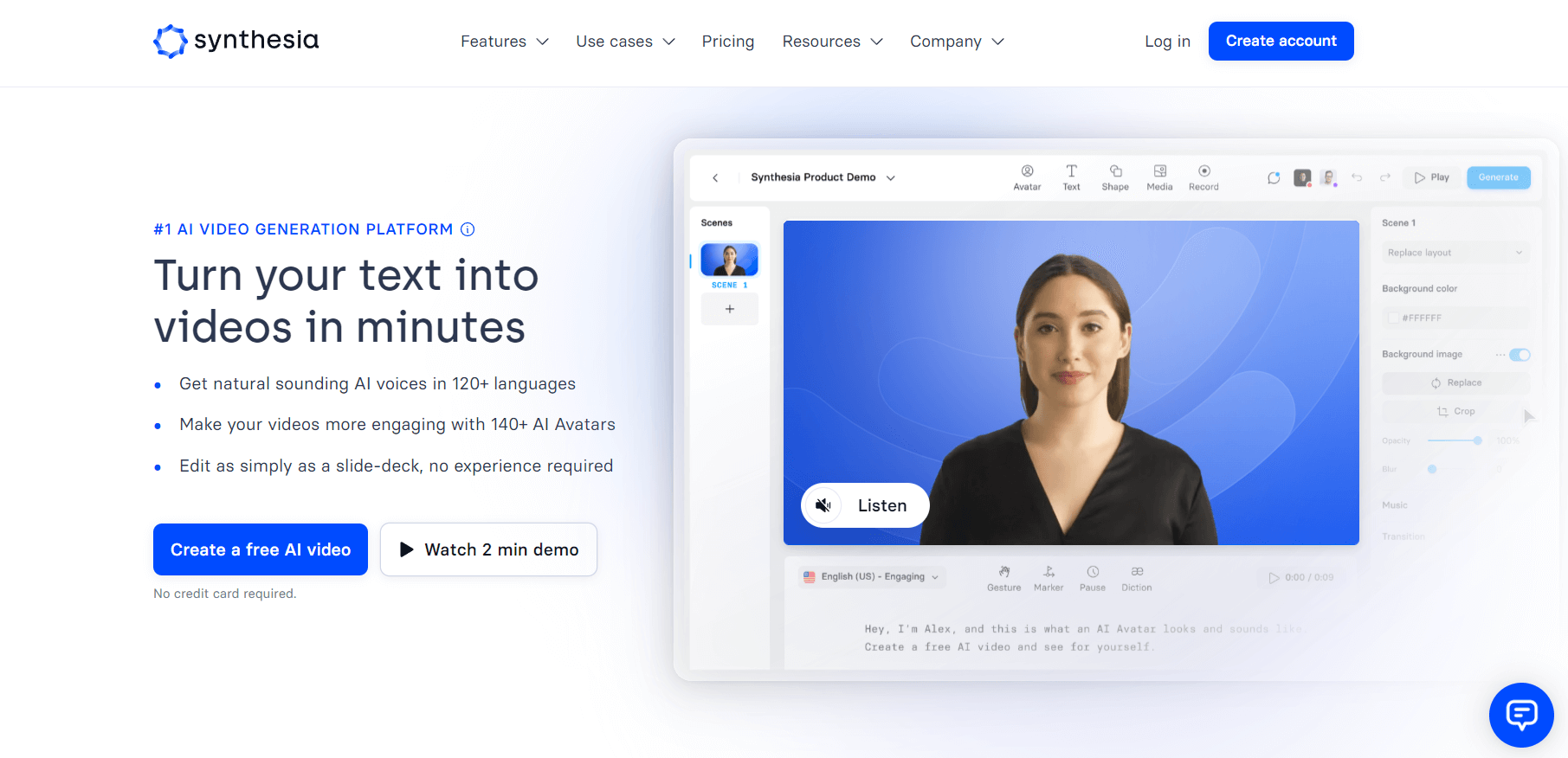
It supports over 60 languages and includes a wide range of templates, a screen recorder, a media library, and more.
Trusted by major brands such as Google, Nike, Reuters, and the BBC, Synthesia eliminates the need for expensive equipment or filming locations.
You can choose from more than 70 avatars, or even create a custom avatar tailored to your brand.
Its AI voice generation makes it easy to produce consistent, professional voiceovers that can be edited with a single click.
You can also add subtitles and generate high-quality videos in just minutes using over 50 customizable templates.
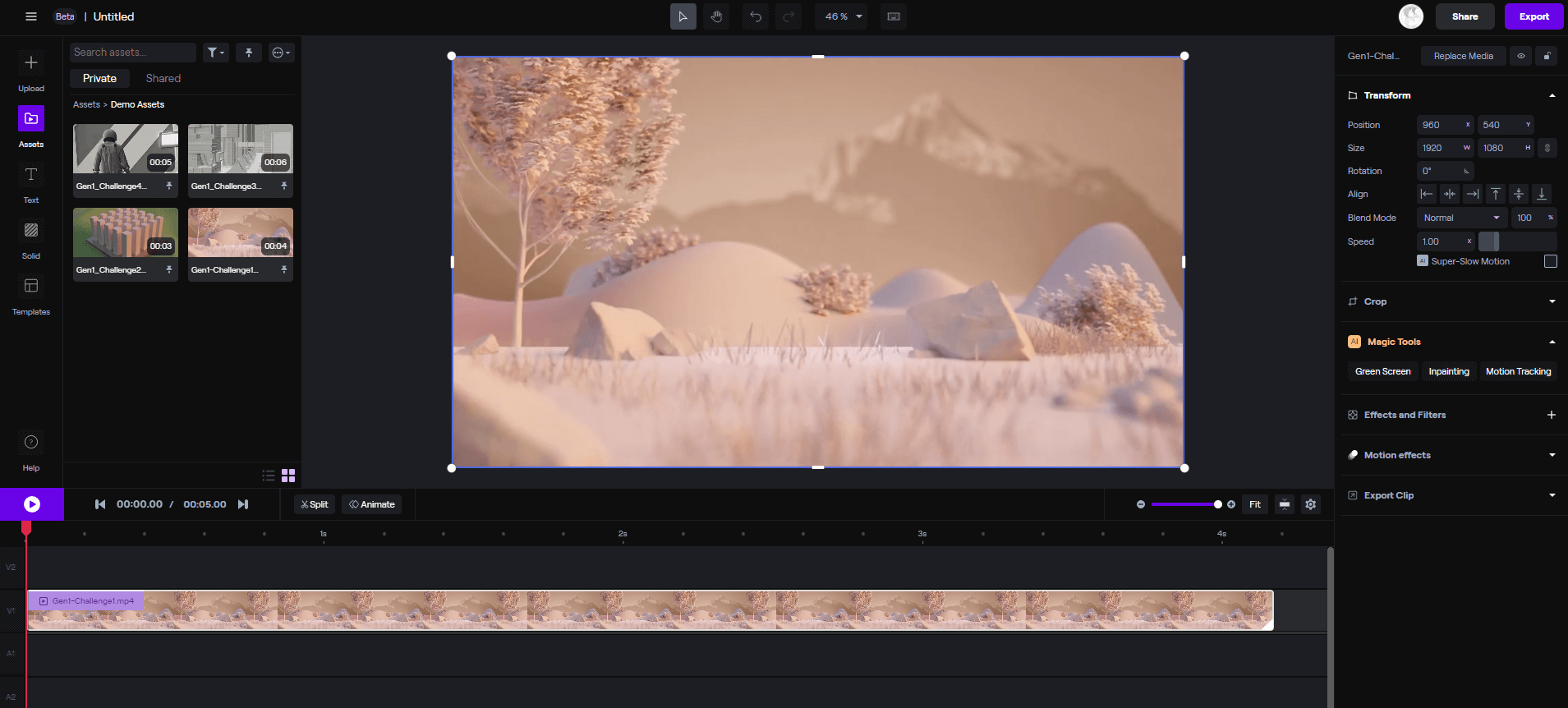
Runway's capabilities are truly impressive.
This tool isn’t quite as beginner-friendly as some others on the list. But once you get the hang of it, the results can be nothing short of spectacular! 😮

The user interface looks like a professional-grade video editing tool, yet it remains relatively easy to navigate. The tutorials are excellent and walk you through the features step by step.
Beyond AI-powered video enhancement, Runway offers:
A green screen, allowing you to remove backgrounds entirely and customize colors and text.
A powerful suite of generative AI tools such as text-to-video, image-to-image, and even the ability to train your own AI models for visual generation.
Object removal and replacement, so you can swap out elements in a scene—like turning a soccer ball into a melon! ⚽🍈
Image region editing, which lets you modify specific parts of an image using text prompts (though results may vary in quality)
If you're looking to improve your online visibility, InVideo is for you. This tool requires no prior experience in video creation or editing, so anyone can use it.
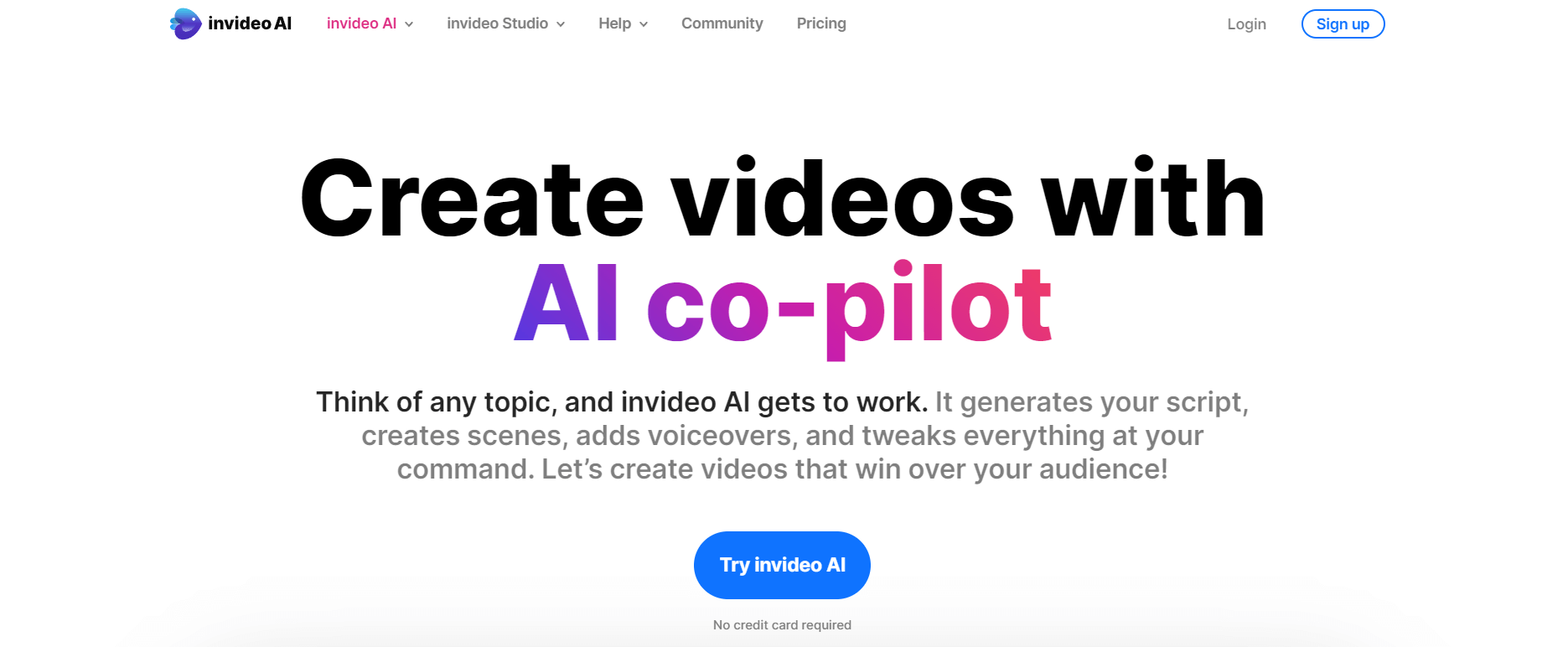
The platform allows you to generate high-quality videos from text in just a few minutes. It offers a wide selection of professionally designed and animated templates.
For example, we were able to create this video about website creation using nothing more than a short prompt. 👇
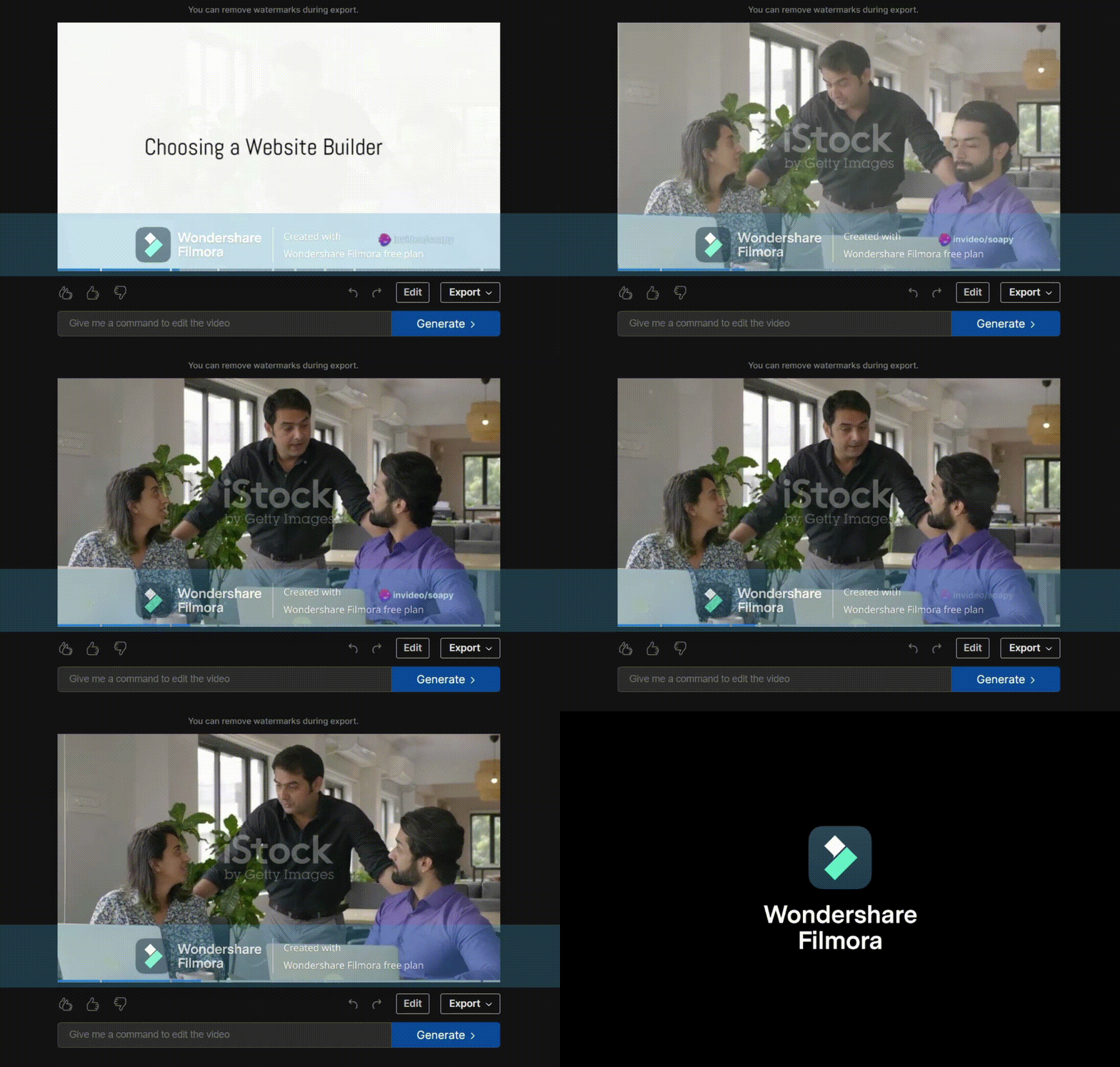
(Video generated with InVideo and captured using Filmora.)
To get started, simply enter your prompt, select a template, or customize your own, and then download the finished video.
With InVideo, you can create promotional videos, presentations, testimonials, slideshows, and even memes.
HeyGen is as easy to use as PowerPoint, yet powerful enough to cover a wide range of professional use cases.
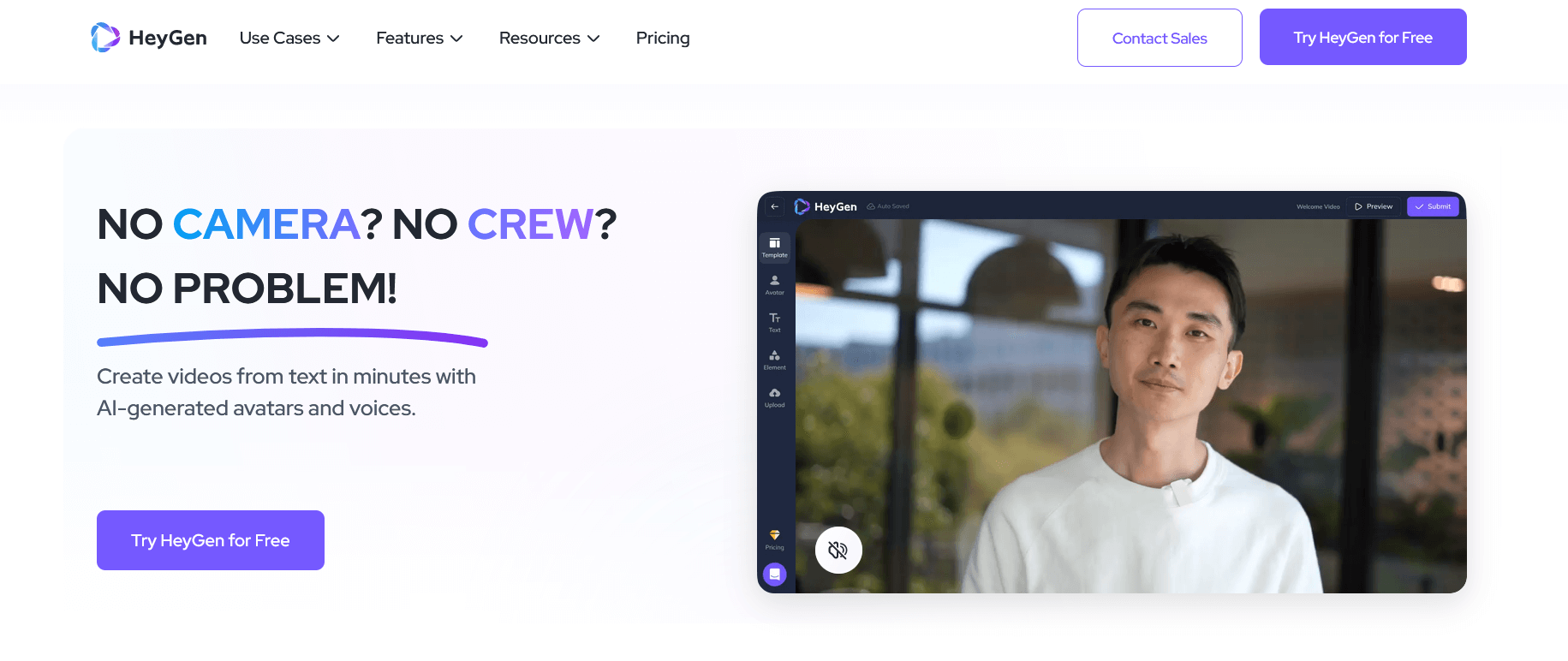
This browser-based platform lets you turn text into polished, professional videos in just minutes.
You can record and upload your own voice to create a personalized avatar, or simply type in your script and choose from over 300 prebuilt voices, available in more than 40 languages.
You can also start with just a keyword, and HeyGen will automatically generate a script.
The video is then produced using an avatar, with numerous customization options, including combining multiple scenes into a single video and adding background music that matches your theme.
Don't forget that you can generate your own soundtracks using artificial intelligence!
Adapting a single video to multiple audiences and distribution channels is usually a tedious task.
Peech makes it fast and effortless. 💨
With Peech Lite, the entry-level version, you start by uploading your brand kit, including your logo and color palette.
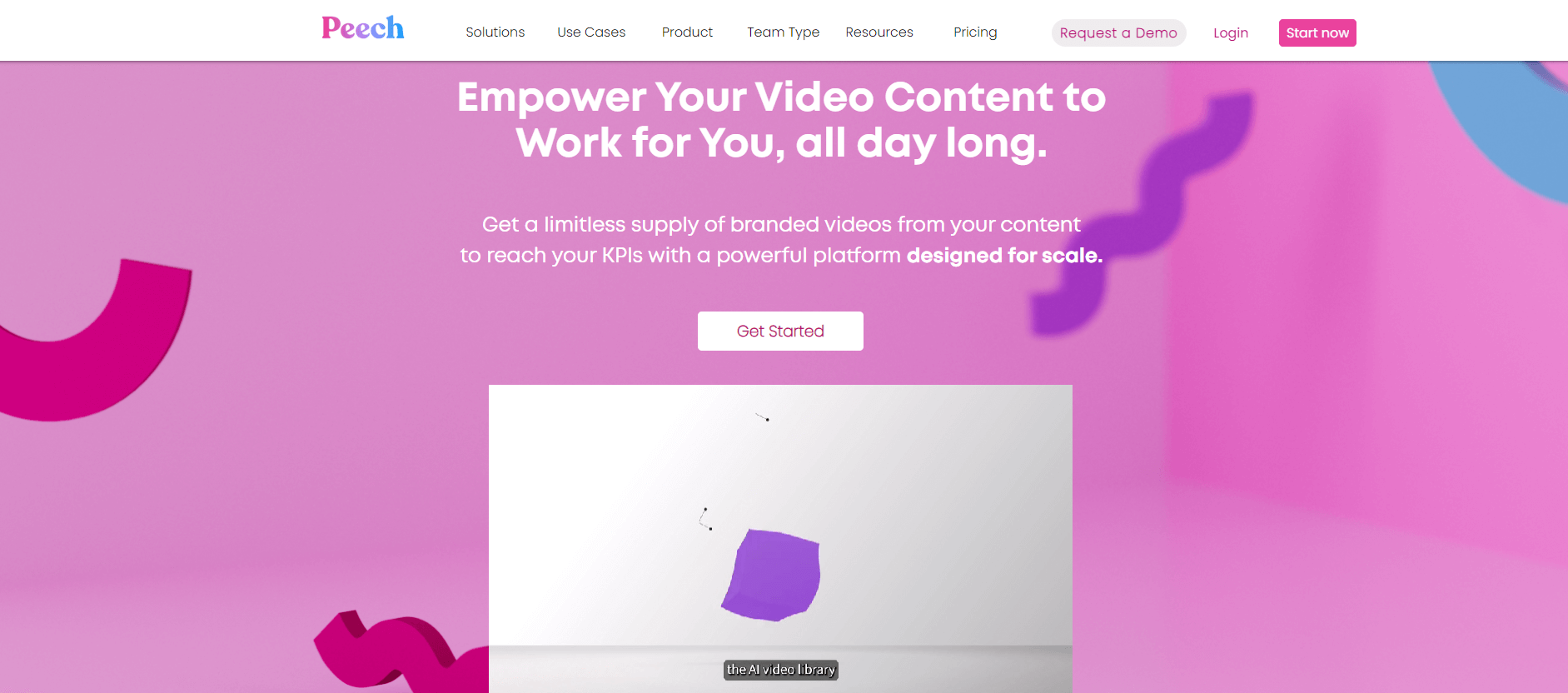
The platform automatically applies your branding to all future videos. As you upload media, Peech also detects faces and prompts you to enter names and job titles. From then on, this information is displayed automatically whenever those individuals appear in your content.
You can also customize subtitles by highlighting words and applying your brand colors.
In addition to these features, there are two additional tools you can use to speed up video production:
Peech Webinars allows you to upload your webinars and select key moments directly from the transcript, and export them as short, ready-to-use videos for TikTok or YouTube.
Peech Testimonials allows you to produce polished video testimonials, by inviting customers via email. They receive simple recording instructions, and you get a finished, branded video with subtitles
Veed.io makes it easy to generate high-quality videos, even without any special technical skills.
You can create unique videos by customizing text, fonts, colors, music, and more. The platform also provides a wide selection of ready-made themes to help you get started quickly.
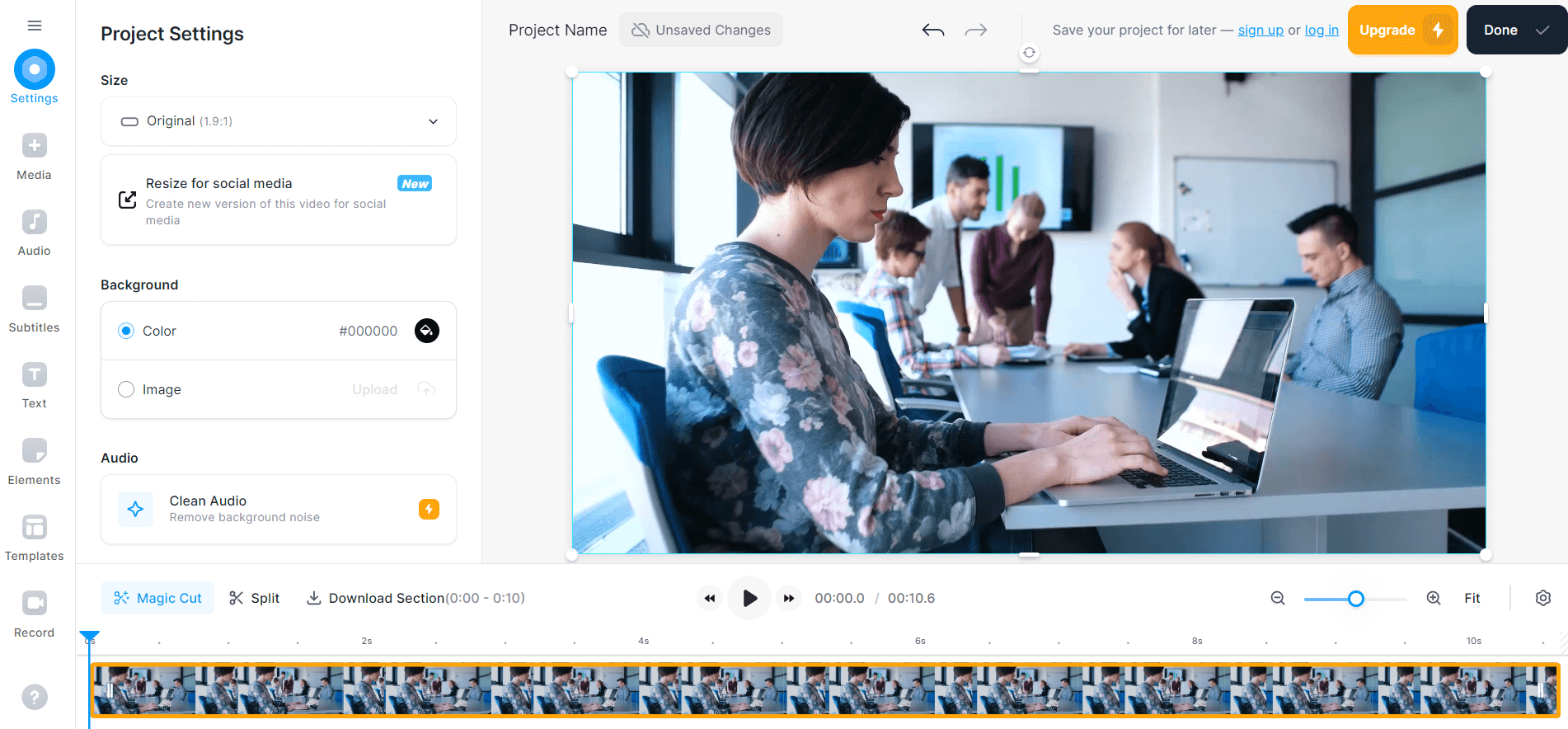
Thanks to its AI-powered text-to-video feature, VEED.io lets you turn written content into engaging videos. This will save you time and boost your productivity.
Veed also makes video transcription effortless. Simply upload your file, click “Automatic Transcription,” and download the result.
Trusted by thousands of content creators worldwide, VEED.io runs entirely in your browser, with no software installation required.
Fliki makes creating videos as easy as typing text on your keyboard.
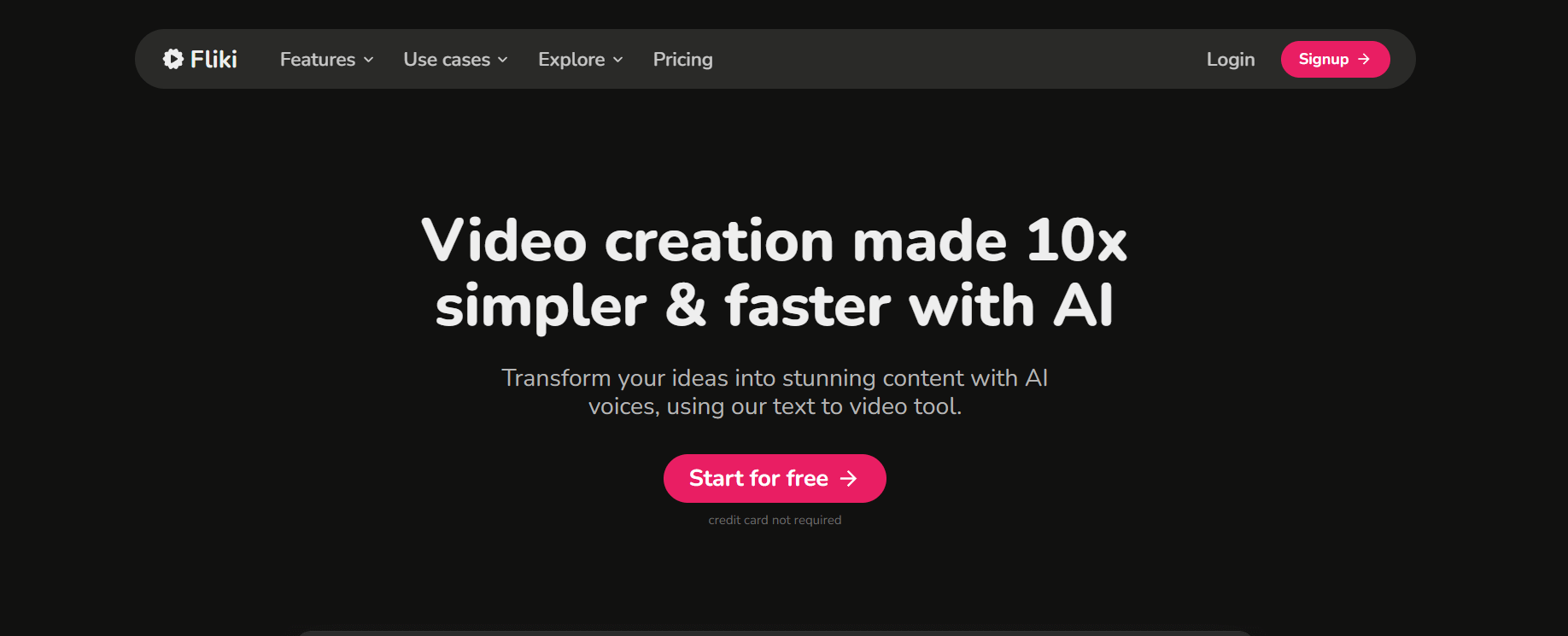
With the help of AI, you can generate videos with natural-sounding voiceovers in minutes. Fliki offers over 2,000 voiceovers in more than 75 languages.
What sets Fliki apart is its seamless combination of text-to-video and text-to-speech, making it a powerful all-in-one tool for content creation.
You can produce educational videos, tutorials, product demonstrations, social media posts, and much more.
Colossyan uses advanced machine learning algorithms to generate a wide variety of video formats, from corporate presentations to YouTube shorts.
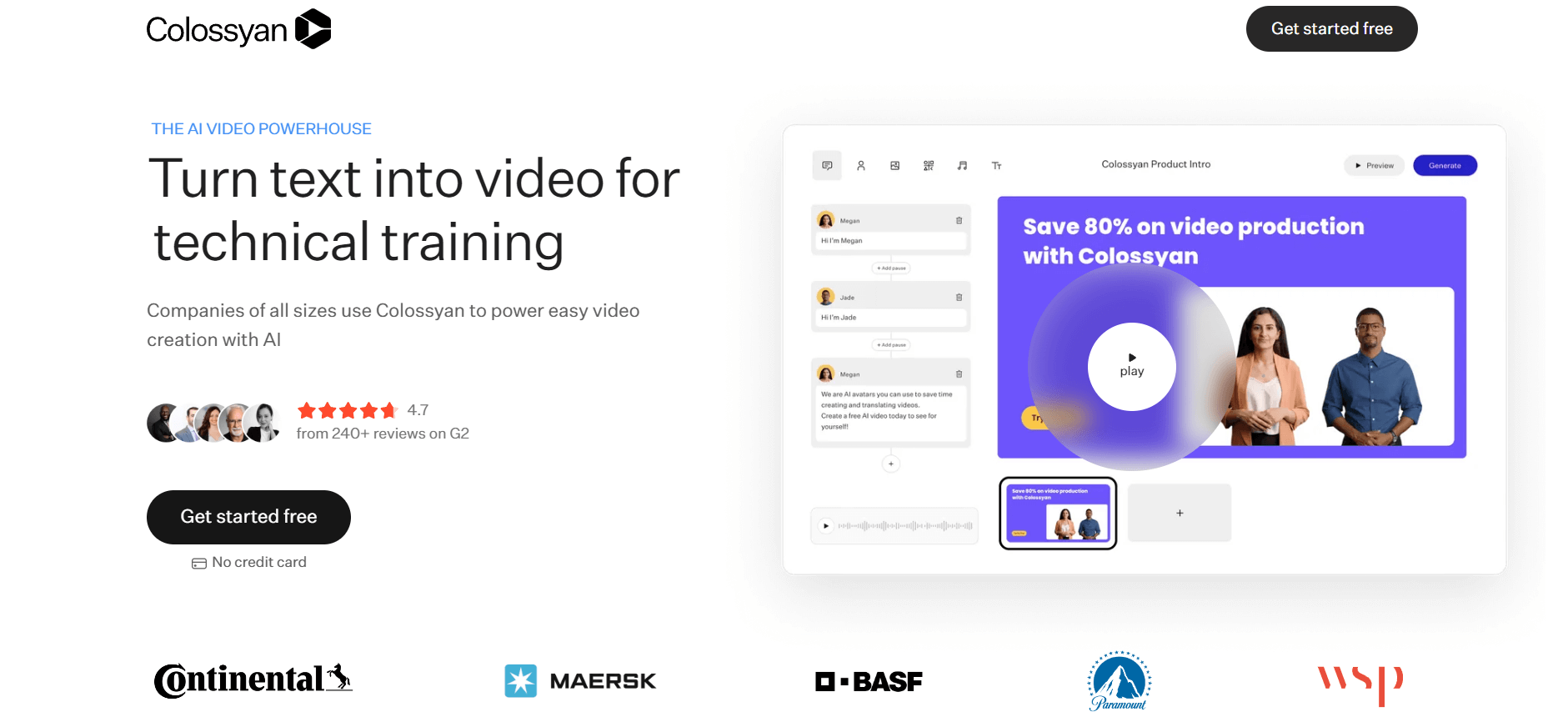
This AI movie generator allows you to choose from a wide range of avatars and simply provide them with a script.
With a single click, you can automatically translate your entire video into over 120 languages.
Every detail is customizable, including avatar accents, voices, and clothing, giving you full creative control.
Powered by an international team of AI experts, Elai.io allows users to create a wide range of video content directly from text.
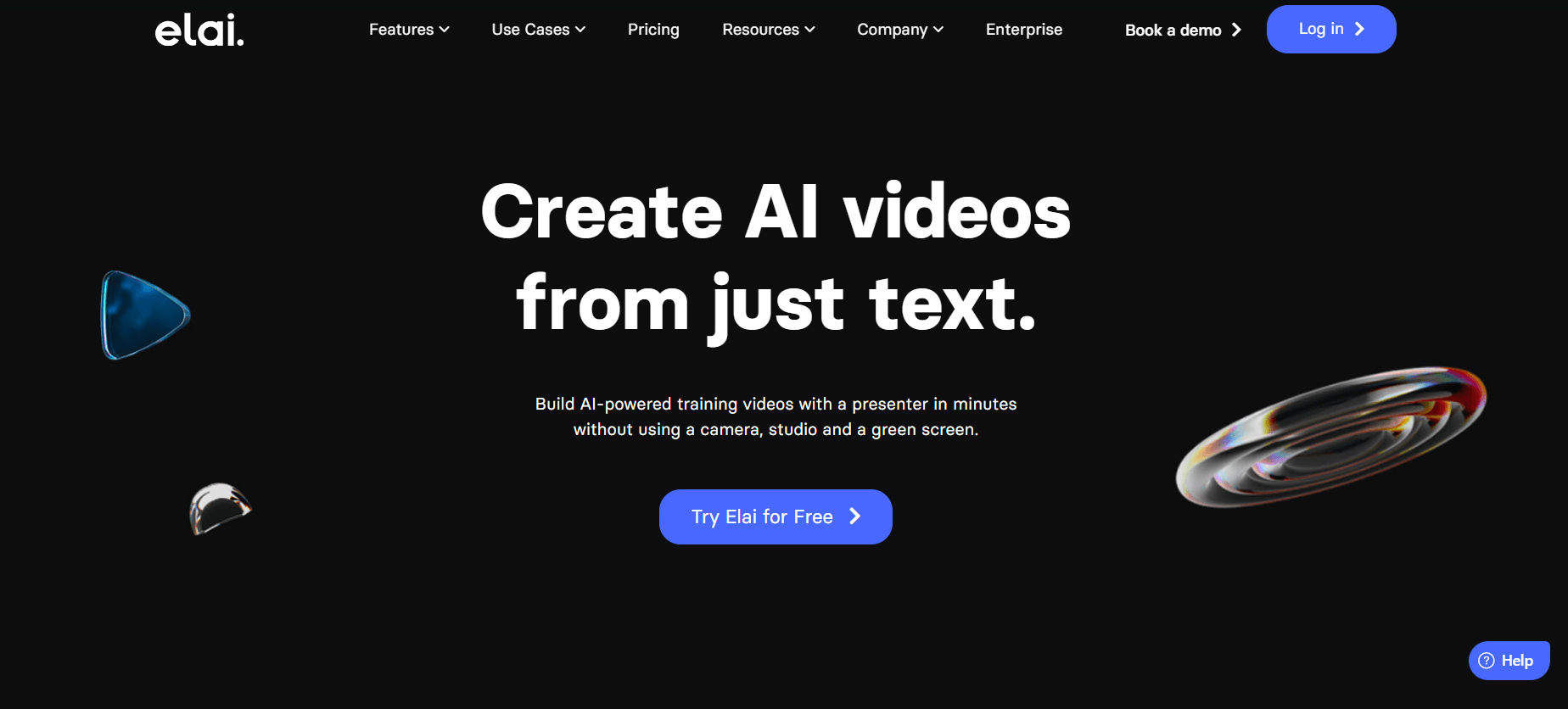
You can turn a blog post into a professional-quality video in just three clicks. First, paste the URL or HTML content, then choose one of the templates from the library, and let the platform do the rest.
Once the video has been generated, you can make any changes you want, then download the final version.
With Elai.io, it is possible to create videos without actors, voiceovers, or post-production.
The platform supports over 60 languages and offers more than 25 avatars (with the option to create your own custom avatar).
The best AI video creation tools help you increase your production volume and quality, without wasting time.
This is achieved by automating and significantly speeding up the production and editing processes.
AI video generators fall into three main categories:
1. Video editing tools, designed to speed up the editing process.
2. Text-to-video platforms that generate videos directly from written prompts.
3. AI-driven video creation solutions that use artificial intelligence to produce content efficiently for multiple channels.
Here are the key features to look for in an AI video creator:
High-quality video output: A solid tool should allow you to export videos that display flawlessly across all screen types, at a minimum in 720p, and ideally in 4K.
Strong customization options: Your videos should be easy to edit and adapt to your own content, branding, and data.
Support and ease of use: A good AI video generator should be accessible to beginners, with intuitive workflows and helpful documentation.
Standout features: Some platforms go beyond the basics by offering innovative capabilities that bring a fresh approach to video creation.
So, ready to get started? 🦾
And if you're a video creator (or feel like a filmmaker at heart), don't forget to build your own video-focused website to showcase your work and amplify your visibility. 🎬
Ready to boost your online presence with SiteW and AI?
Get started today!
Last update: February 11, 2026