
SiteW makes website creation easy and enjoyable thanks to a solution without technical or financial constraint.
Testimonials, interviews and examples of created websites. Discover our users’ reviews and creations.
Our history, news and commitments. Beyond online service, discover SiteW.
All resources at the service of your online presence.
9 minutes
Artificial intelligence has been making steady progress in recent years. From AI-powered website creation to content generation and translation, it continues to push the boundaries of creativity.
More recently, a wide range of text-to-image software tools has emerged, enabling users to create visuals from simple written prompts.
From well-known platforms such as Midjourney, Firefly, and DALL·E to lesser-known options and newer emerging models (including Grok 3 and Ideogram, among others), there are many options to choose from.
Although not all online image generators deliver perfectly accurate results, many of these tools provide exciting opportunities to experiment, have fun, and unleash your creativity for your website.
We have put together a selection of the 15 best AI-powered tools for creating visuals…
Although it doesn’t operate through a traditional website, Midjourney is an outstanding AI tool for web design that generates visuals directly through Discord.
Developed by a self-funded team, this bot has rapidly gained widespread popularity.
To get started, simply join the Discord server and submit your prompt using a basic command prefix. Your request is then added to a queue, and the AI generates your image within seconds.
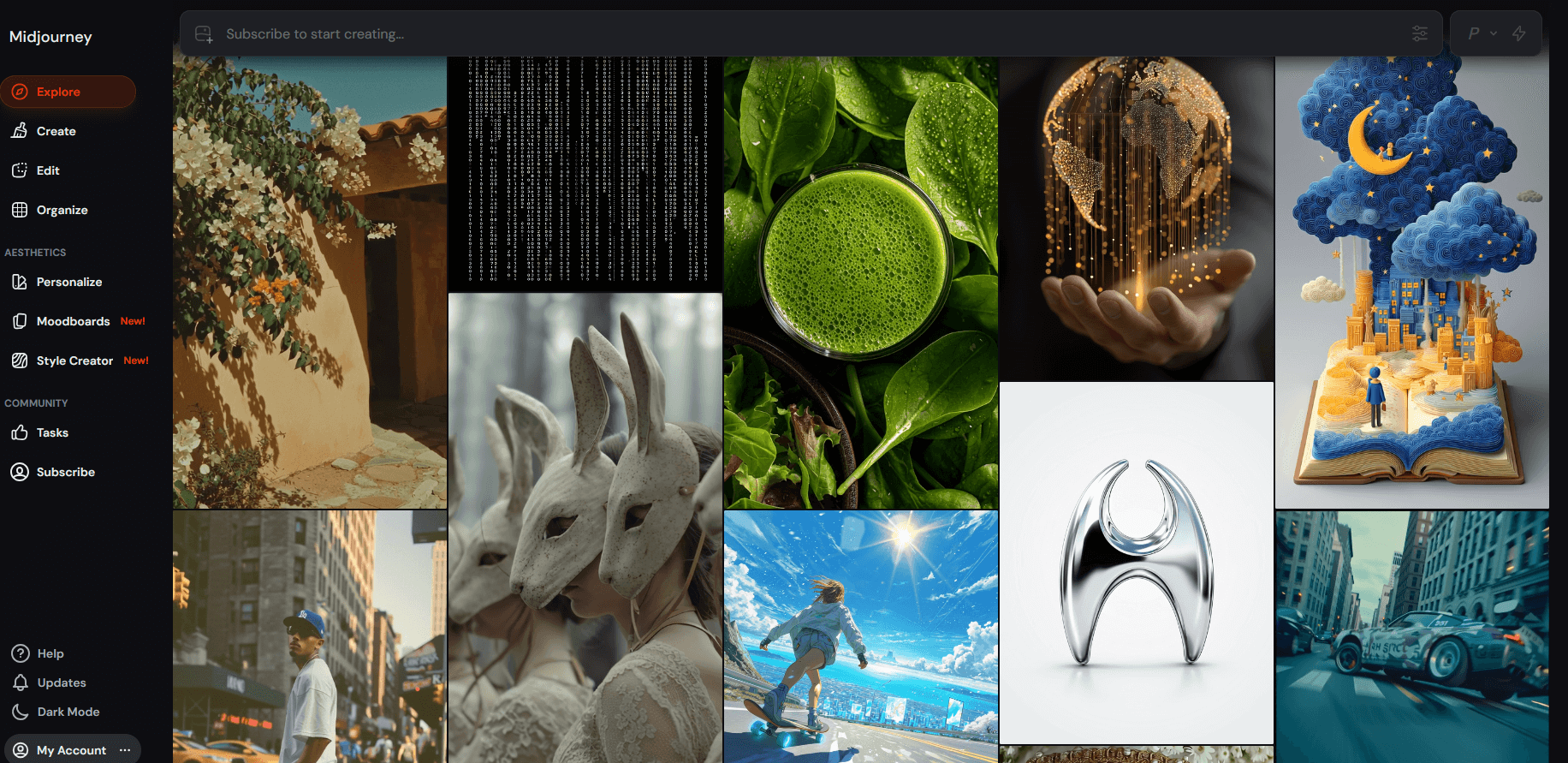
The images produced are highly accurate and strikingly beautiful.
You can select from multiple variations or ask the bot to regenerate the image with modified text prompts.
You will have to pay $8/month for the most basic subscription plan.
This image-generation software can create visuals from text prompts, modify existing images, enhance blurry photos, and even generate video through an extension.
Stable Diffusion runs locally on your own computer, although a web-based demo is also available.
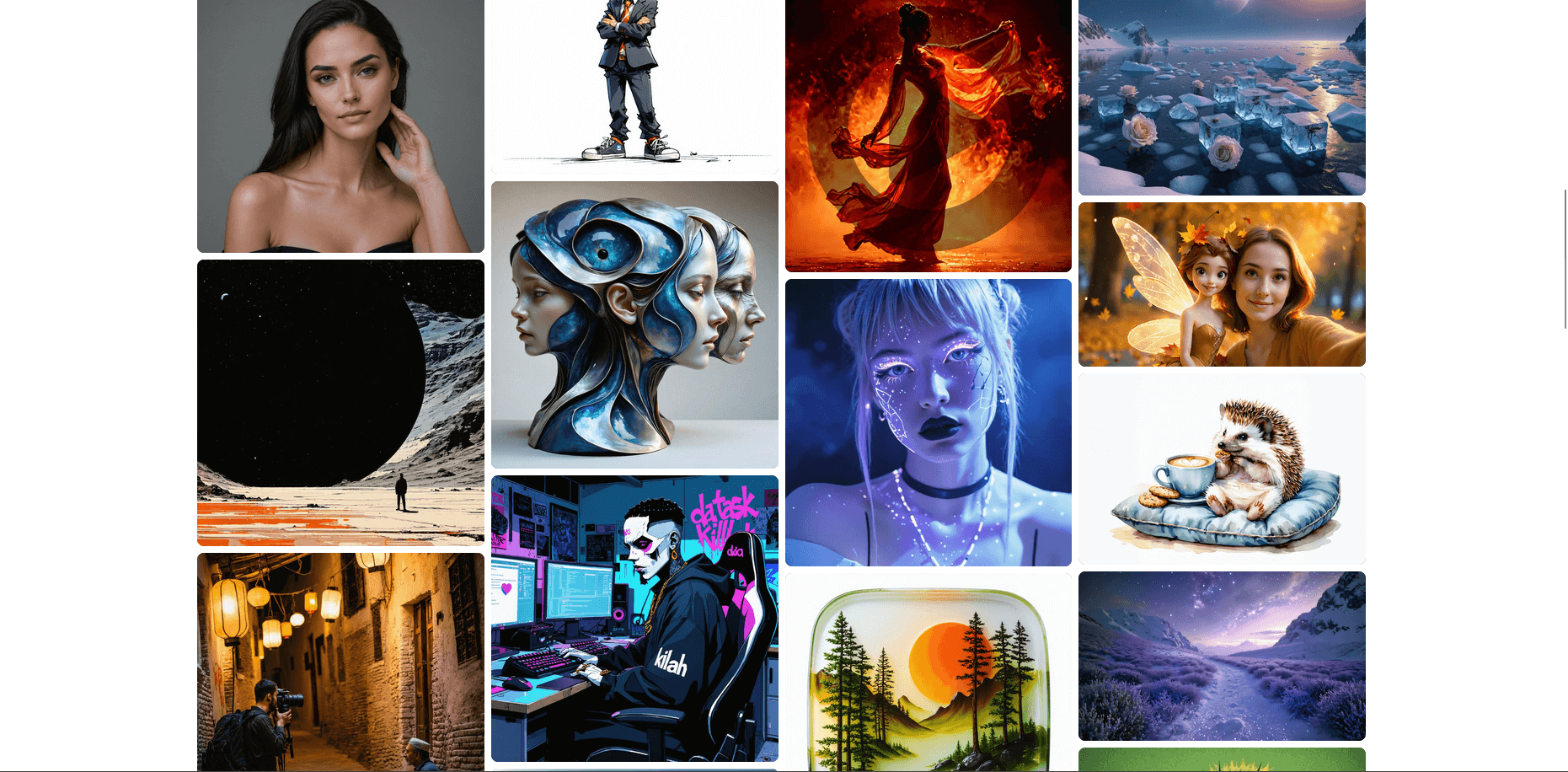
To use this software, however, you will need to make sure your computer meets the requirements to download it, as it demands significant computing power.
In terms of how it works, the algorithm progressively refines the image step by step based on the text prompt you provide.
With this AI-powered software, you can choose from a variety of styles such as “oil painting,” “cubist,” “fantasy,” or “3D video game.”
NightCafe also lets you create videos and features an active user community built around the platform.
You are limited to a small number of free creations, and the generation process can sometimes be a little slow due to high traffic. Registration is required before you can even test the service.
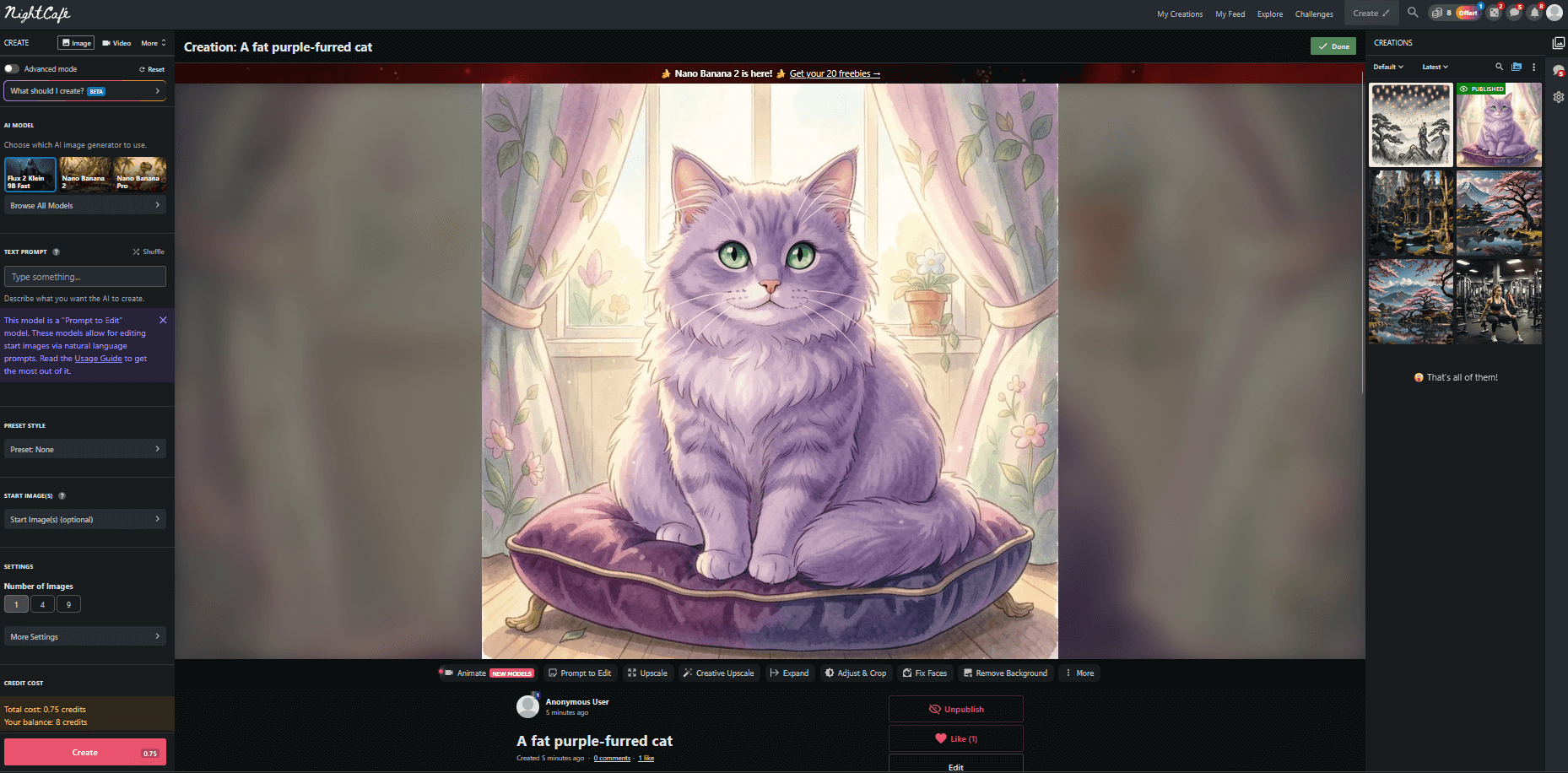
To unlock more features, you need to buy extra credit packs.
NightCafe works well across many types of images, but the quality can occasionally be inconsistent, unless you buy extra credits or improve the results by refining your text prompts.
Fotor is an online tool that generates images very quickly.
It is very easy to use and offers a free trial. All you have to do is create an account and get started. However, for long-term use, you’ll need to subscribe at a cost of $5.48 per month
Like most AI image generators, Fotor requires detailed prompts from users to deliver accurate results.
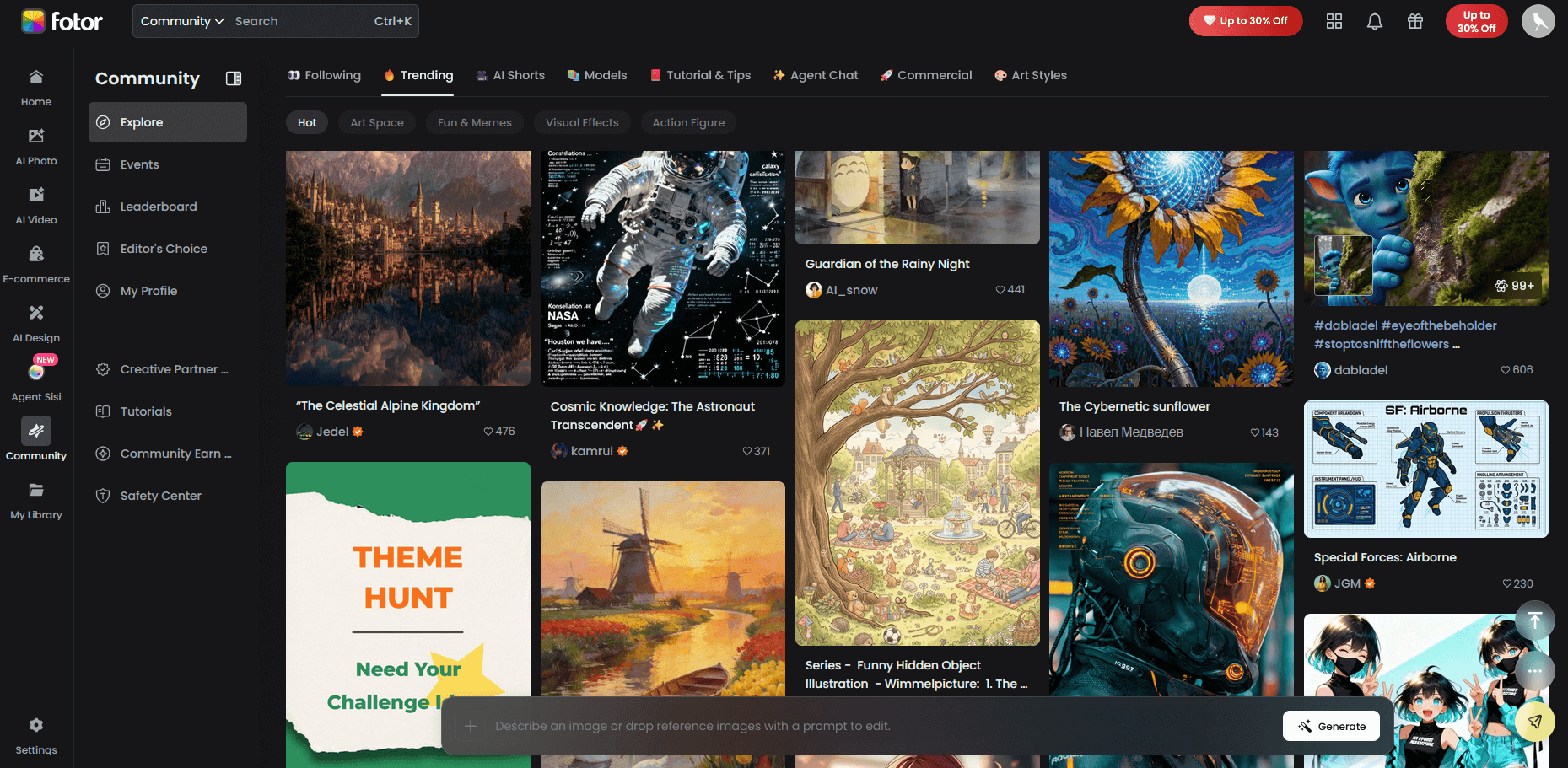
The AI can also create visuals based on existing images and includes a gallery to showcase generated creations.
For users who need specific dimensions, the art generator provides multiple format options as well.
Pixray is available online through its website, for local installation on your PC, and even as an API.
However, unlike many other AI tools, Pixray takes much longer to generate results: it can take several minutes to produce a single image.
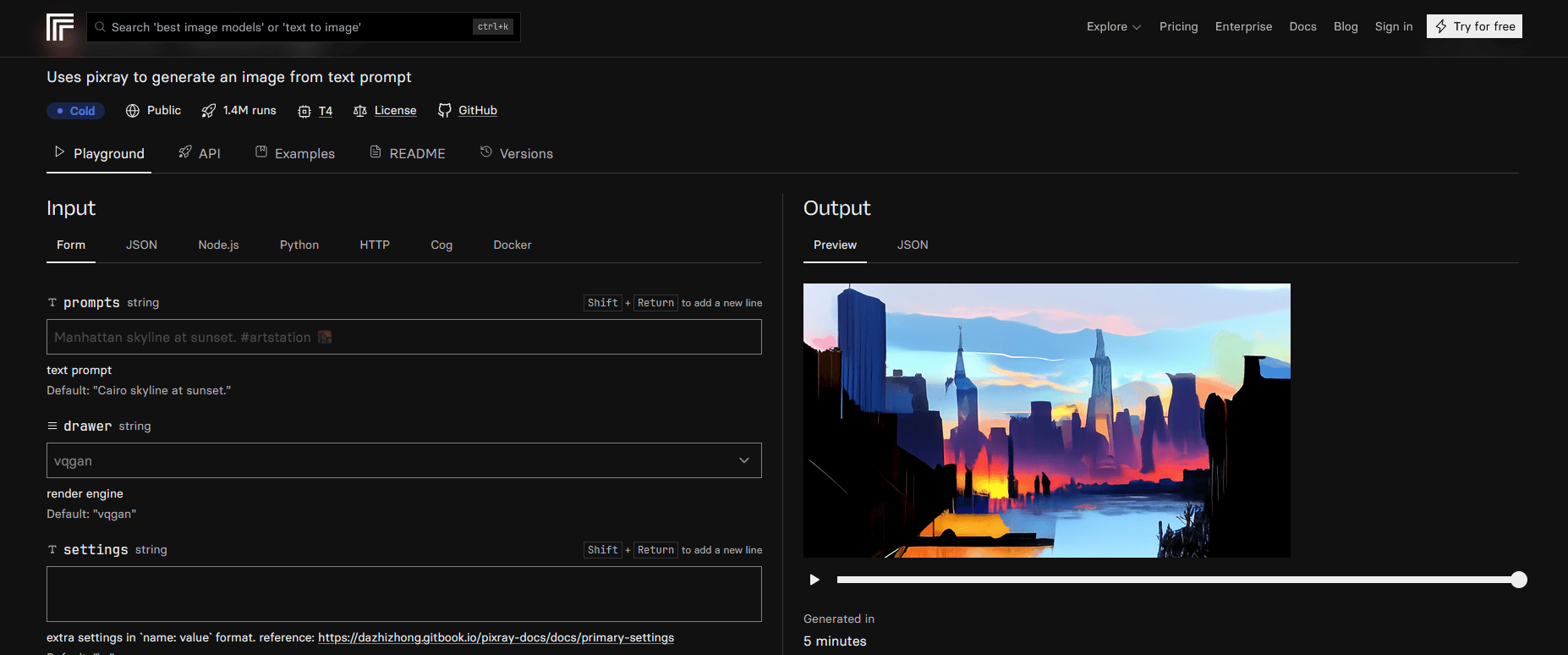
Once the image is ready, a history feature lets you review the steps the AI followed to achieve the final result. The images are generally well executed. That said, the software can occasionally become confused or glitch.
In terms of customization, Pixray is fairly limited, offering few options beyond downloading and sharing the finished image.
Although Pixray is free to use, a pop-up message will eventually prompt you to pay for the service. The cost amounts to just a few cents per image, depending on the processing required. Overall, it remains an affordable and easy-to-use solution.
Although this generator is somewhat unconventional, it’s sure to delight Pokemon fans.
It allows users to create brand-new pocket monsters from simple text prompts. Just enter a description, such as “Pikachu in a forest”, and watch your creation come to life.
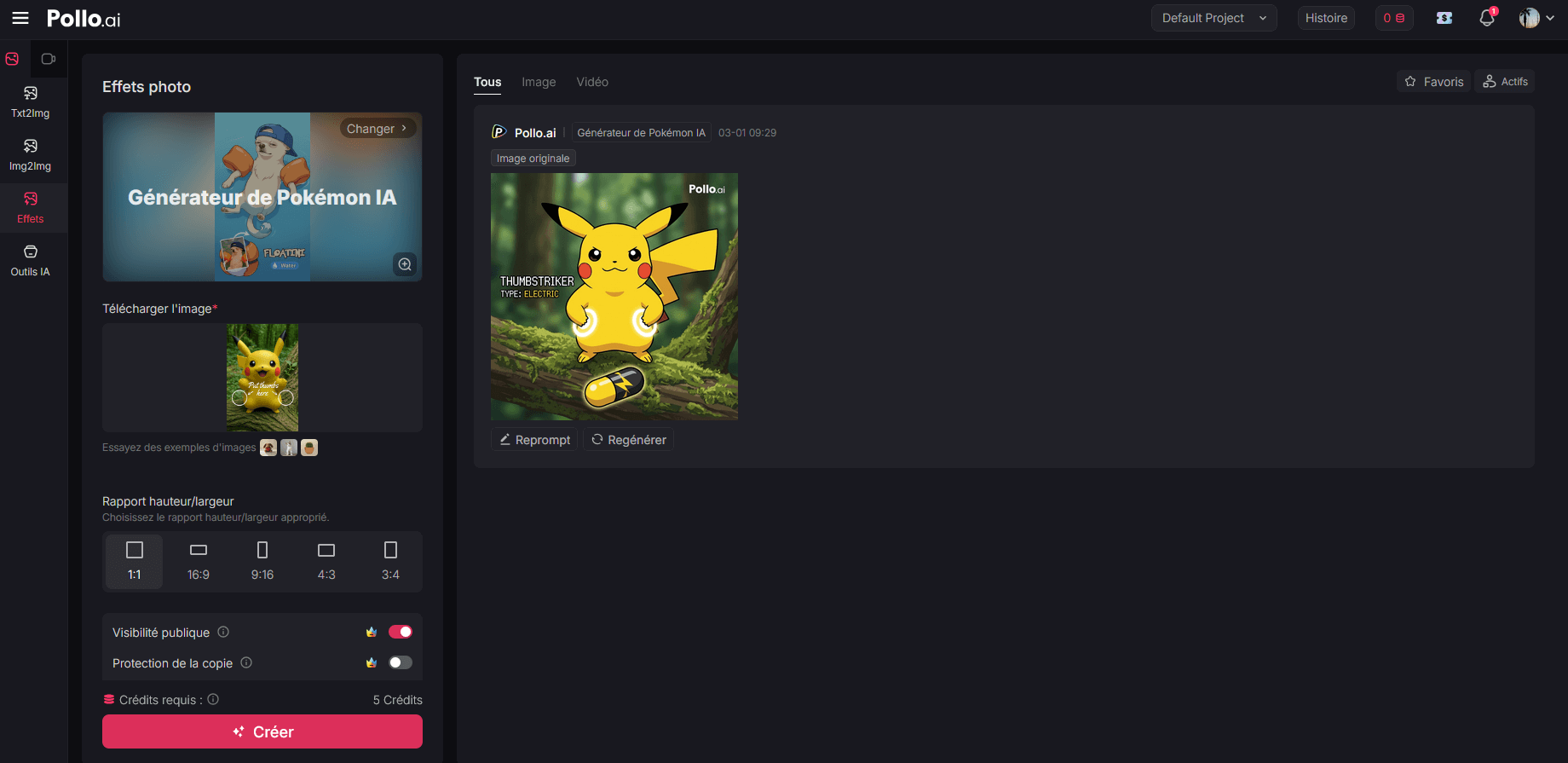
That said, you’re not limited to Pokemon characters. You can also reference other figures and discover the fun and sometimes surprising combinations that emerge.
PhotoSonic is available as a web-based platform.
The AI can handle long and complex prompts, allowing you to request almost anything you can imagine.
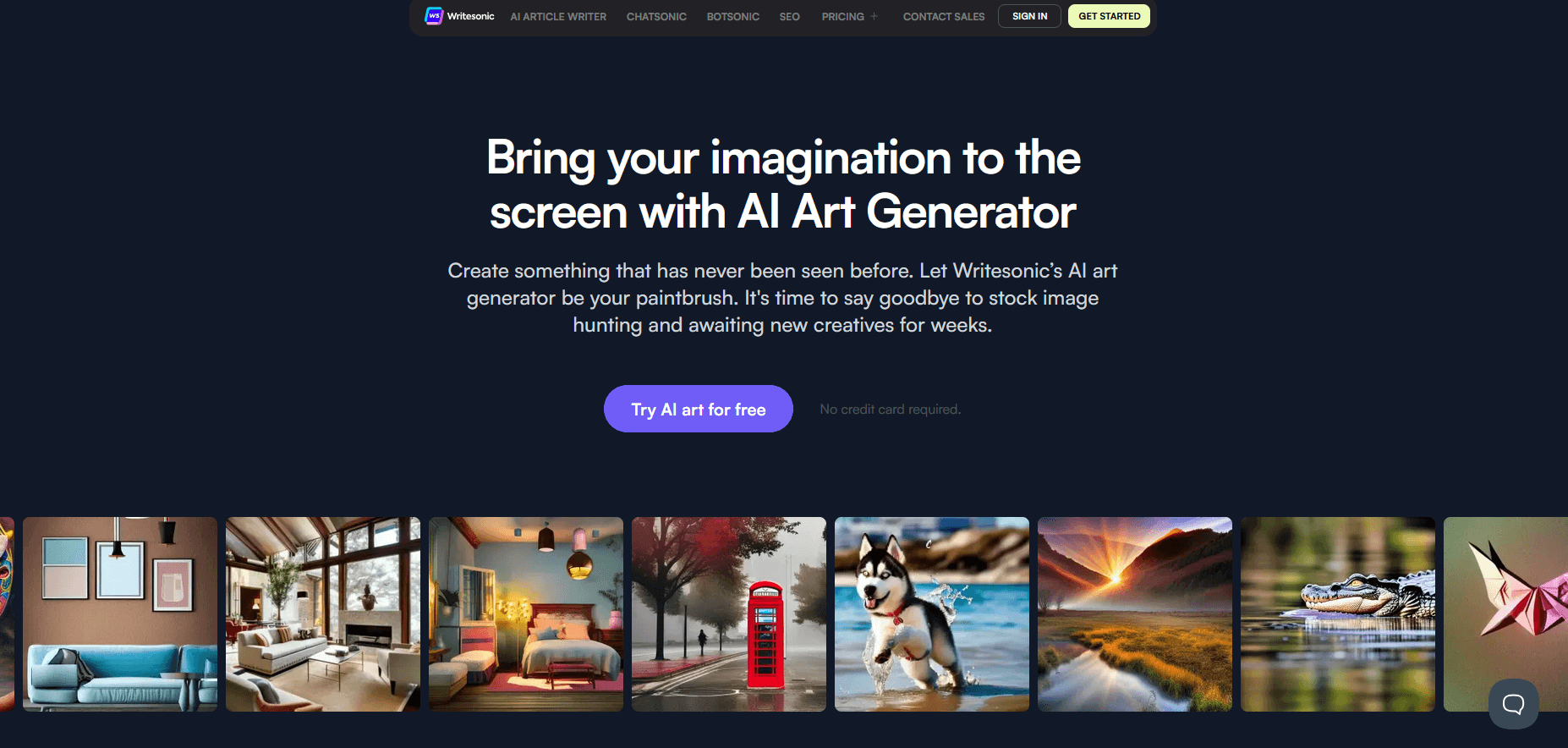
Writesonic subscription plans start at $39 per month, and a free trial is available to help you get started.
While the images may not be as polished or professional as those produced by some other tools, PhotoSonic delivers results that are more than sufficient for beginners. You can mix and match different artistic styles by adding your own keywords to further refine the artwork.
One of the platform’s strengths is the ability to select the image dimensions according to your needs. Once generated, you can download it in zip format.
However, some users feel that the final images can appear slightly too cartoonish.
All the app requires is a handful of your selfies. It then draws from its database to generate images in a variety of styles.
Lensa AI operates primarily through its mobile app. Users must upload several self-portraits that meet the platform’s guidelines.
Once this step is completed, Lensa charges a one-time fee for the full set of generated images and begins processing. Because the app performs intensive computations, it takes about 30 minutes to produce the final visuals.
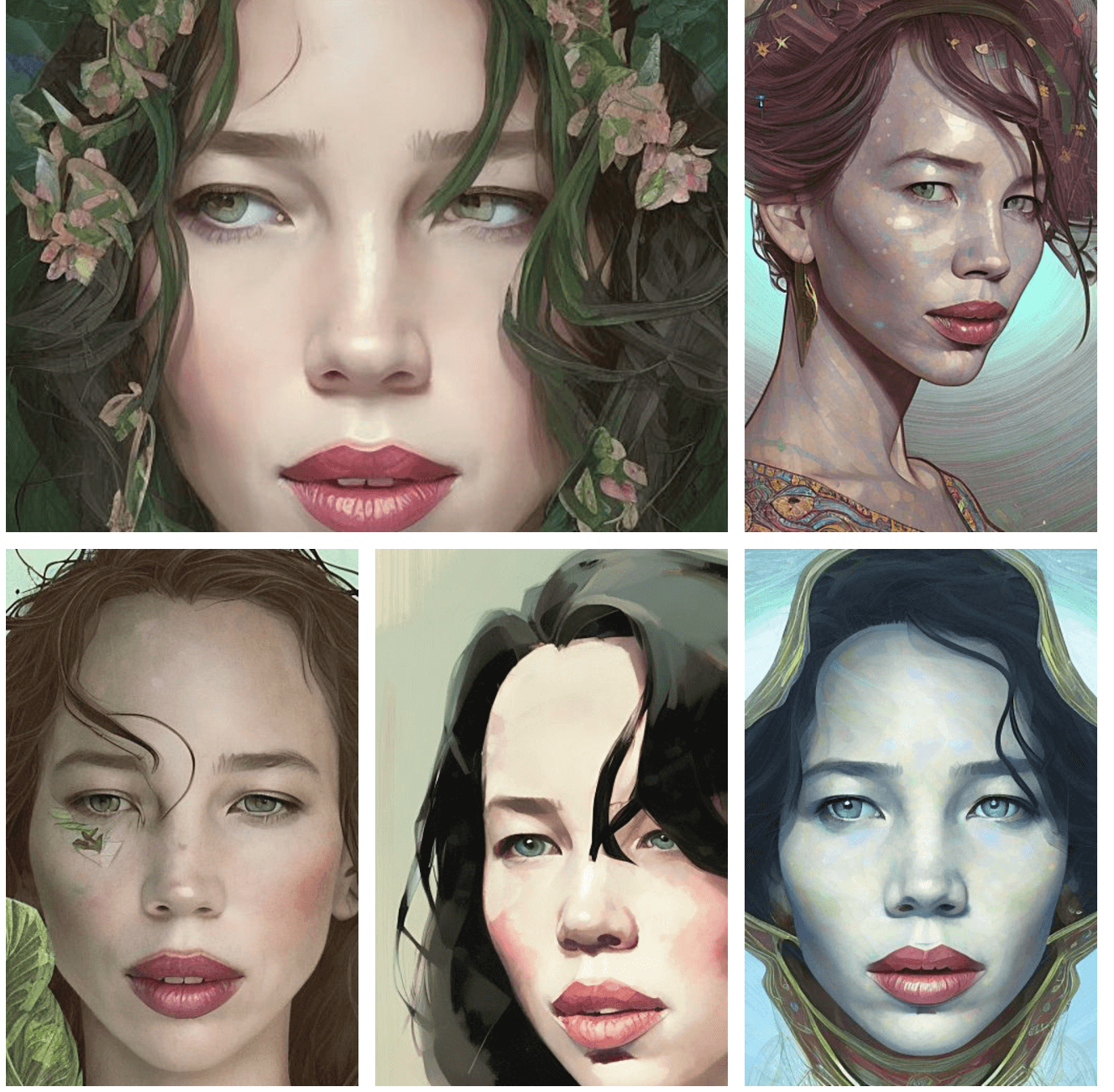
The wait is generally worth it. Despite a few occasional glitches, the finished images are sharp and highly realistic.
The company states that all uploaded photos are deleted after processing, ensuring that user data remains protected.
Available as a mobile app, StarryAI stands out for its intuitive, user-friendly interface.
The home screen features a prompt bar at the top, where you can enter your text to generate AI-created artwork.
The app provides five free credits per day. Beyond that, you can upgrade to a Pro plan starting at $12 per month, which includes up to 800 images per month.
The software is easy to navigate and allows you to save and share your creations. The images are also licensed for commercial use.
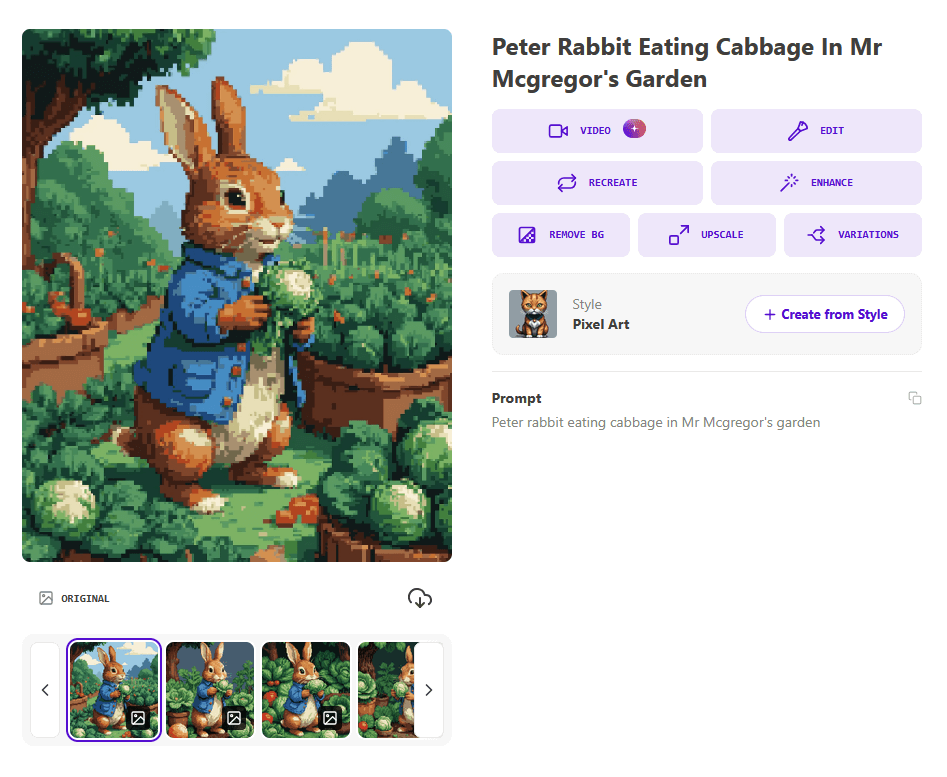
☝️ Example result for the prompt: “Peter Rabbit eating a cabbage in Mr. McGregor's garden.”
You can also generate visuals by uploading a photo as a reference. The accuracy level is generally good, although occasional inconsistencies may occur.
StarryAI’s main goal is to transform text into artwork that resembles hand-drawn illustrations. Many of the results feature a distinctly fantastical aesthetic.
With this software, you can combine your text prompts with artistic styles such as “Realistic,” “Watercolor,” or “Flat Design.” You can also generate videos, avatars, and even music.
You can choose from dozens of creative modes, with additional options available through the premium plan (starting at $10/month).
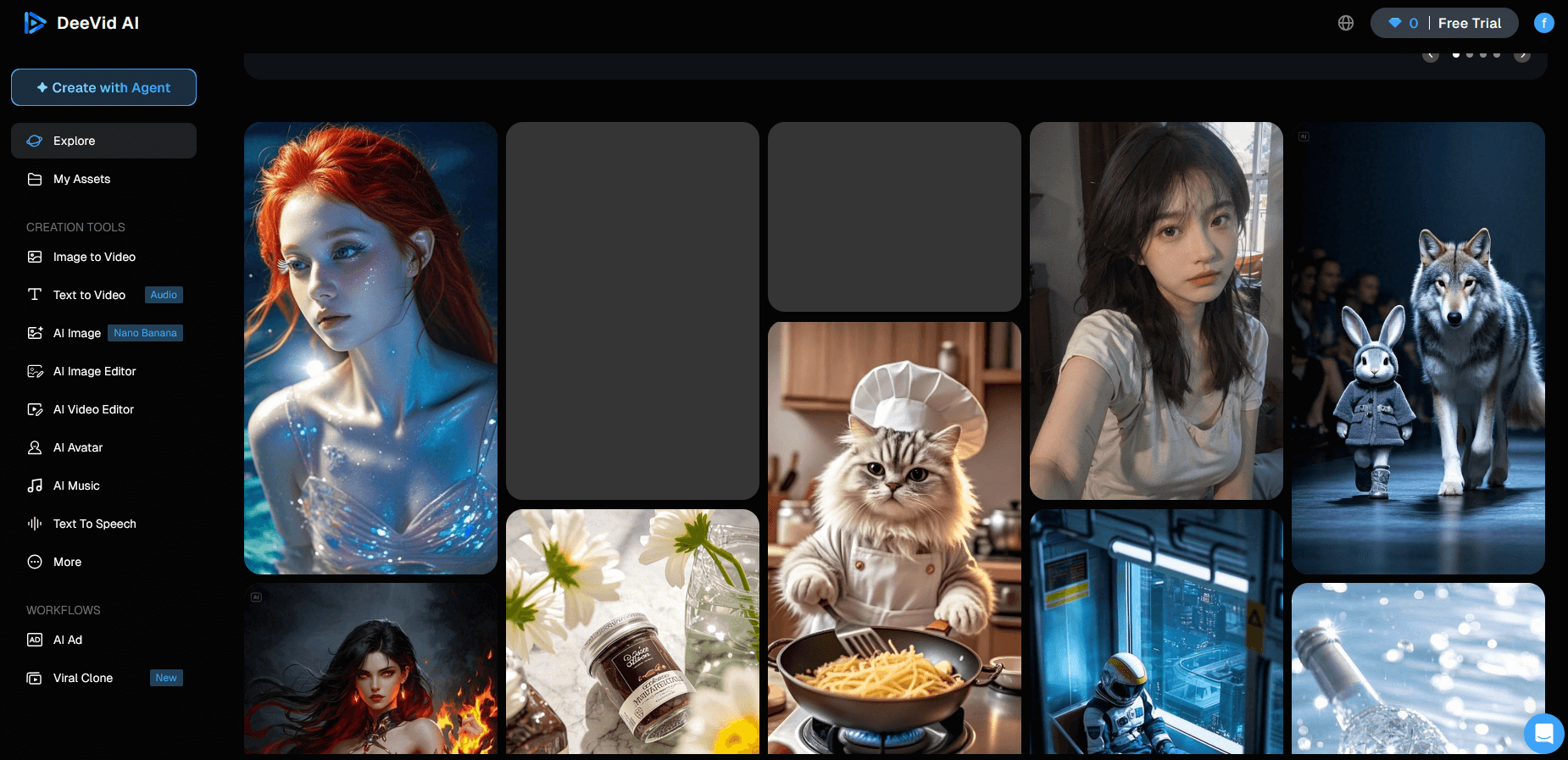
The platform also allows you to upload a base image to serve as a reference for the AI.
Deevid AI is accessible via the web and also offers a mobile version. The service offers a free trial with 20 credits available.
The tool features a visually appealing interface that is both elegant and easy to use.
Craiyon’s website features a clean, minimalist design. You can’t select a specific artistic style, and image generation takes more than two minutes.
Fortunately, there are no credits required, and the ads remain fairly unobtrusive for a free AI tool. For unlimited access, you’ll need to subscribe to a paid plan starting at $10 per month.
As for the visuals, the results are decent overall.
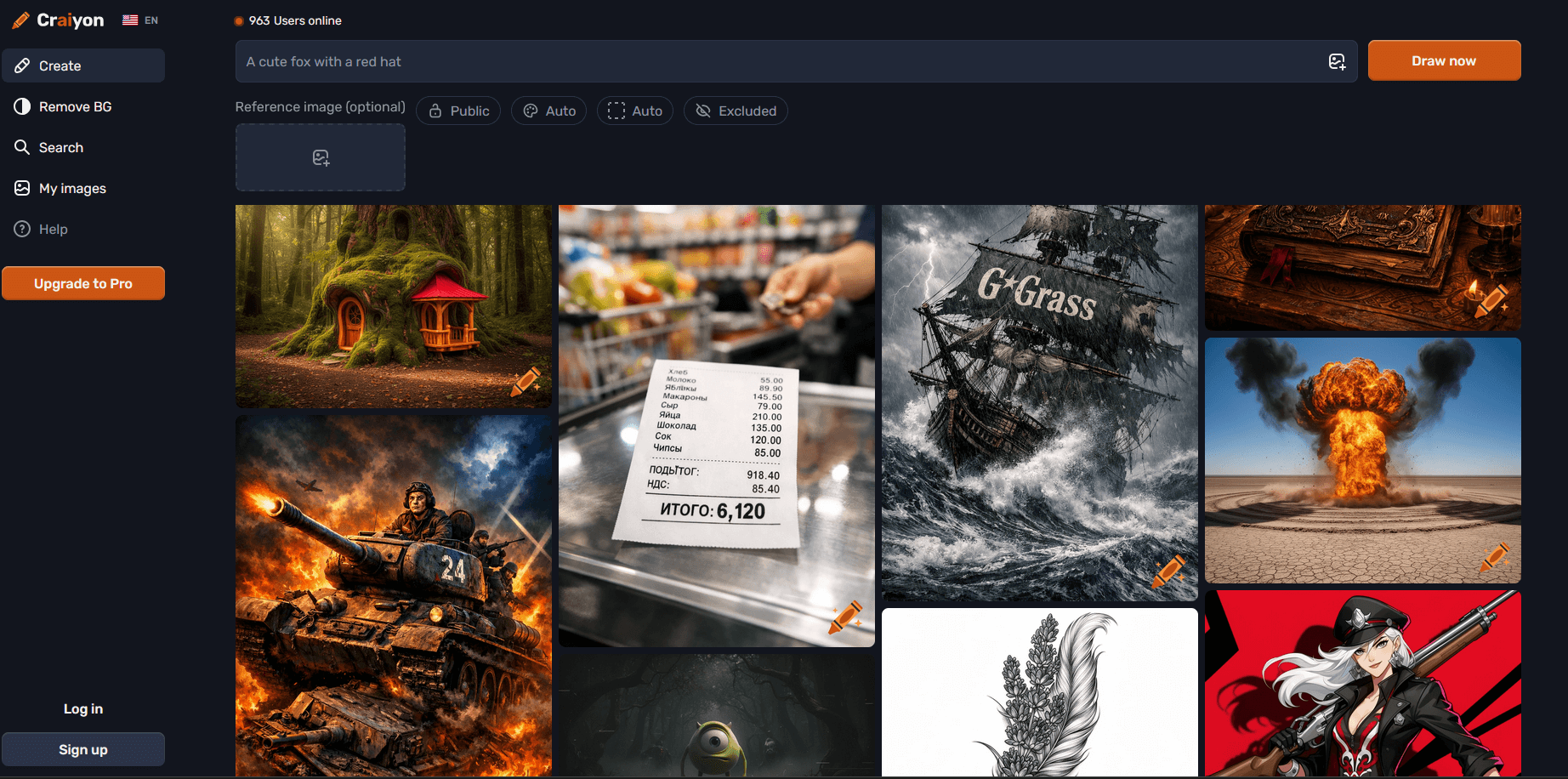
That said, images can sometimes appear distorted and lack the precision and refinement of competing tools. You may see slight improvements by writing more detailed prompts, but customization options remain limited.
Developed by the OpenAI research lab, DALL·E 3 offers an intuitive interface and produces strikingly high-quality images.
You can access it for free, with limited features, through ChatGPT.
Since its release, DALL·E 3 has made significant progress in both accuracy and image quality.
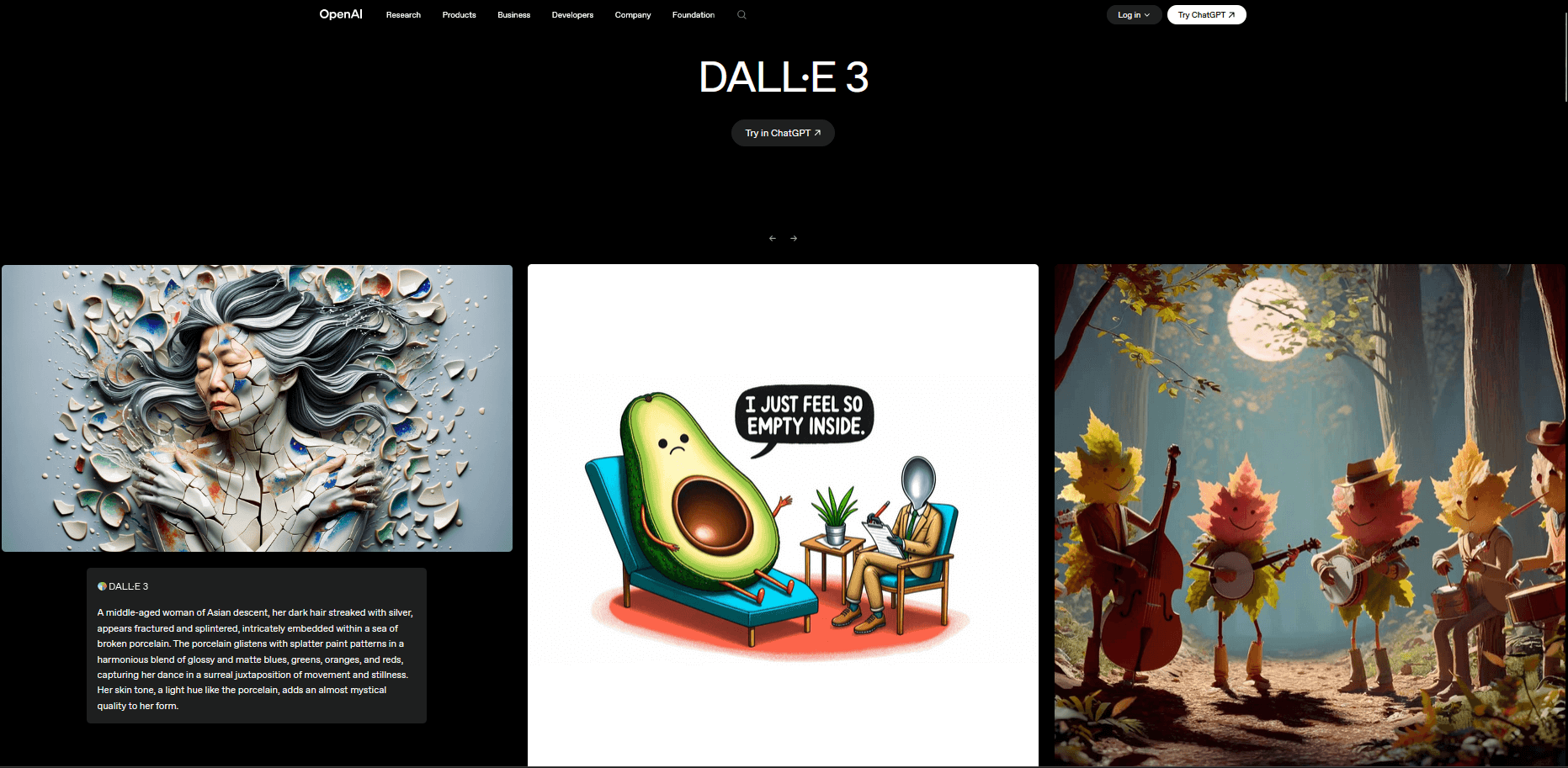
The built-in editing feature allows you to define a generation frame, making it possible to insert additional keywords and create a new image based on the previous result.
This text-to-image tool also lets you request alternative versions. If you’re not satisfied with the first output, you can generate multiple variations and choose the one that suits you best.
With AI Picasso, you can test the tool using a limited number of free credits. Paid plans then start at $5 per month.
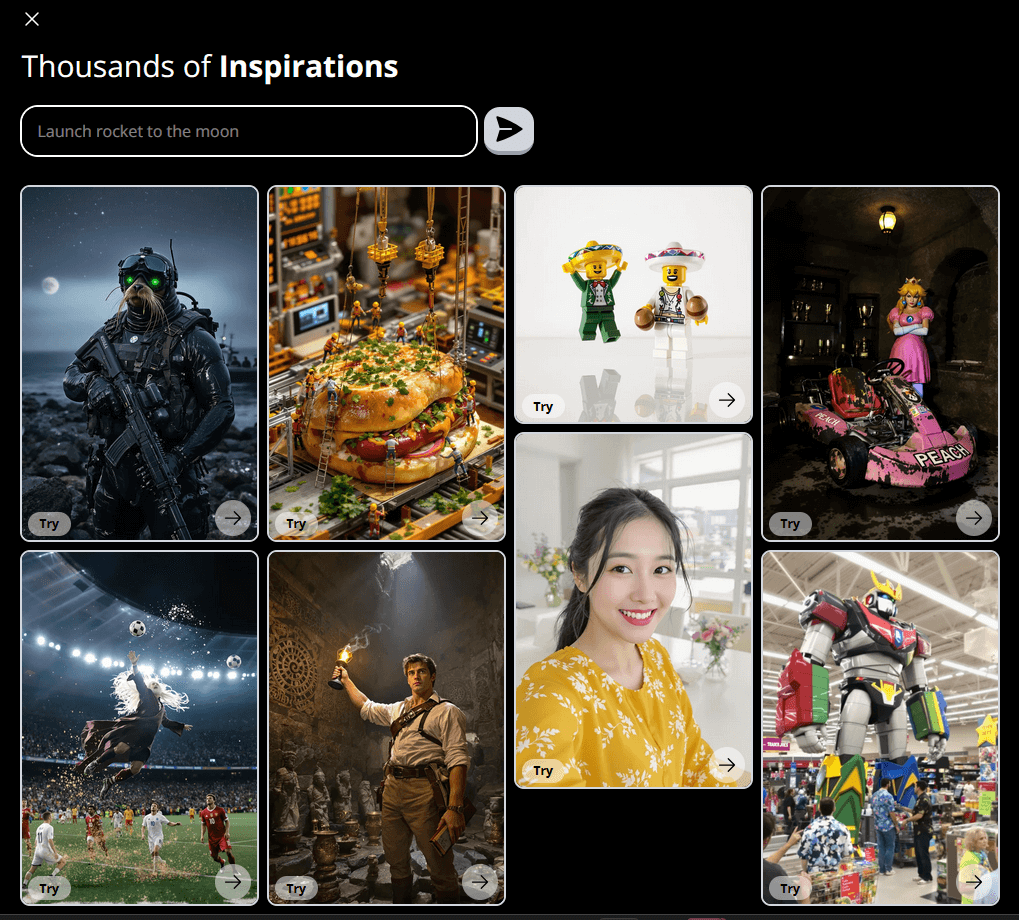
While the images are acceptable, they don’t quite measure up to those produced by leading competitors. In particular, the AI tends to struggle with longer prompts. Short descriptions, however, usually yield satisfactory results.
Customization options and predefined styles are fairly limited.
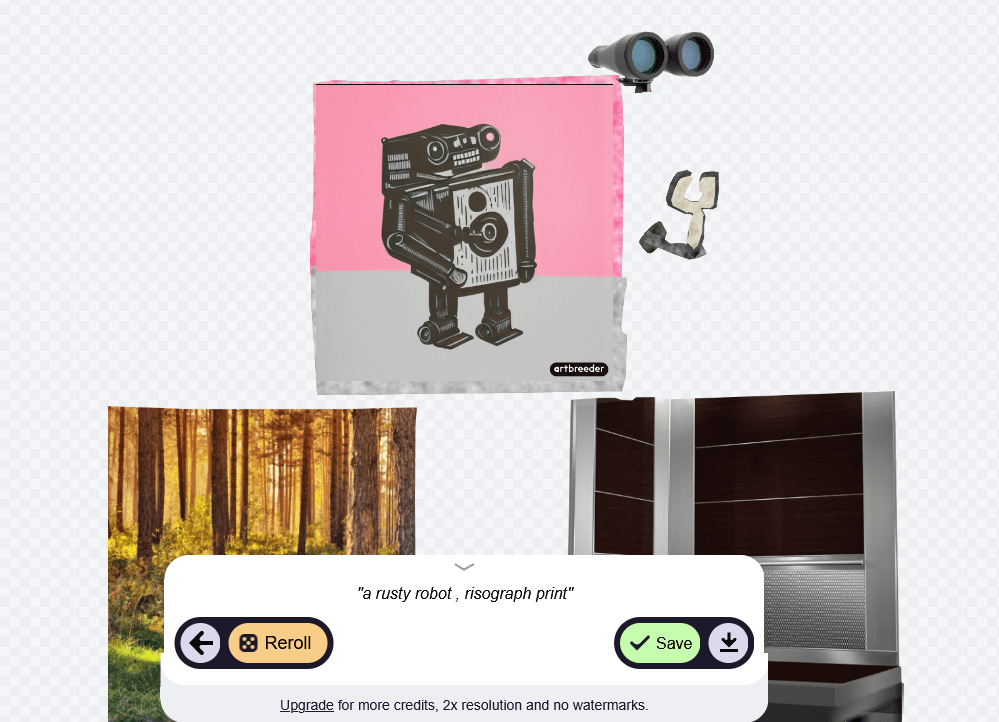
The images produced by this online art generator are not necessarily realistic.
Paid plans start at $7.49 per month. All images generated with Artbreeder are released under the Creative Commons CC0 license, meaning they are free to use.
With thousands of artistic styles available, Deep Dream Generator offers three primary tools ranging from highly realistic to deeply abstract..
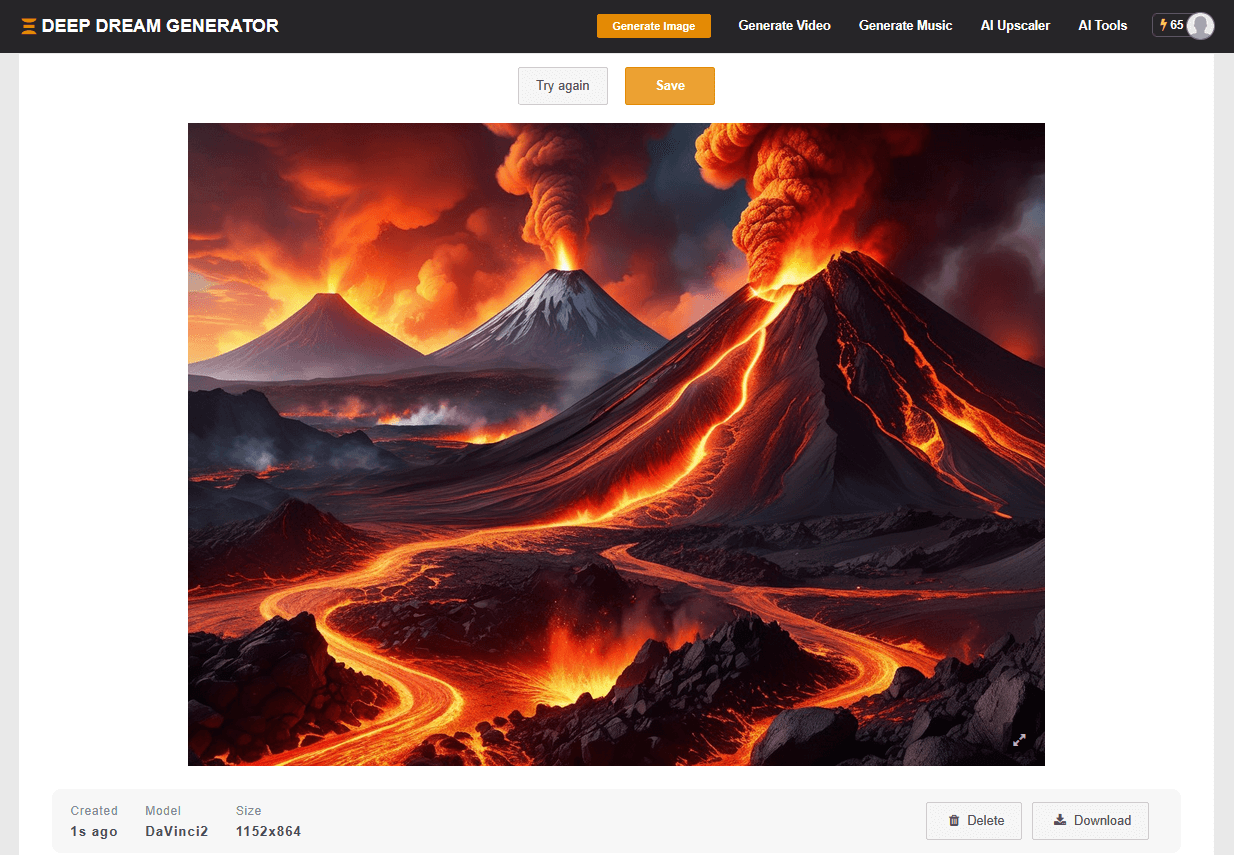
Registration and basic use are free, while paid plans provide higher storage capacity and improved resolution options.
Although you retain ownership of the images you create, you are responsible for defining the usage rights.
It’s best to keep expectations realistic: image quality does not quite match that of the other generators on this list. DeepAI’s main focus is on delivering a fast, simple, and enjoyable experience.
Use the best AI image generators and let your imagination run wild...
We hope you’ll spend hours creating stunning visuals! 🎨
Last update: March 12, 2026