
SiteW makes website creation easy and enjoyable thanks to a solution without technical or financial constraint.
Testimonials, interviews and examples of created websites. Discover our users’ reviews and creations.
Our history, news and commitments. Beyond online service, discover SiteW.
All resources at the service of your online presence.
12 minutes
You’re a professional, a business, or a content creator.
You want to create TikTok videos, Instagram Reels, and YouTube Shorts without spending hours making manual edits. 🎥
But you’re starting to hit the limits of your current tool. You need more than just captions. You might want to generate videos from scripts, repurpose long-form content, or fully automate your publishing workflow.
You’ve heard of Submagic (or you’re already using it) but find it a bit pricey, or maybe it doesn’t quite meet your expectations.
Your goal is clear: create viral, high-performing videos with powerful features, without breaking the bank. 💰
This guide highlights the best Submagic alternatives—free or affordable AI-powered tools—carefully selected to match your real needs, not marketing hype. We’ll break down pricing and features in practical terms, so you can confidently choose the tool that’s right for you. 🎯
Submagic is an AI-powered tool that automatically adds animated captions to short-form videos for social media.
It’s widely appreciated for:
Its stylish fonts and visual effects
Its automatic transcription capabilities
Its emoji-rich animations
However, it does come with a few limitations:
A restricted free plan
Watermarked exports
Limited customization options without a paid subscription
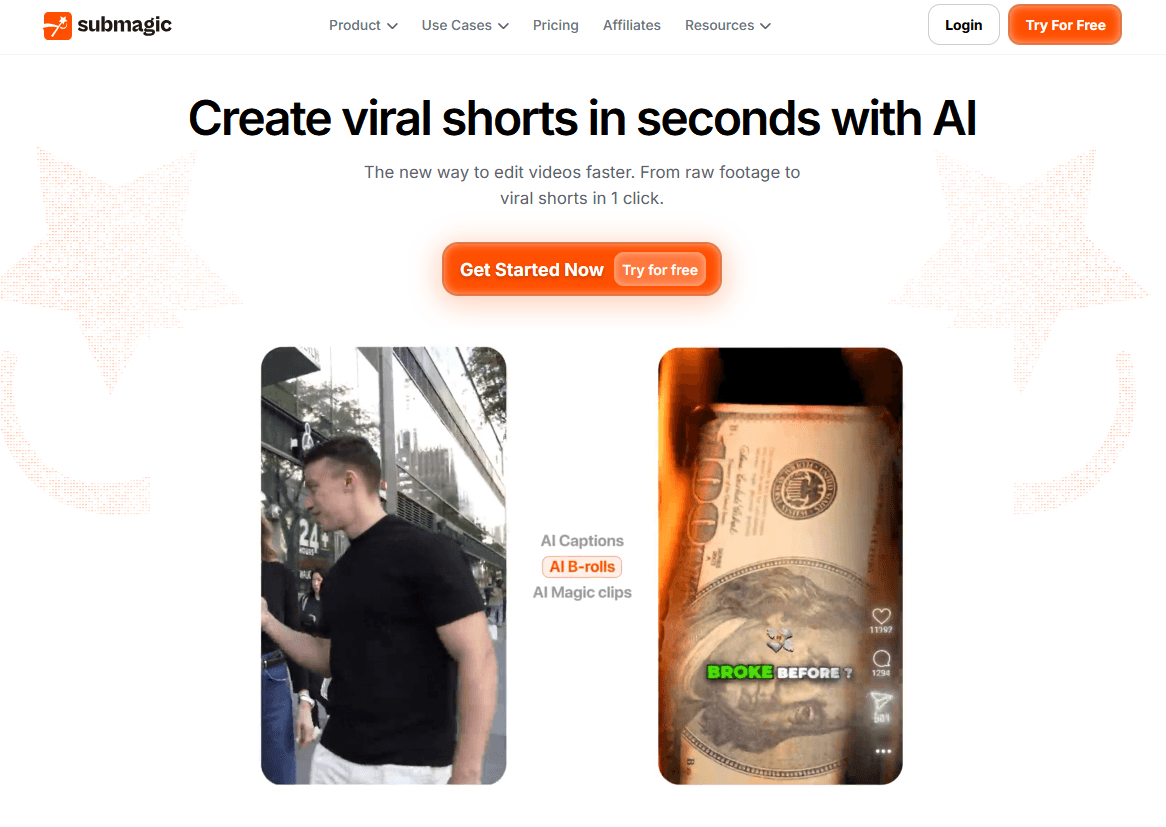
Submagic positions itself as a fast, AI-powered video editor designed for social media, snackable content, and SMO (social media optimization) strategies. 📹
Key features of Submagic:
Viral-style captions available in over 48 languages, with a claimed accuracy rate of around 98%
Built-in B-roll, sound effects, and one-click additions for transitions and icons
Automatic silence removal for faster editing
“Magic Clips” to repurpose long-form videos into short, shareable clips
API access for workflow automation
Submagic pricing plans (January 2026)
Starter
$12/month
15 videos per member/month
2 min/video
Professional
$23/month
40 videos per member/month
5 min/video
Enterprise + API
$41/month
100 videos per member/month
30 min/video
Here are some commonly cited limitations that lead users to explore other options:
Transcription accuracy: While Submagic automates subtitles, some users report occasional inaccuracies—especially with strong accents or fast speech—prompting them to seek more reliable alternatives.
Limited editing capabilities: Submagic focuses on basic editing features. Users who need more advanced functionality—such as precise audio syncing or fully customizable subtitle styles—often turn to more robust tools.
Restrictions in the free version: The limitations of the free plan can be frustrating for users who want greater flexibility without committing to a paid subscription.
Output quality inconsistencies: Some users note occasional issues with subtitle formatting and display, leading them to prefer tools that deliver more consistent, polished results.
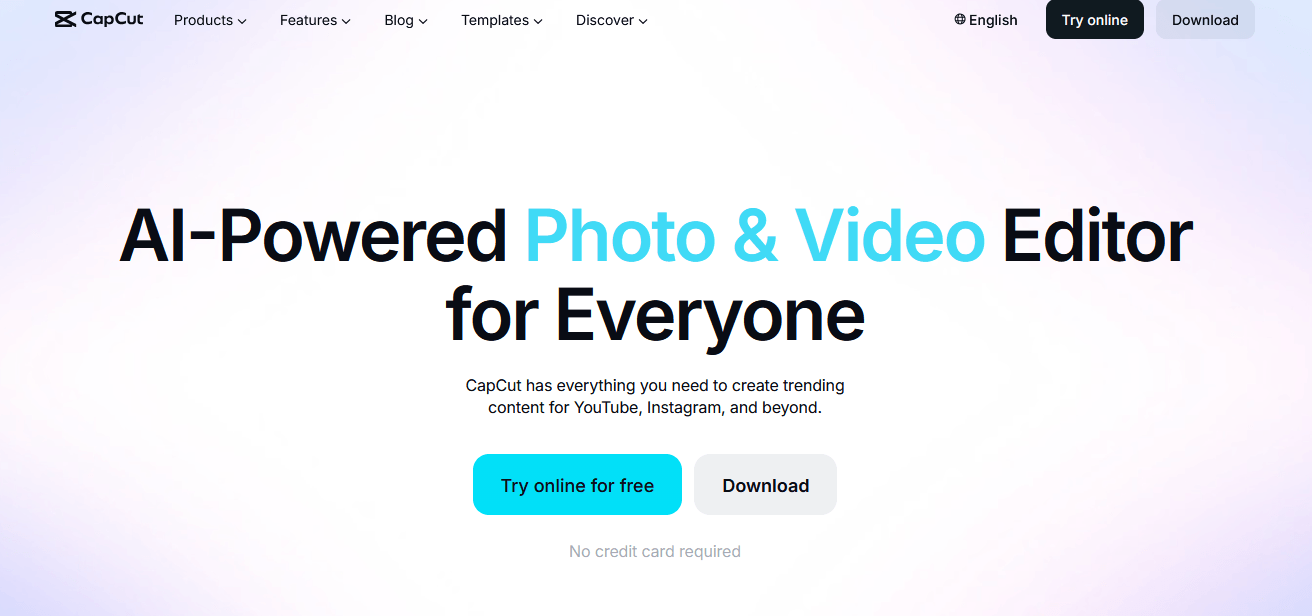
CapCut is a free video editing app that offers a wide range of tools, including subtitle generation, filters, and effects.
It is particularly popular among mobile users who need a convenient on-the-go editing solution. 📱
Key features:
Automatic subtitles: CapCut transcribes audio and generates synchronized subtitles with customizable presets (e.g., bolded words, color highlights, karaoke-style effects)
Templates and effects: A vast library of trending templates, including memes, aesthetic edits, and viral formats
Stickers and emojis: Access to popular TikTok-style stickers, emojis, and sounds
Multitrack editing: you can apply multiple layers for overlays, reaction videos, B-roll clips, and more
Free and watermark-free: All editing features are included, along with 4K export
Drawbacks:
Some features can be harder to use on smaller screens
Primarily designed for mobile devices, which may not suit desktop users 💻
Cloud syncing can occasionally be unreliable
💲 CapCut is free, with optional in-app purchases for additional features.
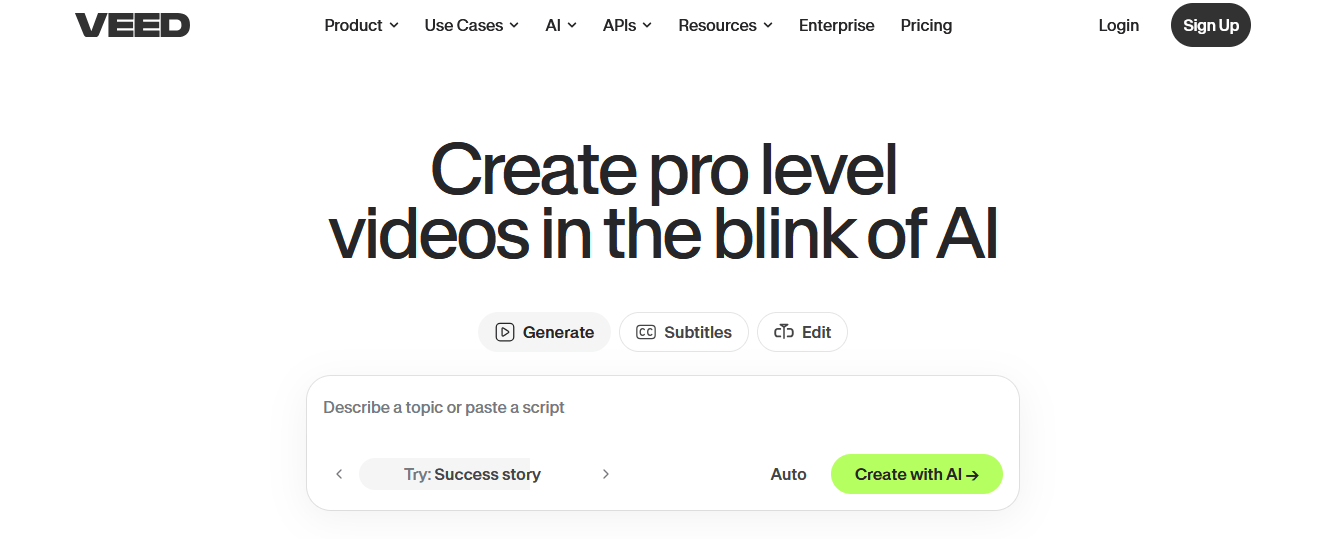
VEED is an all-in-one AI video editor that runs directly in your browser, with a strong focus on ease of use.
Available features:
Automatic subtitles: Generate captions in over 100 languages
AI Magic Cut: automatically removes silences and filler words
AI Avatars: Convert text into speech delivered by AI-generated avatars
Visual effects: Includes progress bars, audio waveforms, stickers, filters, logos, background music, and intro/outro animations
Translation: Pro plan includes automatic subtitle translation in 50+ languages, along with voice-over generation
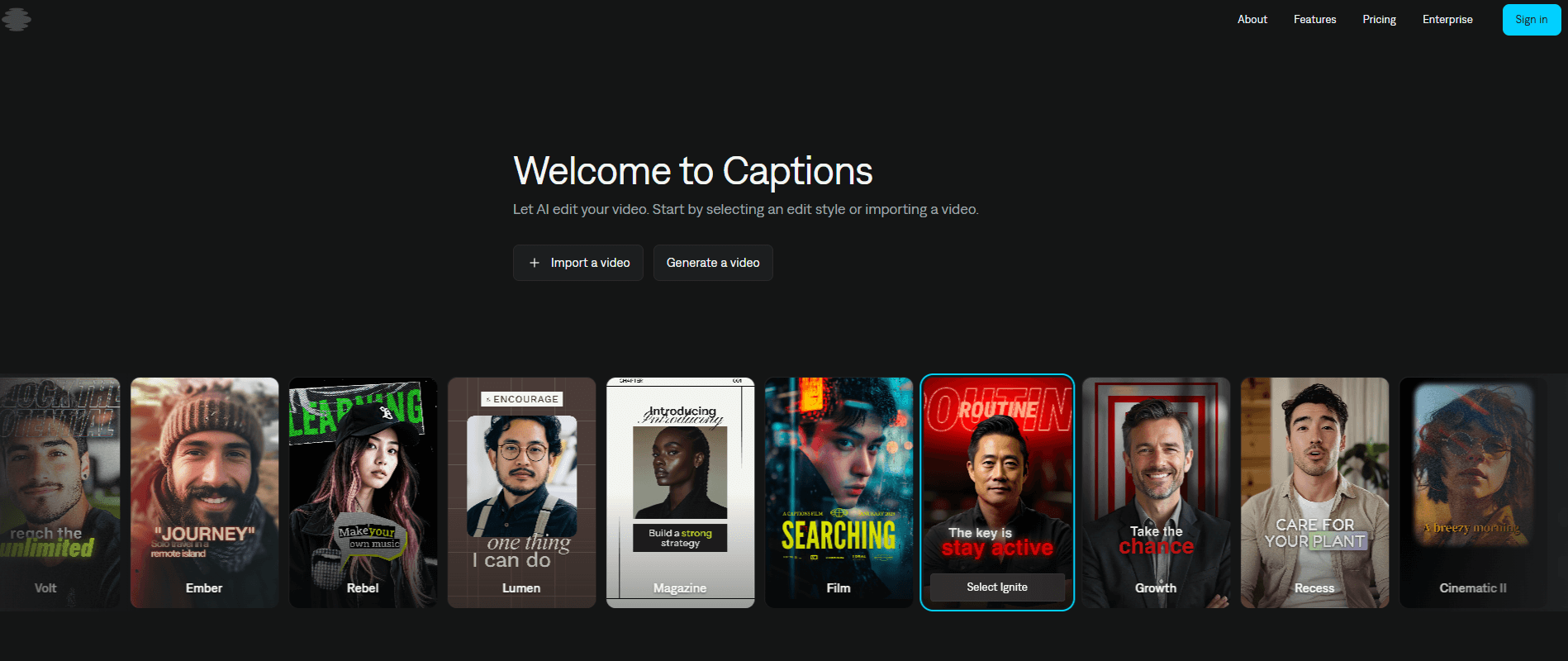
Captions stands out for its feature-rich, subscription-based model with clearly defined tiers.
The Pro plan includes features such as AI Twins, AI Shorts, and Reddit-to-video conversion
The Max plan adds advanced voice editing, AI-assisted tools, and simultaneous content generation
Its powerful dubbing and translation features make it the ideal tool for multilingual creators.
💲From $5/month for the Lite version (available only on Android) to $69/month for the Scale plan which includes 1,400 credits.
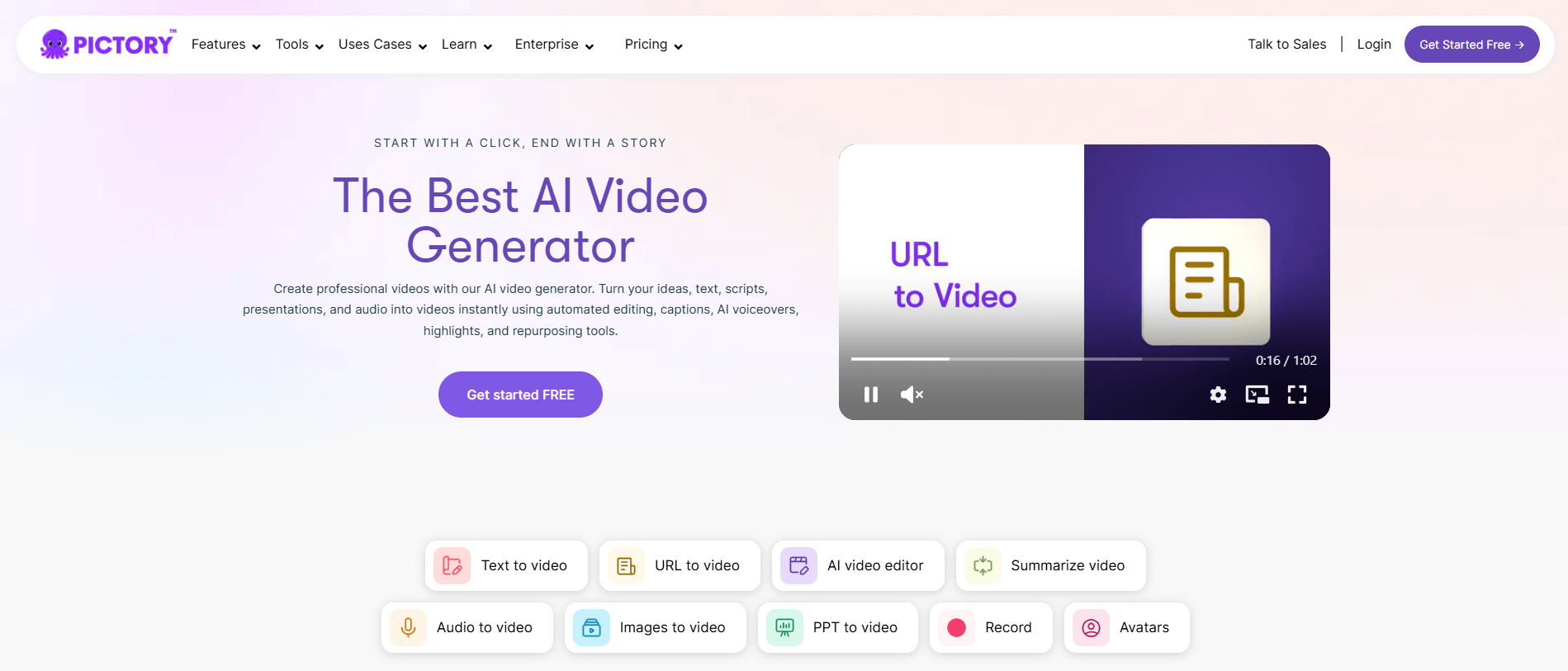
Pictory is an AI-powered tool designed to transform long-form videos into engaging short clips for social media.
It automates the process of identifying key moments and repurposing content efficiently.
Pros:
Ideal for turning long videos into multiple short clips
AI-driven automation simplifies the editing process
Supports automatic captions and subtitles
User-friendly interface requiring minimal manual input
Cons:
Not suited for detailed or advanced editing tasks
Limited customization options for advanced users
Most features require a paid subscription
Primarily focused on social media rather than full-scale video editing
💲Pricing starts at $19/month.
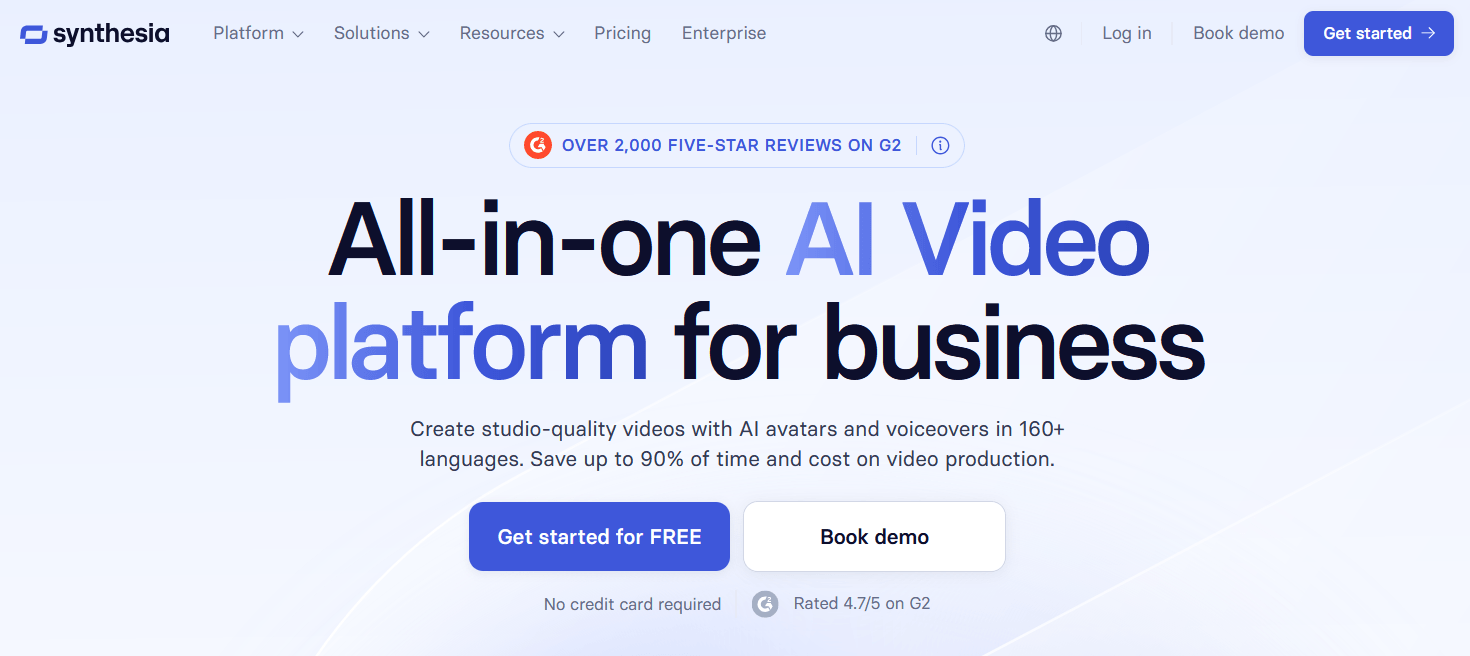
Synthesia is a cutting-edge platform designed to create engaging and dynamic video content for a variety of use cases, including corporate training, marketing, and education. 🎓
With its user-friendly interface and advanced capabilities, the software streamlines the video production process, making it accessible to users of all skill levels.
Key features:
A rich library of customizable avatars and voice options
Support for multiple languages
Fast editing tools that help reduce production time
This makes Synthesia a versatile alternative for anyone looking to communicate effectively through video—without requiring significant resources.
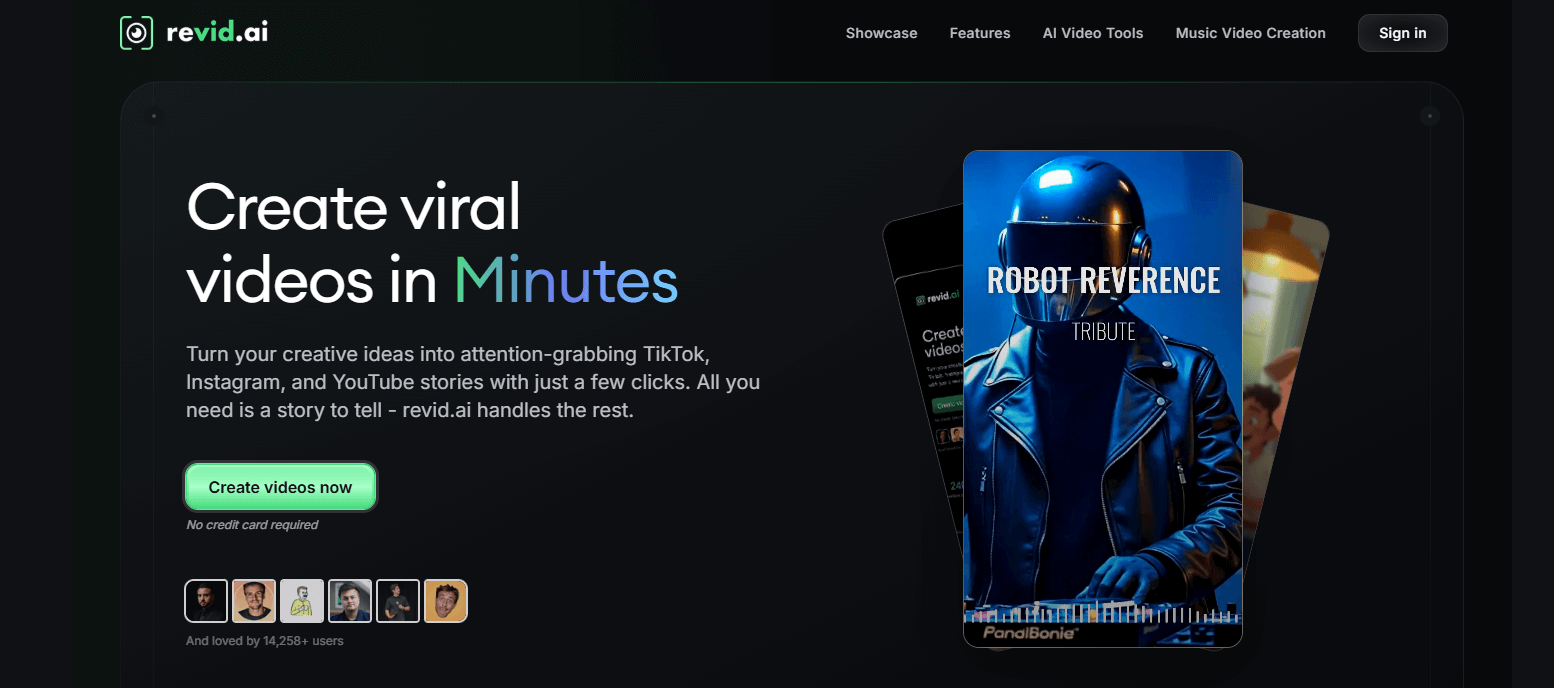
If your main challenge isn’t subtitling but maintaining a consistent publishing schedule, Revid.ai is a strategic alternative.
How does Revid.ai differ from Submagic?
Extensive library of tools (TikTok generators, YouTube long-to-short converters, article-to-video tools, audio/video tools, Reddit-to-video generators, and more)
AI-generated subtitles in over 100 languages, with viral-style captions similar to Submagic (bold or highlighted text, word-by-word animations), but with greater customization
Automated video workflows: Set up automations that generate one video per day from content sources such as blog posts, YouTube videos, or LinkedIn posts
APIs and integrations: create custom workflows and automate publishing across platforms
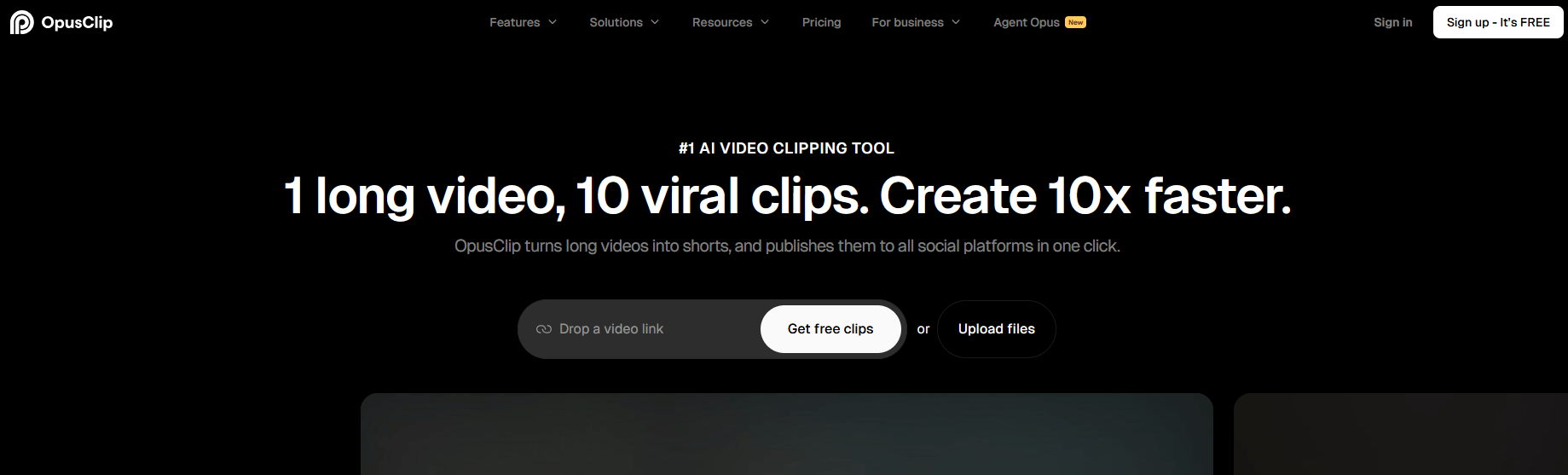
If you want to replicate Submagic’s “Magic Clips” feature, a dedicated clipping tool like OpusClip is essential.
What OpusClip Offers ($14.50/month, billed annually)
AI-generated captions with emojis and keyword highlighting
Smart clip selection: AI identifies the most engaging segments based on virality potential
Automatic reframing: converts horizontal (16:9) videos into vertical (9:16) while keeping subjects centered
Built-in publishing: one-click scheduling and posting to social media platforms directly from the app
Artflow is an alternative to Submagic that focuses on digital art creation rather than video editing.
Its intuitive interface and robust features allow creators of all skill levels to bring their ideas to life.
With this AI software, users can explore a wide range of tools designed to enhance the creative process, including customizable brushes, layering options, and AI-powered features that simplify complex tasks.
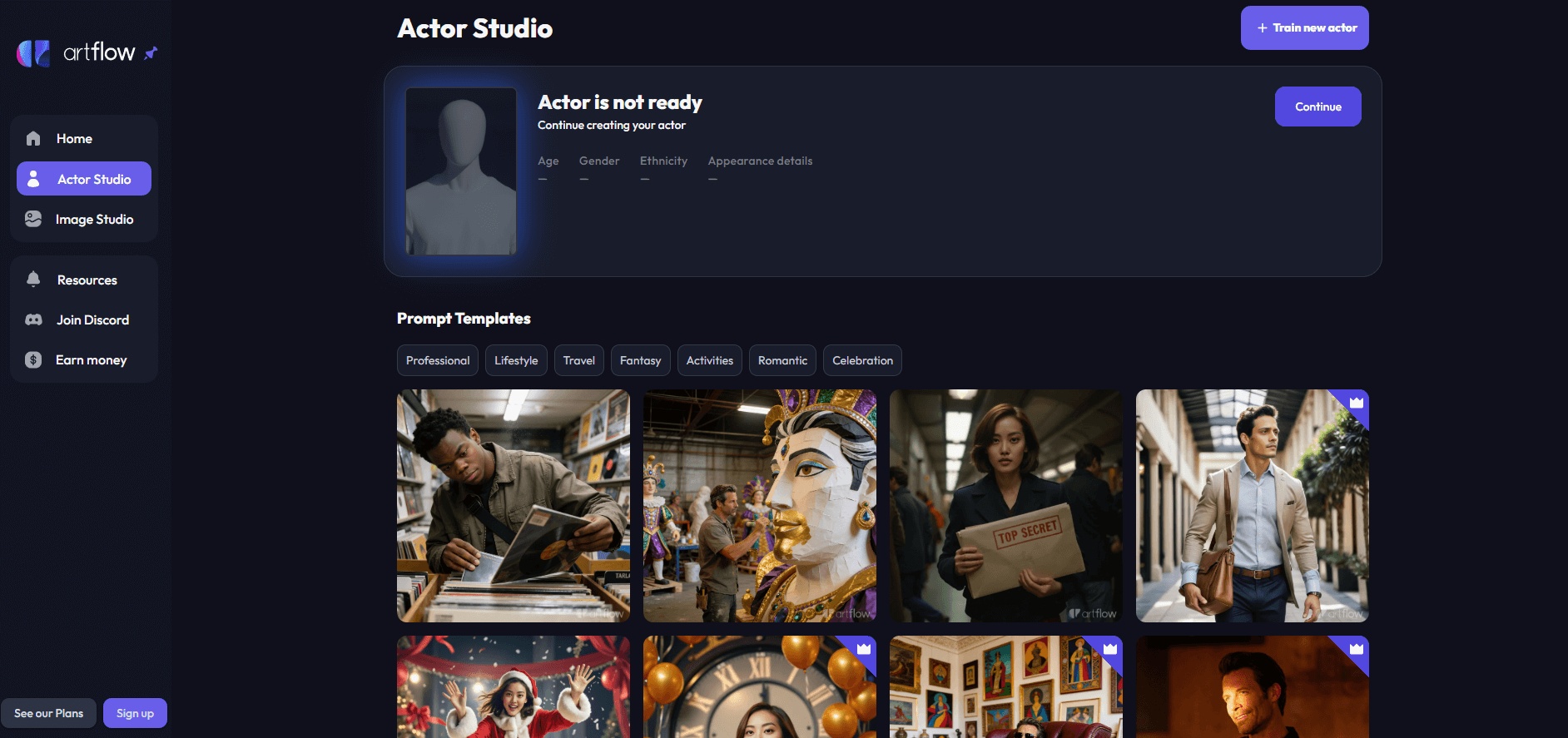
Whether you’re a seasoned artist or a beginner, Artflow offers an environment conducive to experimentation and artistic growth. 🎨🖌️
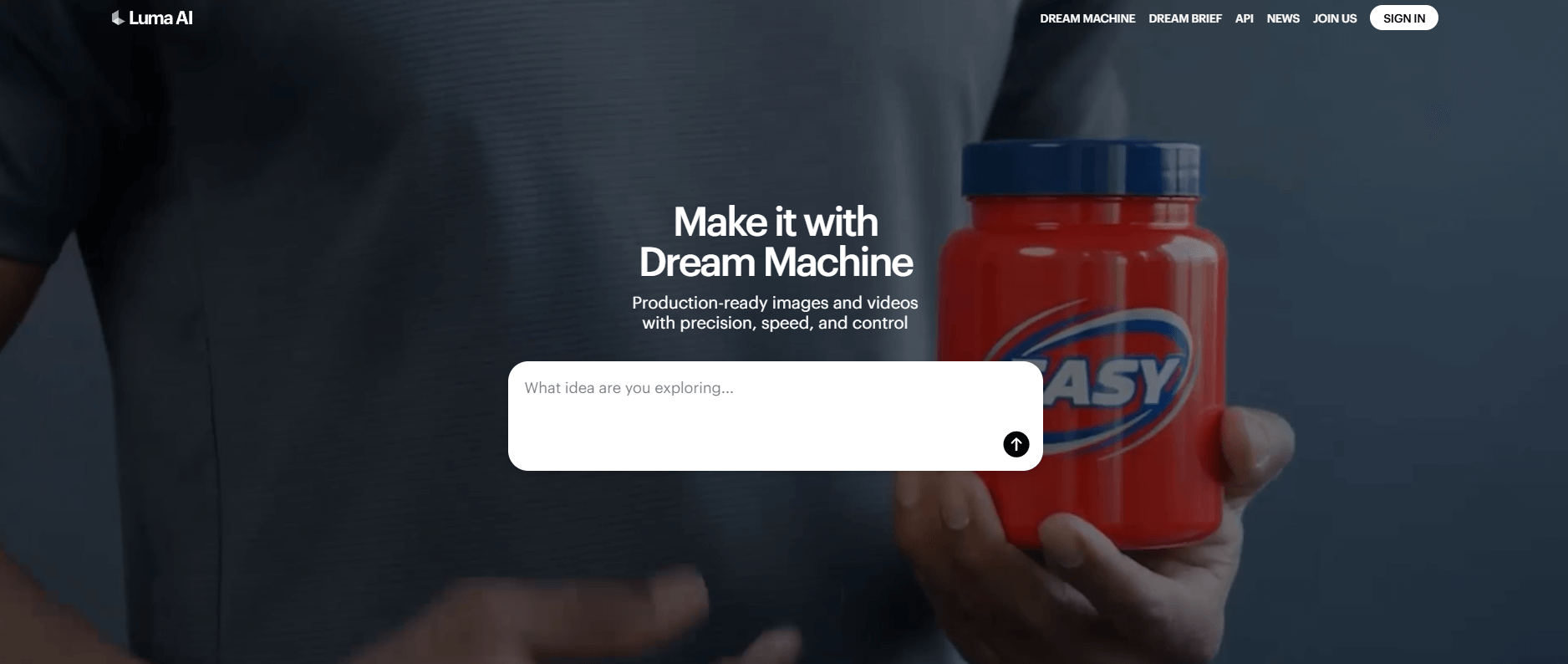
Luma AI is a powerful solution designed for users seeking advanced capabilities in content creation and processing.
Built with efficiency and ease of use in mind, it offers a suite of tools that streamline workflows and enhance productivity.
Thanks to its strong analytical capabilities and intuitive design, users can produce high-quality results while benefiting from comprehensive support and built-in resources. ✨
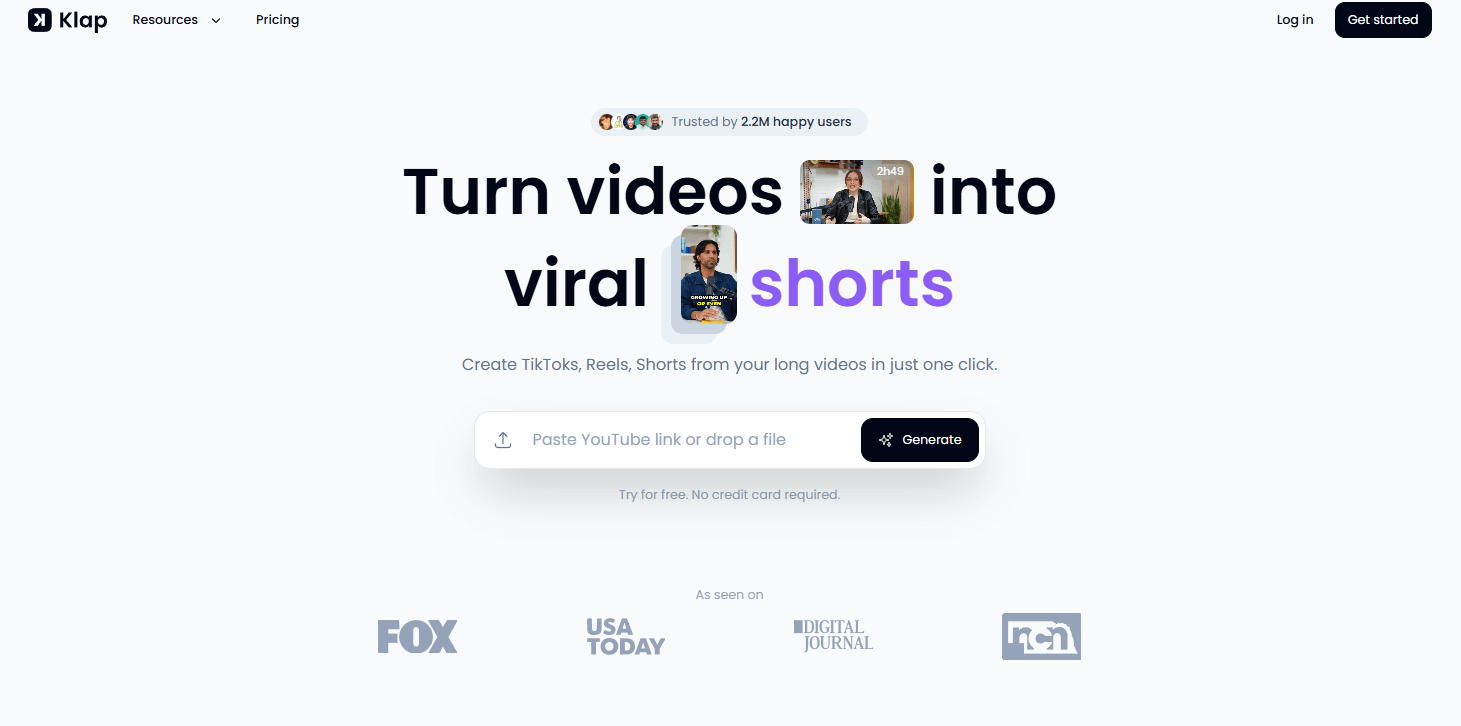
Klap offers monthly plans based on a fixed number of clips per month, with clear pricing ranging from $29/month (30 clips) to $189/month (300 clips).
This structure makes it easy to forecast costs. If you know you need around 50 clips per month, you can quickly identify the most suitable plan.
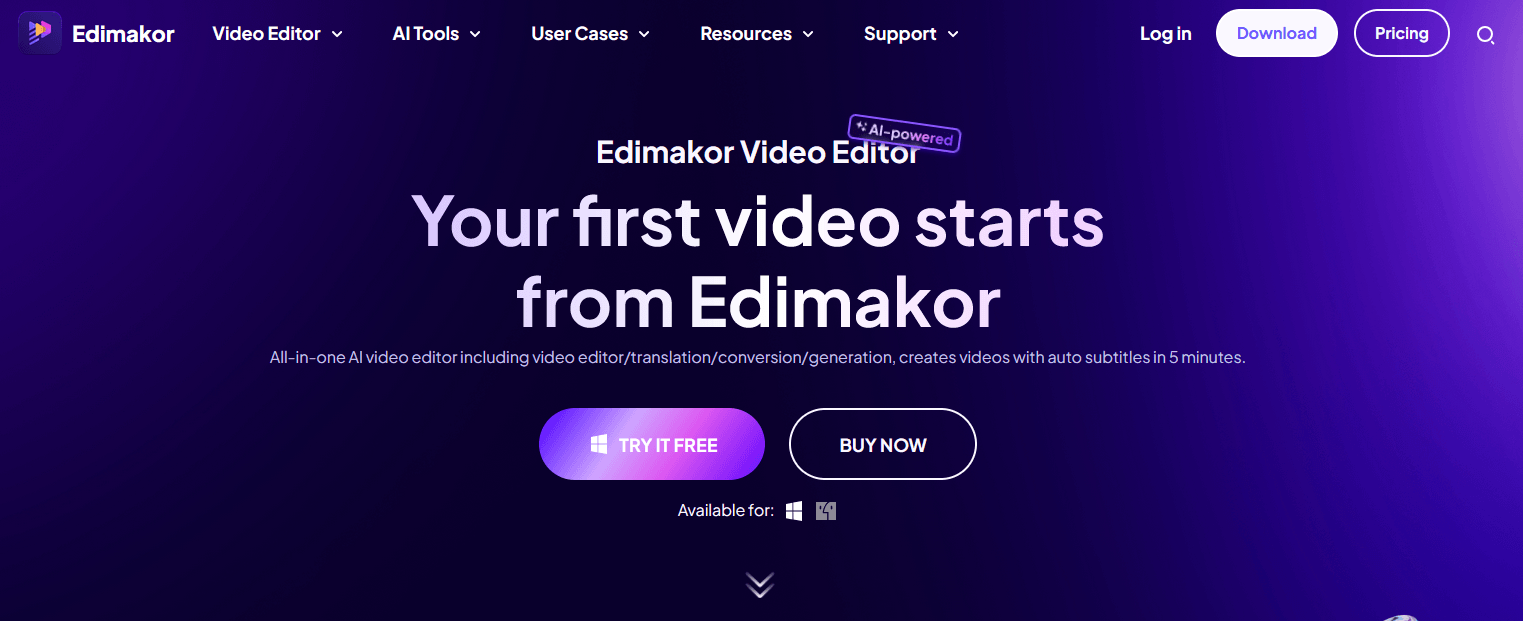
Edimakor provides features similar to Submagic that meet a variety of professional needs. Built with ease of use in mind, the platform supports efficient task management and smooth collaboration, making it a strong option for both individuals and teams. 👥
With features such as real-time collaboration tools, customizable workflows, and comprehensive reporting options, Edimakor helps video creators boost their productivity and streamline their processes. Its intuitive interface also enables new users to get started quickly, supported by a variety of helpful resources.
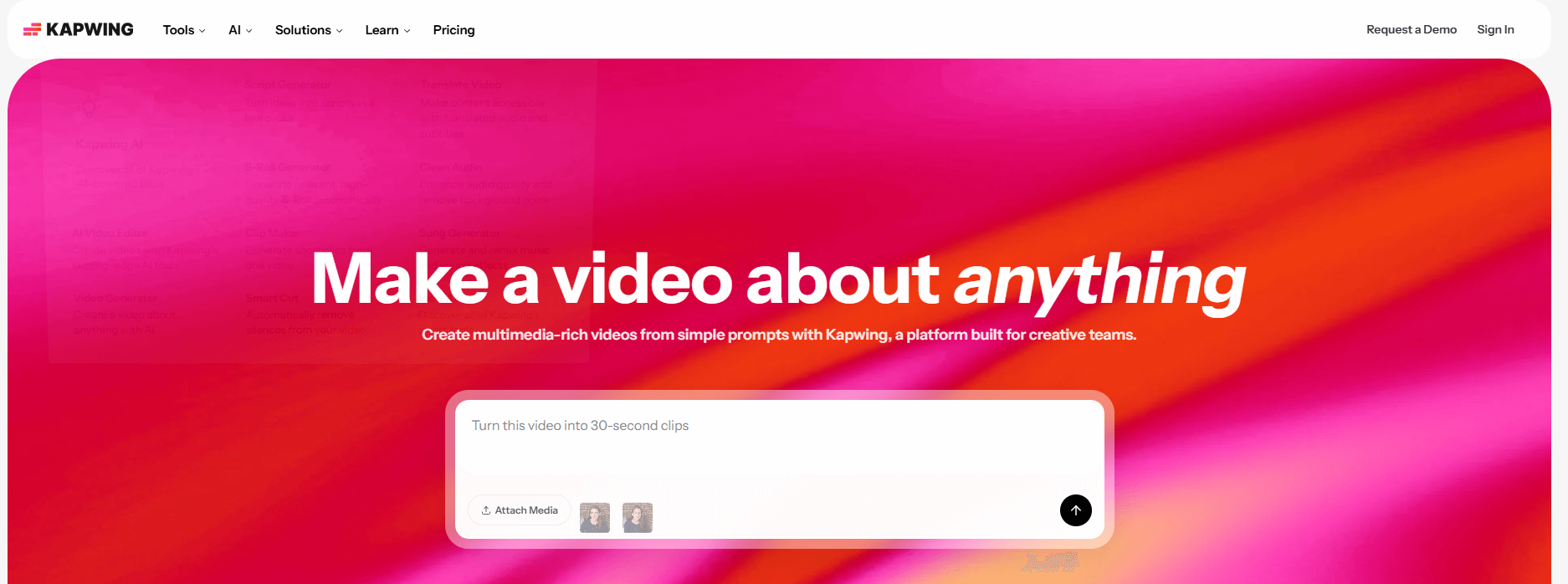
Kapwing excels when teamwork is a real necessity.
Pricing starts at $32/member/month.
Key features:
Real-time collaboration: multiple users can edit the same project simultaneously
Brand kits: Maintain consistent fonts, colors, and logos across all projects
Templates and memes: Extensive library tailored to different platforms and trends (TikTok memes, Instagram Stories, news videos, song lyrics…)
AI tools: background removal, image generation, AI video script generator, automatic editing (e.g., removing silences and filler words)
Automatic subtitles and translation: Highly accurate transcription with built-in subtitle translation across multiple languages
HeyGen offers a powerful set of features for users seeking advanced video creation capabilities. With a user-friendly design, the online platform stands out as a compelling alternative to Submagic, catering to both beginners and experienced users.
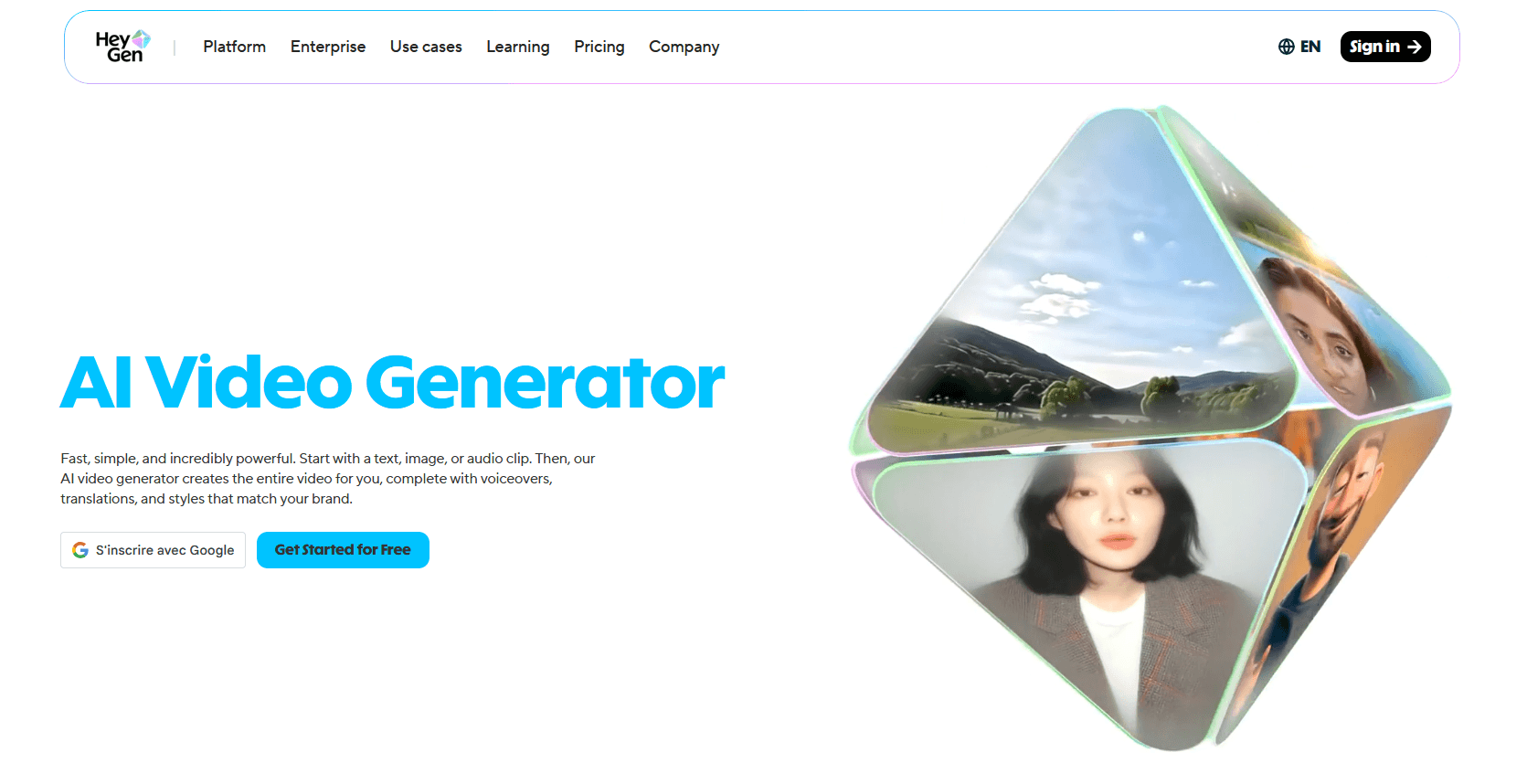
One of HeyGen’s key strengths lies in its robust features, which include seamless integration options and powerful tools designed to streamline workflows. It supports a wide range of use cases and includes real-time collaboration features, ensuring a smooth and efficient user experience. 👍
Elai delivers a seamless experience for both individuals and businesses, helping them efficiently manage a variety of projects.
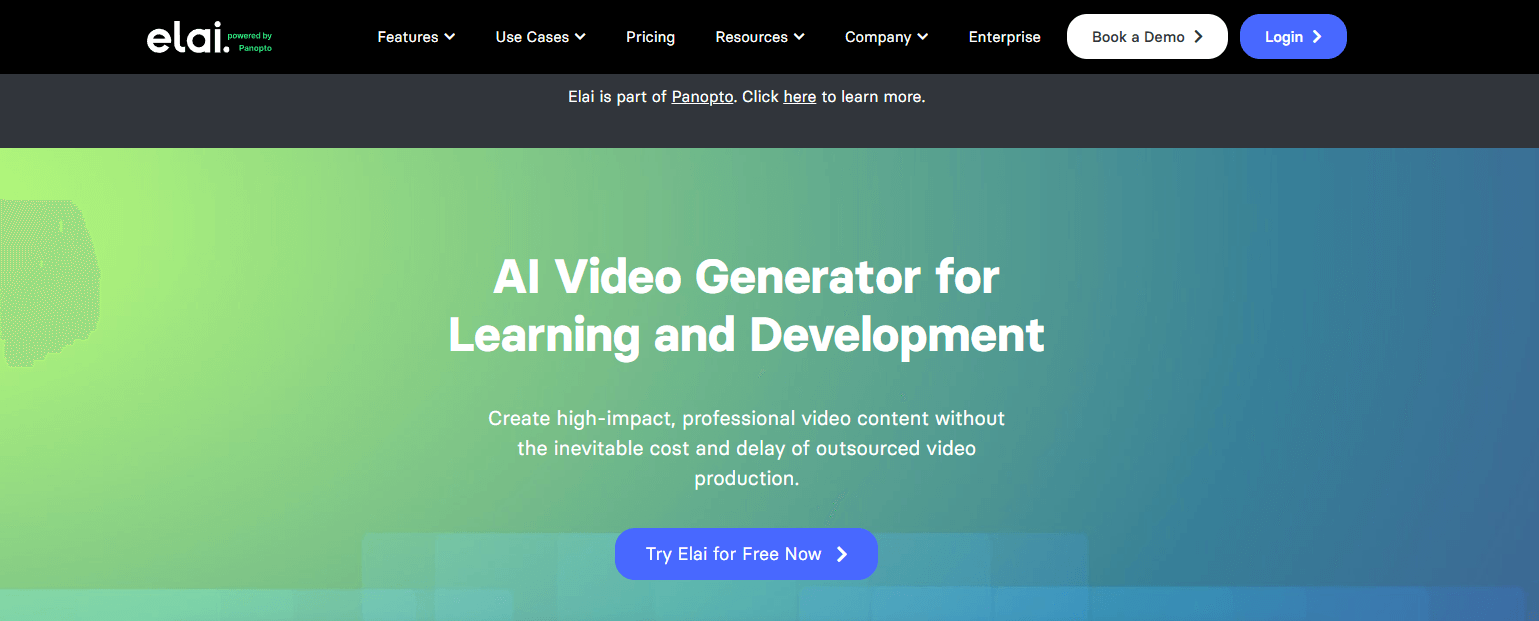
Its versatile, user-friendly features are designed to enhance productivity through intuitive design and powerful tools.
Whether you’re focused on content creation, data management, or collaborative work, Elai provides the tools and flexibility needed to succeed.
Vizard specializes in transcript-based video editing, making it particularly well-suited for interviews, webinars, and presentations.
Pricing ranges from $9.50/month and $14.50/month (billed annually).

Key features:
Automatic transcription: After uploading a video, Vizard generates a full transcript. You can delete filler words or irrelevant sections directly in the text, and the tool automatically removes those segments from the video
Automatic clip generation: AI analyzes the transcript and suggests short clips complete with titles and captions. For example, a 30-minute podcast can be turned into five one-minute highlight videos
Dynamic captions: Adds stylized captions to all clips, with customizable placement and formatting. Text can be edited directly within the transcript
Speaker detection: Identifies different speakers in multi-person videos (e.g., interviews or Zoom calls) and detects speaker changes automatically and identifies them.
Gen-2 offers users innovative features that meet a wide range of needs. With a strong focus on improving productivity and simplifying complex workflows, it positions itself as a serious alternative to Submagic.
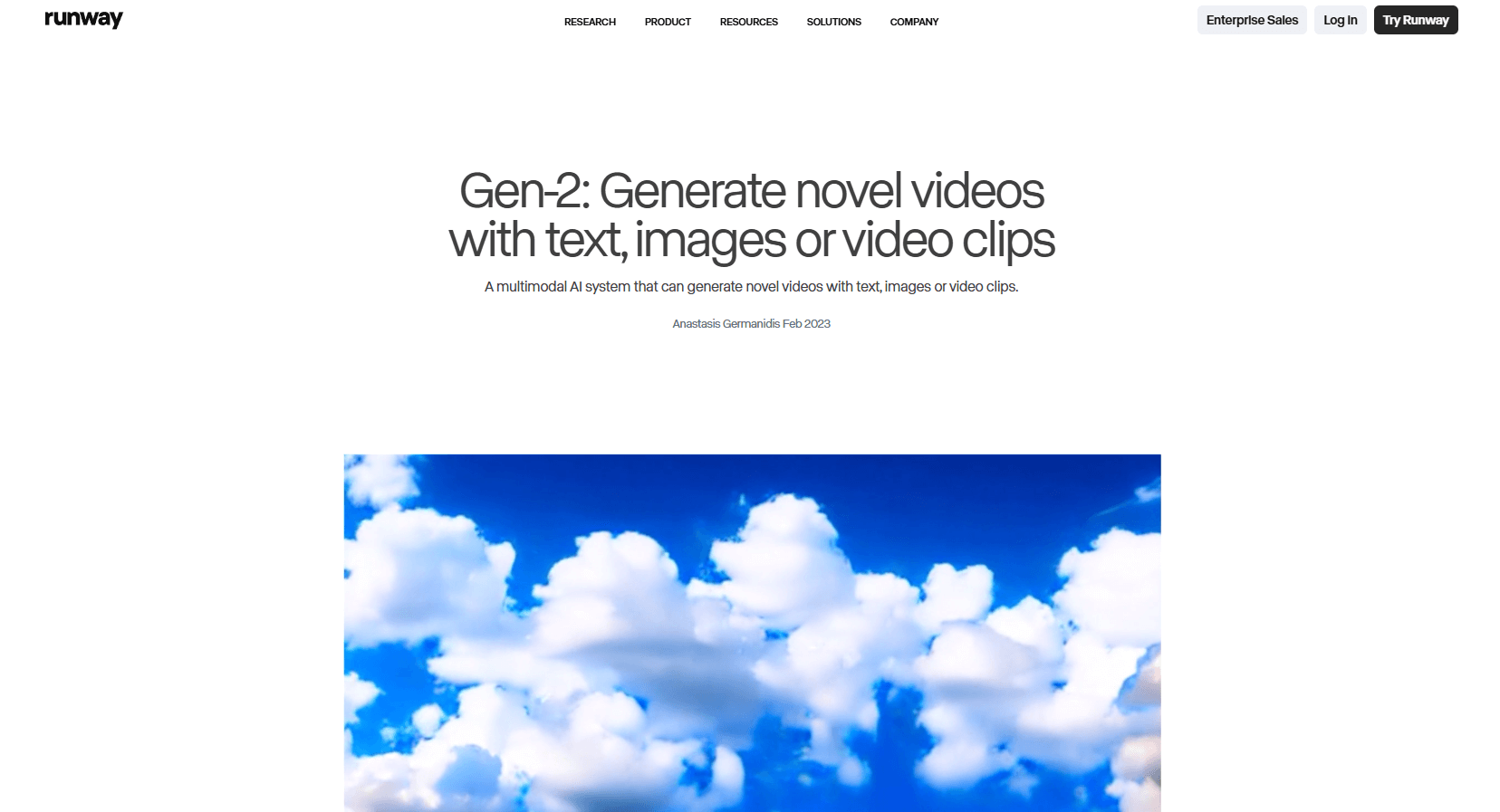
The platform features an intuitive interface that makes navigation straightforward and user-friendly. Equipped with advanced, efficiency-driven tools, Gen-2 allows users to customize features according to their specific requirements, making it an invaluable asset for both individual and collaborative projects.
Fliki has become increasingly popular among users looking for a versatile and efficient content creation tool.
With its intuitive interface and powerful feature set, it’s suitable for both personal and professional projects.
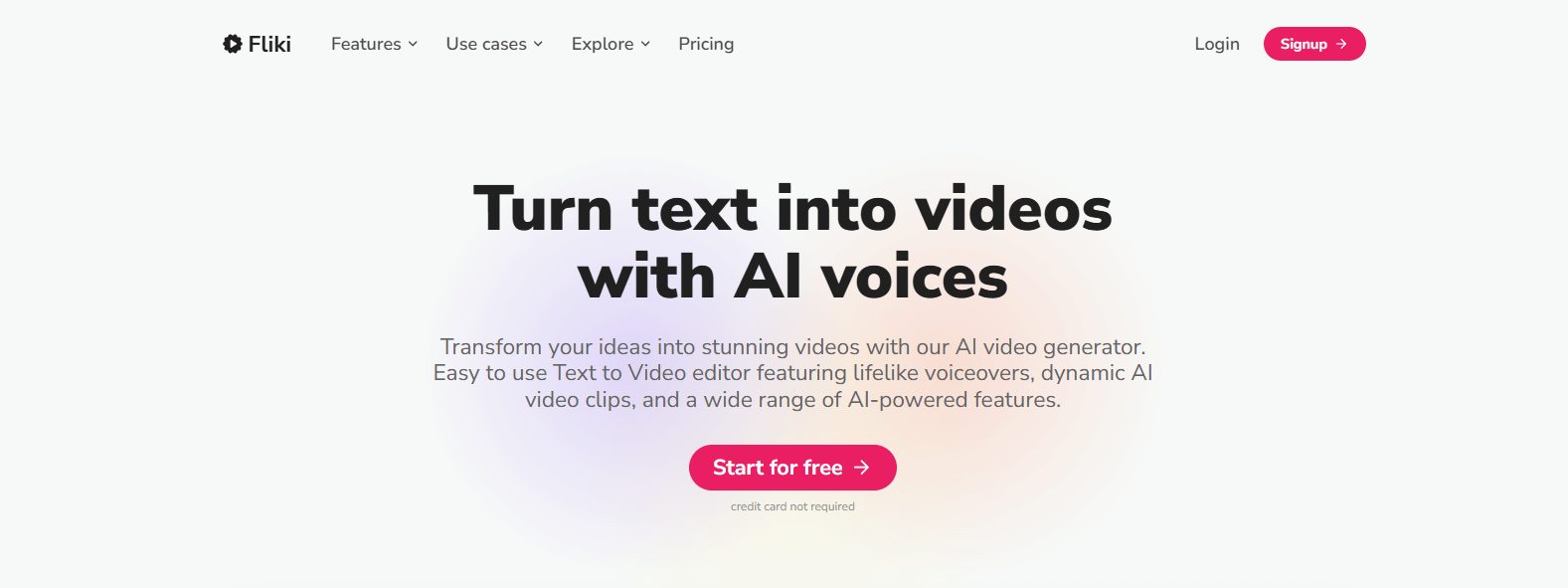
What sets Fliki apart is its comprehensive range of features designed for users at all levels—from beginners to advanced creators. The platform offers extensive customization options, providing flexibility throughout the content creation process.
Additionally, Fliki integrates seamlessly with other applications, making it easy to streamline your workflow while ensuring a smooth user experience.
For musicians, MusicLM stands out as a compelling complement to tools like Submagic. This software offers a fresh perspective on creating diverse musical compositions, making it an attractive option for both amateurs and professionals.
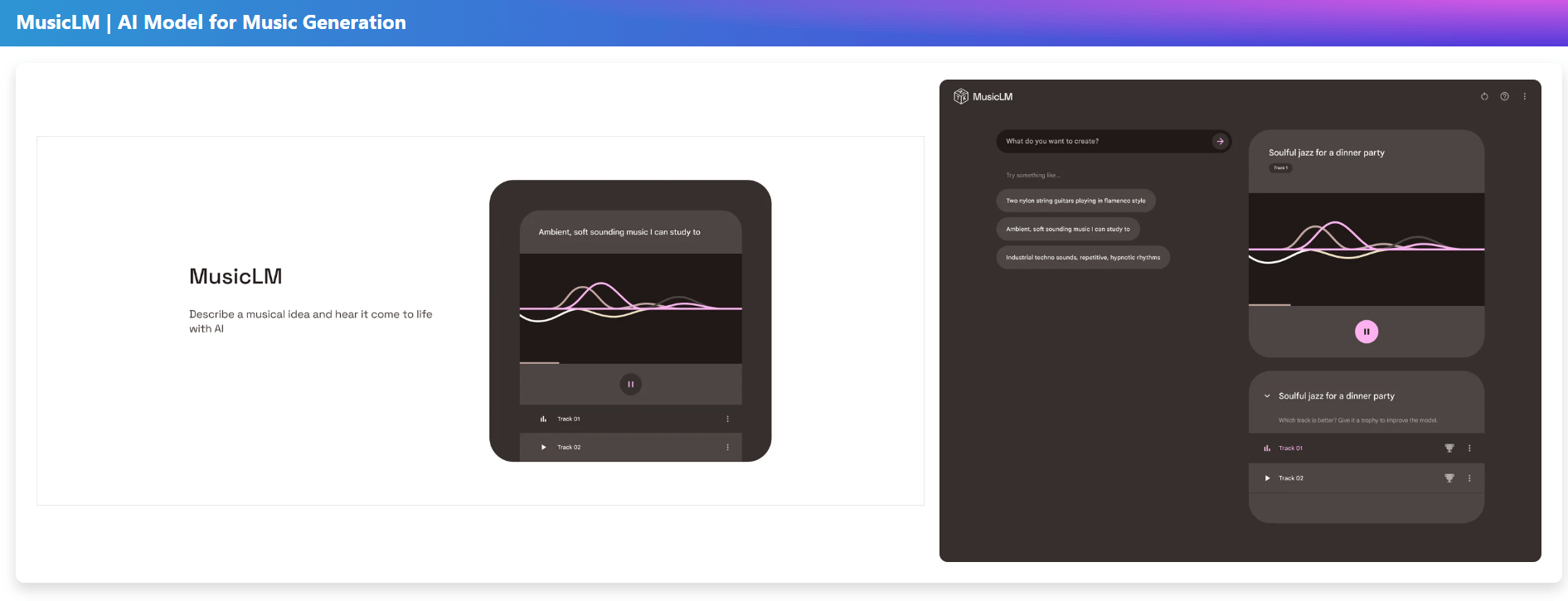
MusicLM enables users to generate original music tailored to their specific needs, leveraging AI to analyze and replicate a wide variety of musical styles, allowing users to refine and customize their tracks.
With user-friendly interfaces and powerful algorithms, the platform empowers you to efficiently generate high-quality soundscapes, complementing the capabilities offered by Submagic. 🎵
Short-form video has completely reshaped the online landscape in recent years.
Platforms like TikTok, Instagram, and YouTube prioritize fast-paced, high-retention content that instantly captures attention. 👀
Submagic has gained popularity thanks to its animated captions and AI-powered subtitle generation, which helps creators make their videos more engaging and accessible.
Here are four of the best alternatives to Submagic for editing viral short-form content…
Descript allows creators to edit videos directly from text transcripts while automatically generating captions.
Key features:
Automatic transcription
Text-based video editing
Removal of filler words
AI voice cloning
Descript is particularly well-suited for podcasts and educational content. 🎤📚

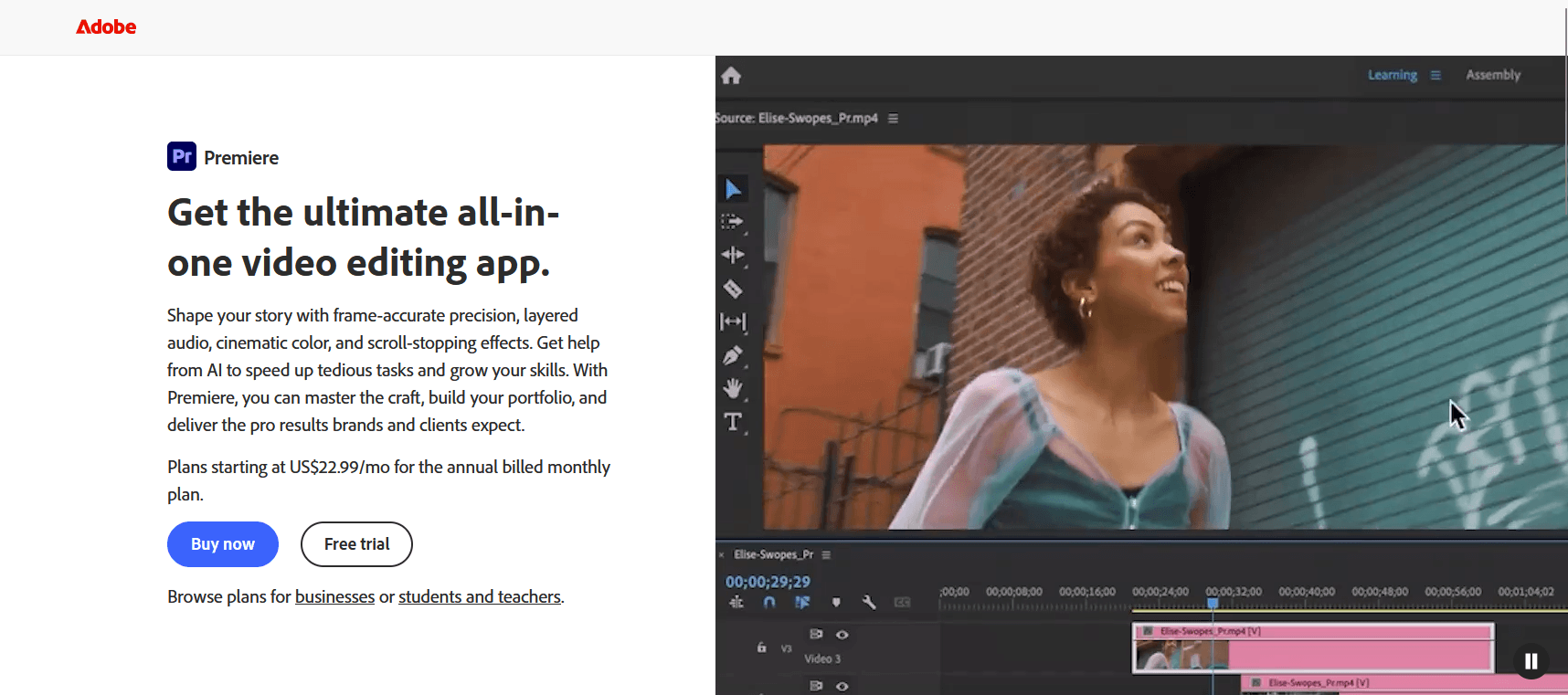
Adobe Premiere Pro offers professional editing flexibility and advanced subtitle customization. It is widely used by filmmakers and professional creators who need detailed control over their projects.
Compared to other alternatives, Premiere Pro stands out for its advanced editing features and high-quality output options.
Key strengths:
Multi-layer editing
Customizable subtitle styles
Advanced color grading
Integration of animated graphics
Seamless integration with Adobe Creative Cloud
Suitable for exporting high-resolution videos
Drawbacks:
Requires time and expertise to achieve consistent results, especially for short-form content
Subscription costs can add up over time.
May require a powerful computer to run properly.
Not specifically optimized for short-form video workflows
💲Premiere Pro costs $20.99/month as part of Adobe Creative Cloud.
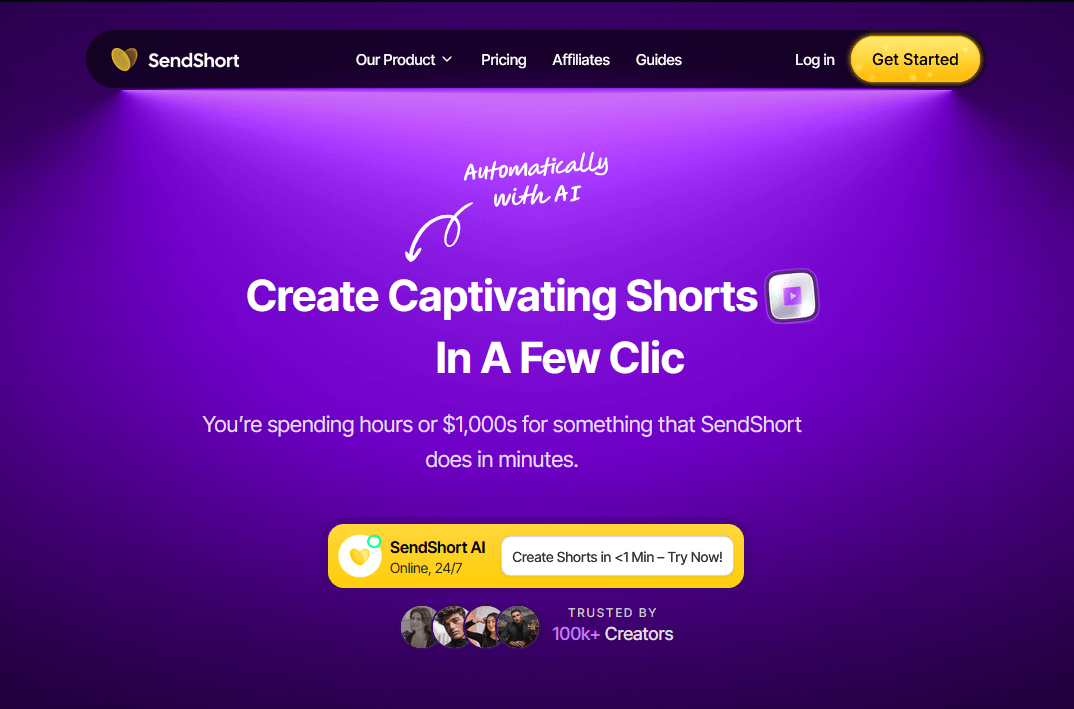
SendShort is designed to quickly turn long-form videos into short, social-media-ready clips with strong viral potential.
Pros:
AI-powered tools to optimize short-form content
Designed specifically for platforms like TikTok and Instagram
User-friendly interface with a minimal learning curve
Multiple pre-designed templates and styles for quick content creation
Cons:
Limited advanced editing features for complex projects
Better suited for short-form than long-form content
💲 Plans start at $15/month, making it accessible to individual creators and small businesses.
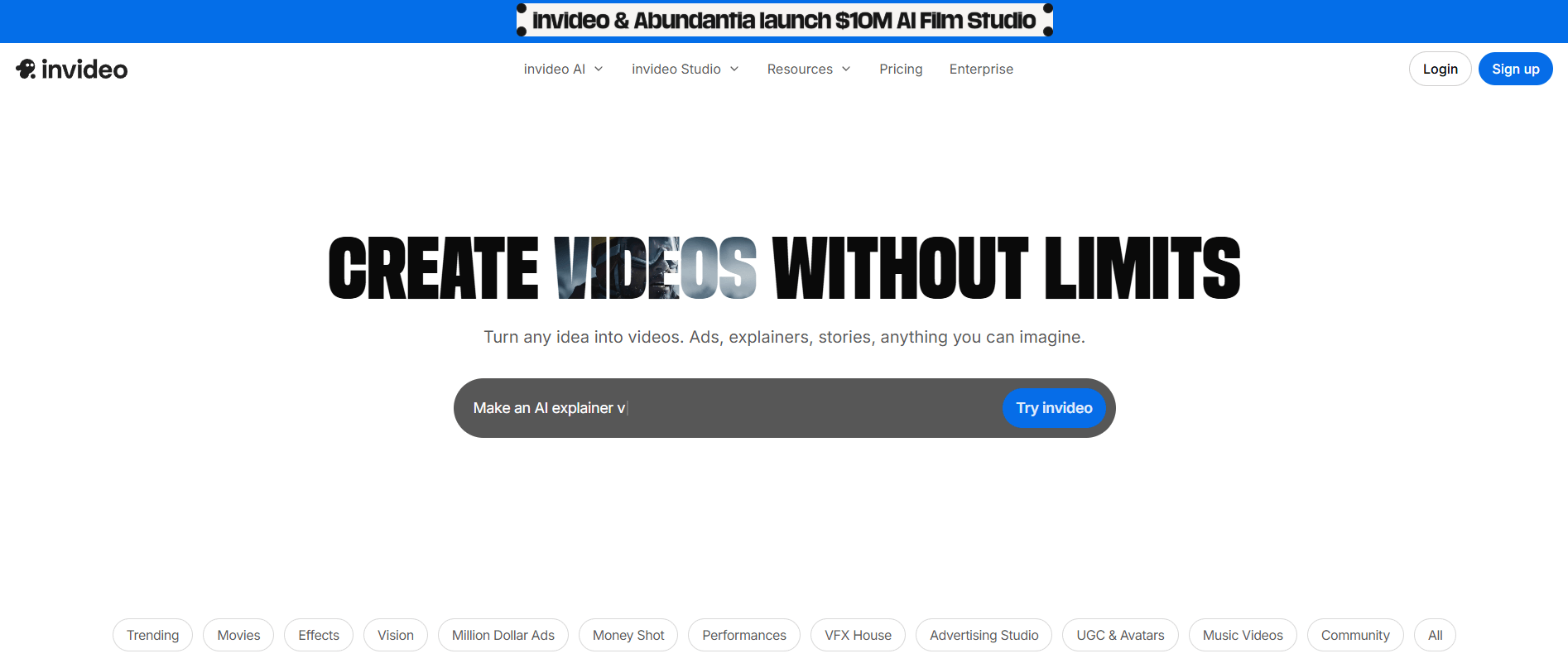
inVideo is an online editor that offers a wide variety of templates. It’s ideal for marketing videos, social media content, and presentations.
Compared to other alternatives, inVideo stands out for its wide range of templates and user-friendly interface, making it perfect for non-professionals.
Pros:
Extensive library of templates for various video styles
Intuitive drag-and-drop interface
Supports subtitle creation and text animations
Cons:
Fewer advanced features than desktop video editors
Subscription required for premium features
Export times can be longer for large projects
💲Pricing starts at $15/month for basic plans, with higher-tier plans offering additional features.
You now have a wide range of alternatives to Submagic—from free tools to more advanced, feature-rich platforms—depending on your specific needs.
Whether you’re drawn to the simplicity of CapCut, the automation capabilities of Revid.ai, or the AI-powered clipping features of OpusClip, there’s a solution that fits your workflow.
Choose the tool that maximizes your impact on social media—on a budget! 🚀
Last update: May 01, 2026