
SiteW makes website creation easy and enjoyable thanks to a solution without technical or financial constraint.
Testimonials, interviews and examples of created websites. Discover our users’ reviews and creations.
Our history, news and commitments. Beyond online service, discover SiteW.
All resources at the service of your online presence.
12 minutes
Want to browse faster, work more efficiently or even audit your website?
If Google Chrome is your browser of choice, you're in the right place. 🍀
The right Chrome extensions can transform your browser into a powerful productivity hub, helping you save time, stay organized, improve your workflow, and even optimize your website. 🌐💻
In this guide, we've rounded up 27 of the best Chrome extensions available in 2026. You'll also learn how to install them, use them effectively, and choose the ones that best fit your needs.
A Chrome extension is a small application that adds new features and functionality to the Google Chrome browser.
Built using standard web technologies, Chrome extensions let you customize your browsing experience and streamline everyday tasks—from managing passwords and taking notes to checking grammar, blocking ads, analyzing websites, and much more.
With thousands of extensions available on the Chrome Web Store, there's a tool for just about every need. 👀
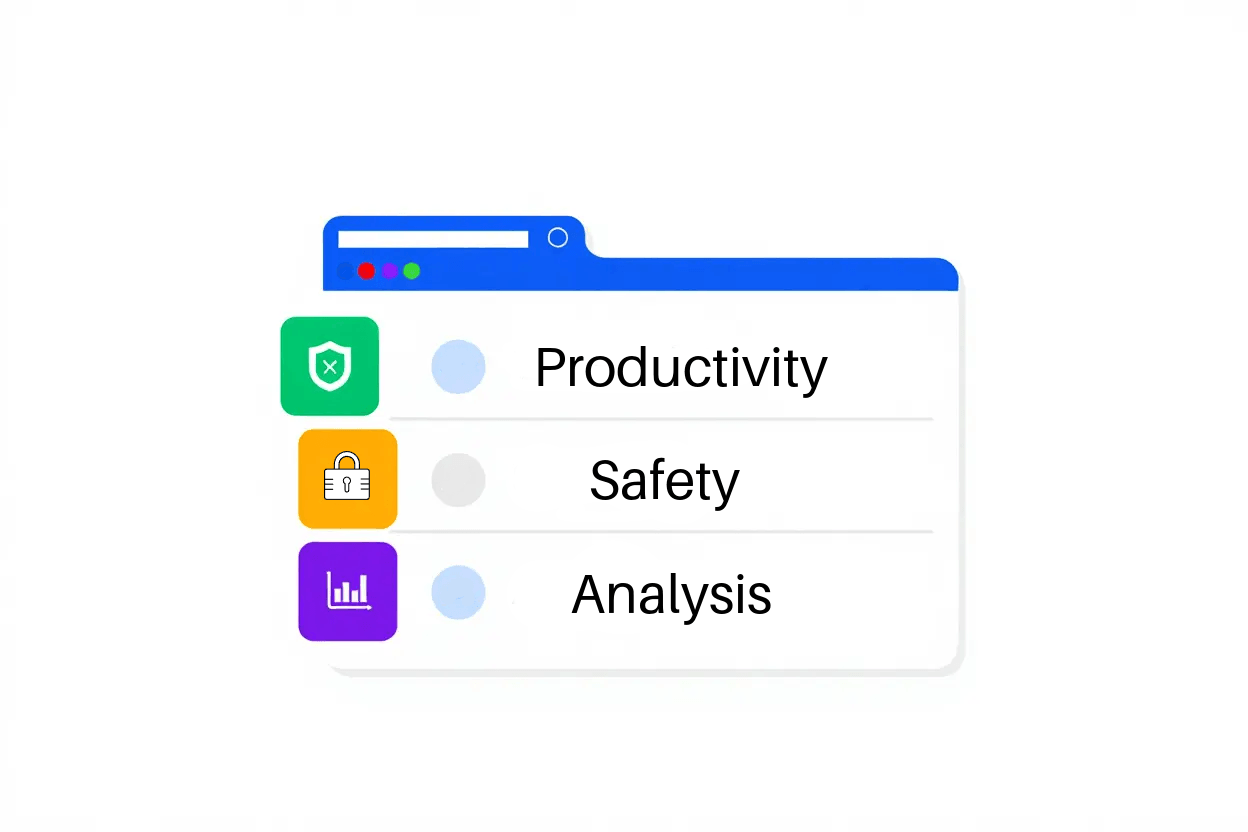
A Chrome extension is a lightweight application that adds new features to your browser and enhances the way you browse the web.
Whether you want to block ads, save passwords, take notes, check your grammar, or customize the appearance of websites, extensions let you tailor Chrome to fit your needs.
Most Chrome extensions are built using Google's extension API, making many of them compatible with other Chromium-based browsers such as Microsoft Edge, Brave, and Opera.
Chrome extensions offer several key benefits:
Instant access: Most extensions add an icon next to the address bar, so their features are always just one click away.
A personalized browsing experience: Install only the tools you need to customize Chrome around the way you work.
Cross-browser compatibility: Many extensions work across multiple Chromium-based browsers, making it easy to switch without changing your favorite tools.

Before installing any extension, take a moment to review the permissions it requests. 🕵️
The Chrome Web Store screens extensions for security and automatically removes those that violate Google's policies. Chrome also warns you when an extension hasn't been verified by Google, giving you an extra layer of protection.
For the best browsing experience, avoid installing more extensions than you actually need. Running too many at the same time can slow down your browser.
Also keep in mind that Chrome doesn't allow you to install extensions while browsing in Incognito mode or when using a guest profile. ☝️
Installing a Chrome extension only takes a few minutes and doesn't require any technical knowledge.
Here's how to do it:
Open the Chrome Web Store.
Search for the extension you're looking for, using the search bar. 🔎
Read the description, user reviews, and ratings to make sure it's trustworthy.
Click 'Add to Chrome'.
Review the permissions requested by the extension.
Click 'Add extension' to confirm the installation. 📥
Once installed, the extension's icon usually appears next to your address bar. From there, you can open it, adjust its settings, or pin it to your toolbar for easier access.
Some extensions also work quietly in the background to improve your browsing experience without requiring any interaction.
Search carefully. Use precise keywords to avoid unofficial copies or misleading extensions.
Read user reviews. Extensions with a large user base and consistently high ratings are generally more reliable. ⭐⭐⭐
Review permissions. If an extension asks for access that doesn't seem necessary, it's worth looking for an alternative.
You can manage all of your installed extensions from Chrome's Extensions page, available from the main menu or by visiting chrome://extensions.
From there, you can enable, disable, remove, or configure each extension to keep your browser organized and running smoothly.
Chrome automatically updates your extensions in the background, so you'll usually have the latest features and security improvements without doing anything.
If you're using Developer mode, you can also manually check for updates whenever needed.
Looking to save time and get more done?
The productivity extensions below can automate repetitive tasks, improve your organization, and streamline your daily workflow—helping you work smarter without leaving your browser. 👍
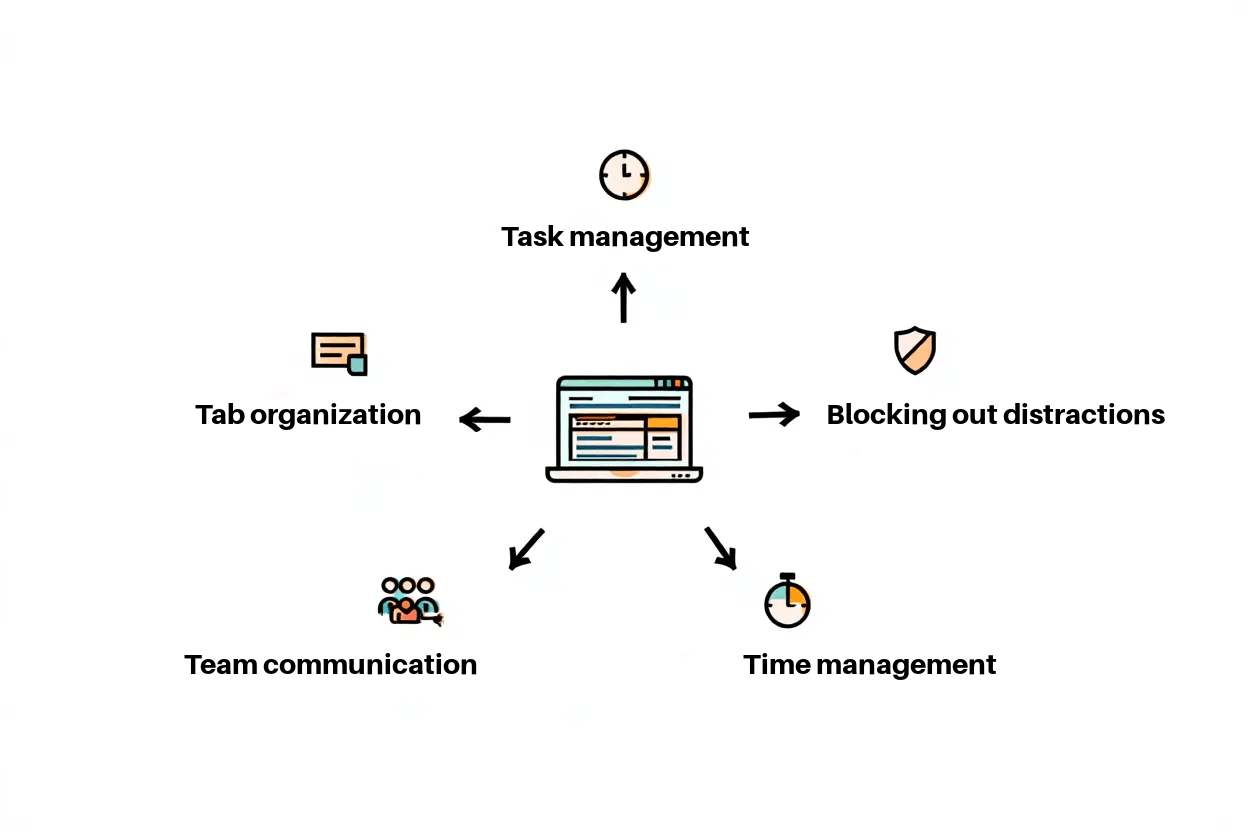
If you're looking to stay organized and get more done, these Chrome extensions can help streamline your workflow and eliminate repetitive tasks.
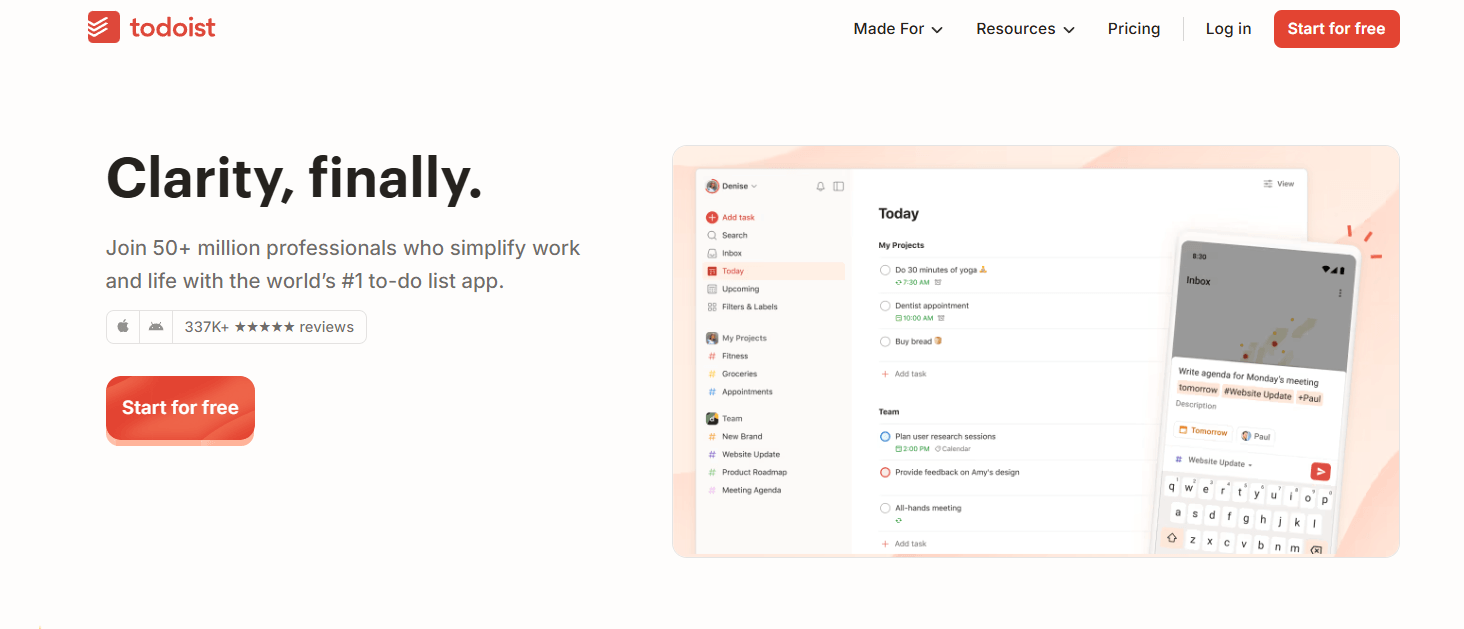
Turn any webpage into a task with a single click. Todoist also syncs seamlessly across your computer, smartphone, and tablet, so your to-do list is always up to date.
Plan and schedule your social media posts without leaving your browser. Buffer makes it easy to maintain a consistent publishing schedule across your favorite social platforms.
Share your availability in seconds. Calendly integrates directly with Gmail, allowing you to send booking links without switching between apps.
Record your screen, webcam, or both, then instantly generate a shareable link. Loom is perfect for creating tutorials, explaining processes, or collaborating with teammates remotely.
Managing dozens of tabs can quickly become overwhelming. Fortunately, these extensions help you stay focused and keep your browser organized.
Spend less time on distracting websites by setting daily time limits. It's a simple but effective way to reduce procrastination and stay productive.
With a single click, OneTab converts all your open tabs into a neatly organized list. You'll free up memory, reduce browser clutter, and make Chrome run more efficiently.
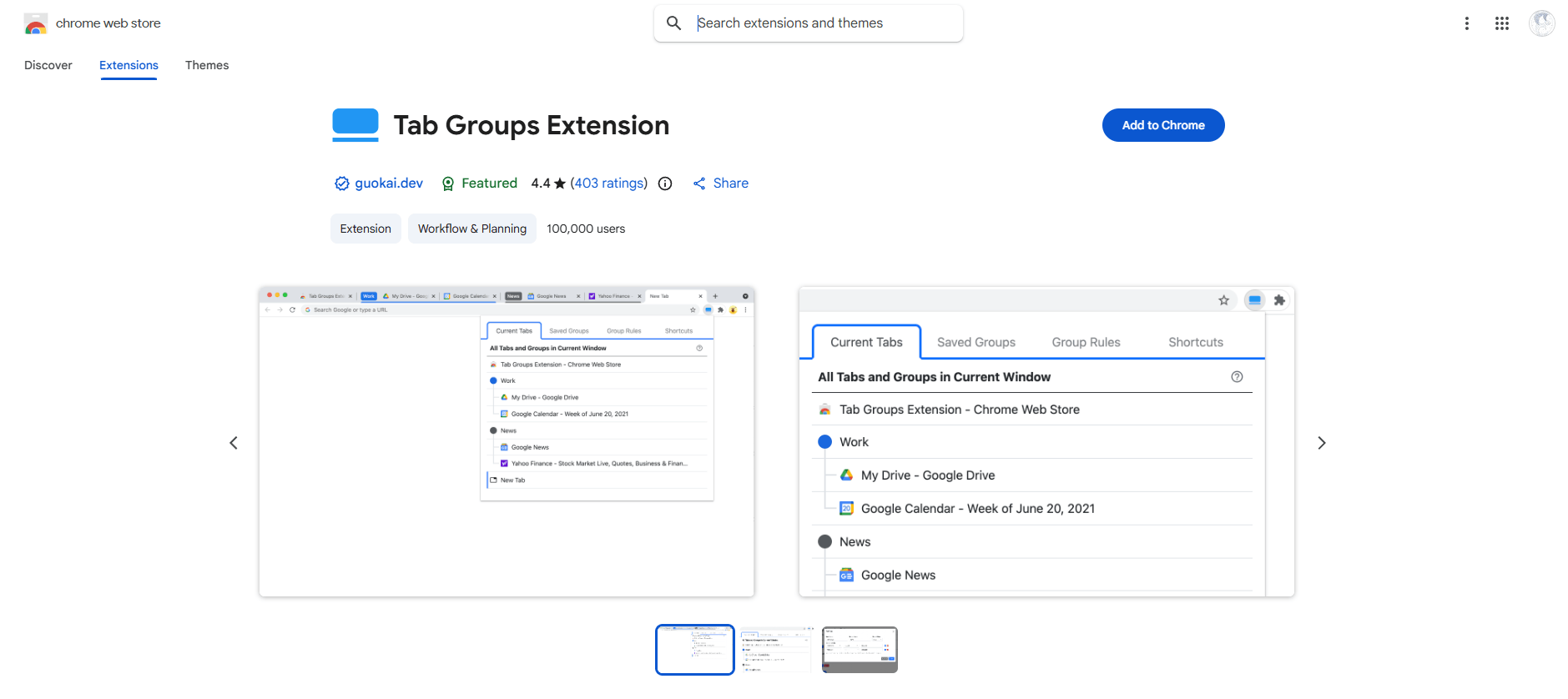
Keep related tabs together using Chrome's built-in color-coded groups. Whether you're researching a project, planning a trip, or juggling multiple tasks, Tab Groups make navigation much easier. 🟢🟠🟣
Whether you're writing emails, collaborating with teammates, or attending online meetings, these Chrome extensions can help you communicate more effectively and save valuable time.
Write with confidence wherever you work online.
Grammarly automatically checks your spelling, grammar, punctuation, and writing style across emails, documents, social media, and most online text fields. It's one of the easiest ways to produce clearer, more polished writing with minimal effort.
Never worry about taking meeting notes again.
Fireflies.ai automatically records, transcribes, and summarizes your virtual meetings across popular video conferencing platforms. It captures key discussion points, action items, and decisions, so you can stay focused on the conversation instead of scrambling to take notes.
Looking to improve your website's visibility and make smarter, data-driven decisions?
The right Chrome extensions can help you analyze your site's performance, uncover SEO opportunities, and identify technical issues—all without leaving your browser.
Whether you're a marketer, website owner, content creator, or SEO professional, these tools make it easier to monitor your site's health and optimize every page for better results. 👁️
Analyzing a website doesn't have to mean digging through endless reports or switching between multiple tools. 😅
The Chrome extensions below give you instant access to valuable SEO and performance insights, helping you spot optimization opportunities in just a few clicks.
From keyword analysis and on-page SEO to traffic metrics and technical audits, these tools can help you improve your rankings, boost conversions, and make more informed decisions.
With so many SEO extensions available, choosing the right ones can be challenging.
To save you time, we've selected 7 of the best Chrome extensions for SEO and website analytics in 2026. Let's take a look. ⬇️
It lets you view key website metrics directly in your browser, giving you a quick snapshot of your site's performance without having to open your Google Analytics dashboard.
One of its most useful features is the built-in click heat map. It shows exactly where visitors click on each page, how many clicks each link receives, and the percentage of total clicks. Links are color-coded, making it easy to identify the elements that attract the most attention.
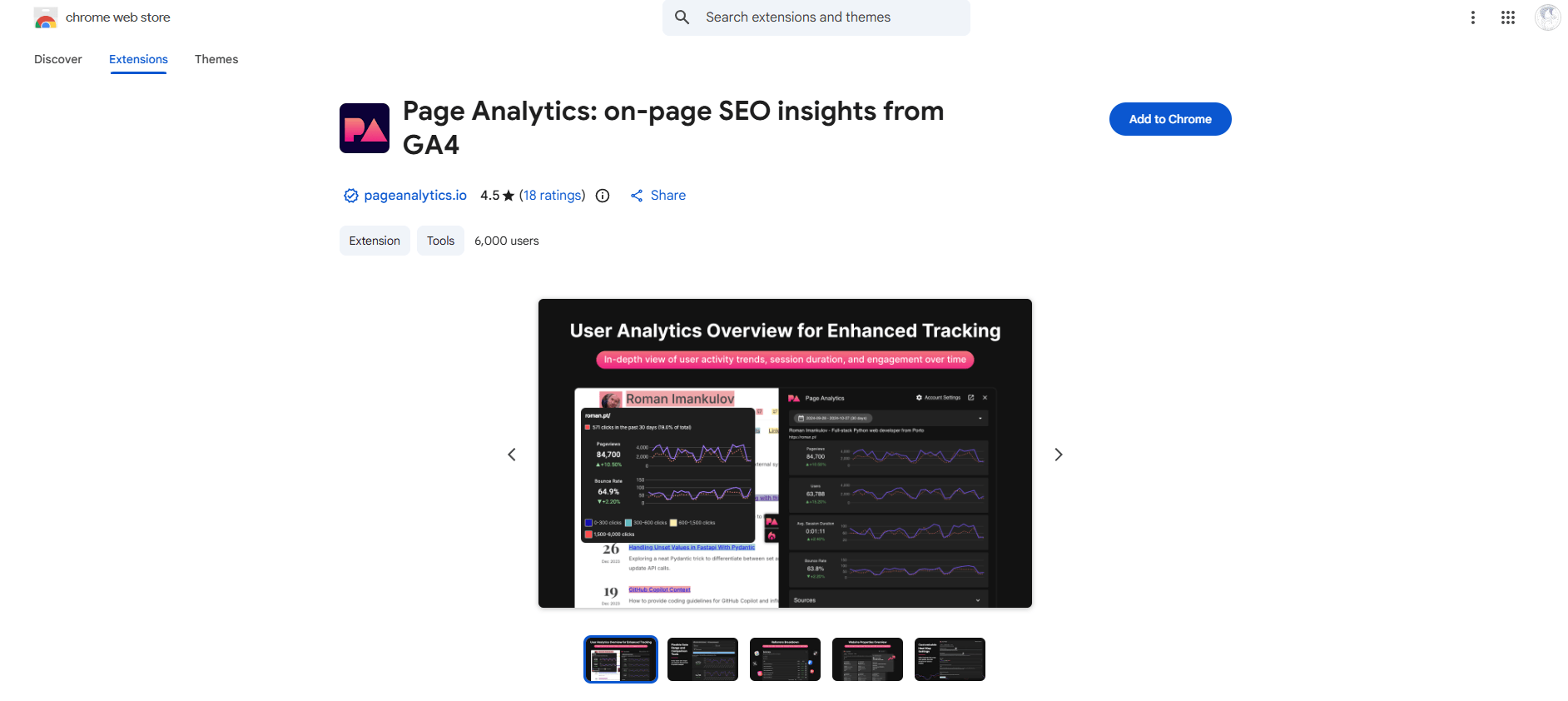
It's a simple yet powerful way to better understand user behavior and optimize your pages for higher engagement. ✔️
If you work with Google tags, this extension is an essential troubleshooting tool. 🏷️
Google Tag Assistant helps you verify that your tracking tags are installed correctly and working as expected.
With just a few clicks, you can identify the Google tags running on your website, including Google Analytics, Google Ads conversion tracking, remarketing tags, and other Google tracking technologies.
It's an invaluable tool for diagnosing configuration issues, validating new implementations, and making sure your analytics data is being collected accurately.
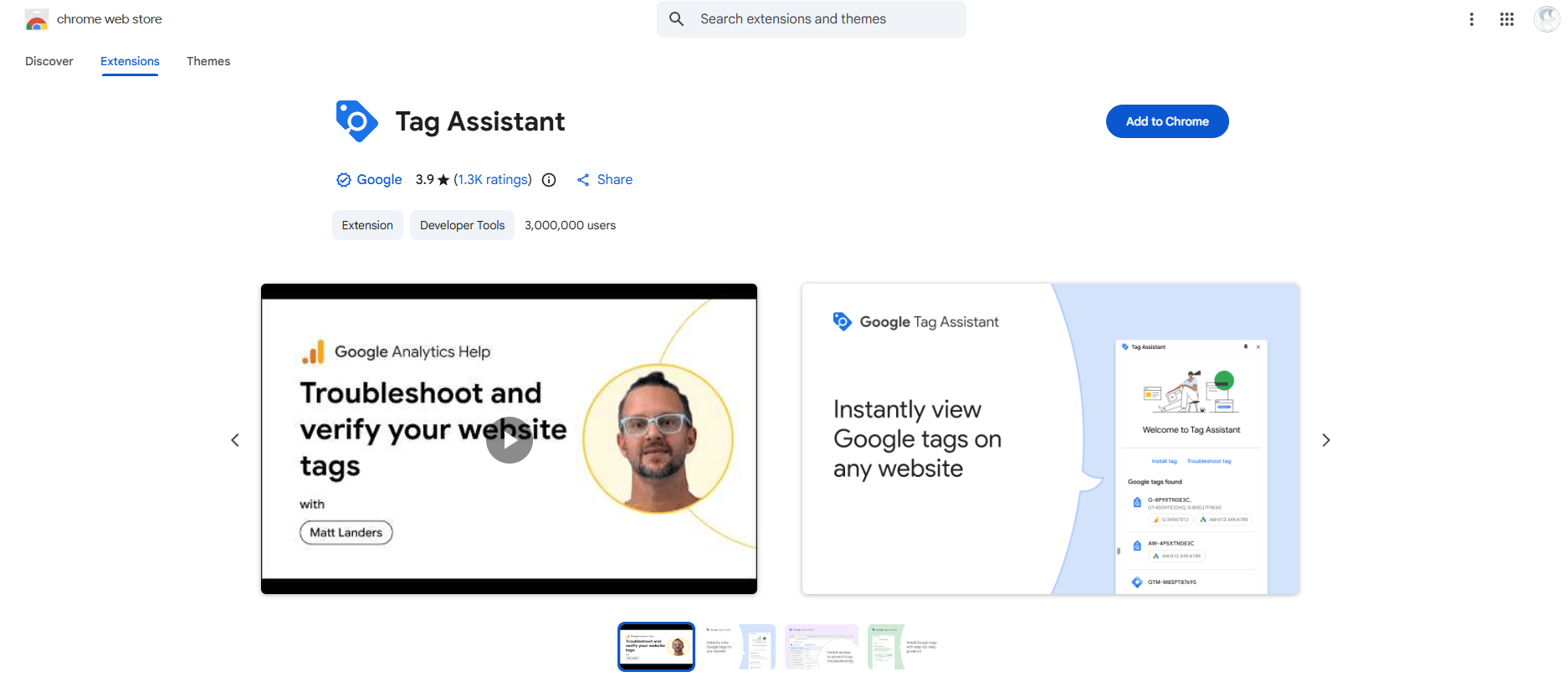
It doesn't just detect your Google tags—it also checks that they're correctly installed and functioning properly.
If it identifies an issue, Google Tag Assistant helps you pinpoint the source of the problem so you can resolve it quickly. And if everything is working as expected, you'll have the peace of mind of knowing your tracking is set up correctly. 😁
No list of essential Chrome extensions for SEO would be complete without Lighthouse.
Developed by Google, Lighthouse is one of the most comprehensive website auditing tools available.
Once installed, simply click its icon next to Chrome's address bar to analyze the page you're currently viewing. Within seconds, you'll receive a detailed report covering key aspects of your website, including performance, accessibility, SEO, and web best practices.
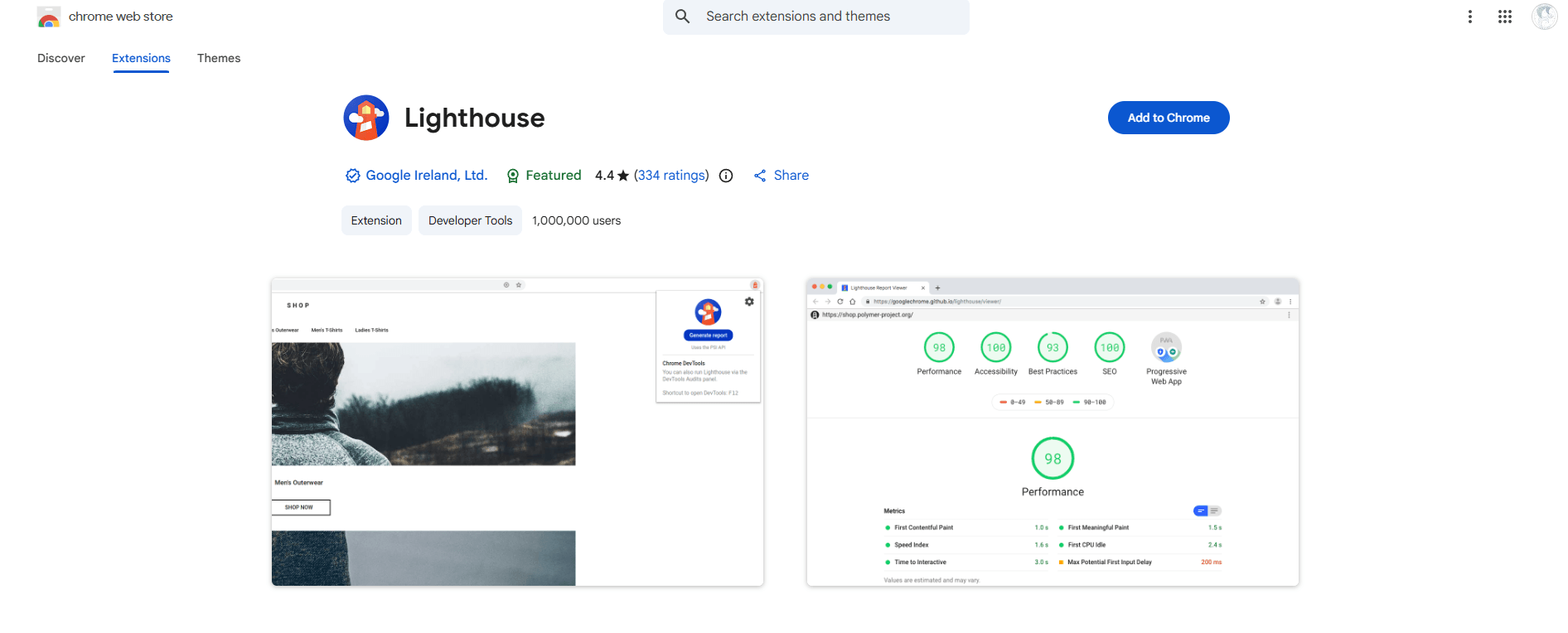
That said, for finer control over your analysis, it's worth taking the time to explore all the options this extension offers on your own. So if you're wondering whether you can customize it to fit your needs—the answer is yes!
You can tweak the settings anytime, and you'll also be able to download reports for every audit you run.
This extension puts extra emphasis on a site's load time, without losing sight of all the other key aspects worth analyzing. ⏱️
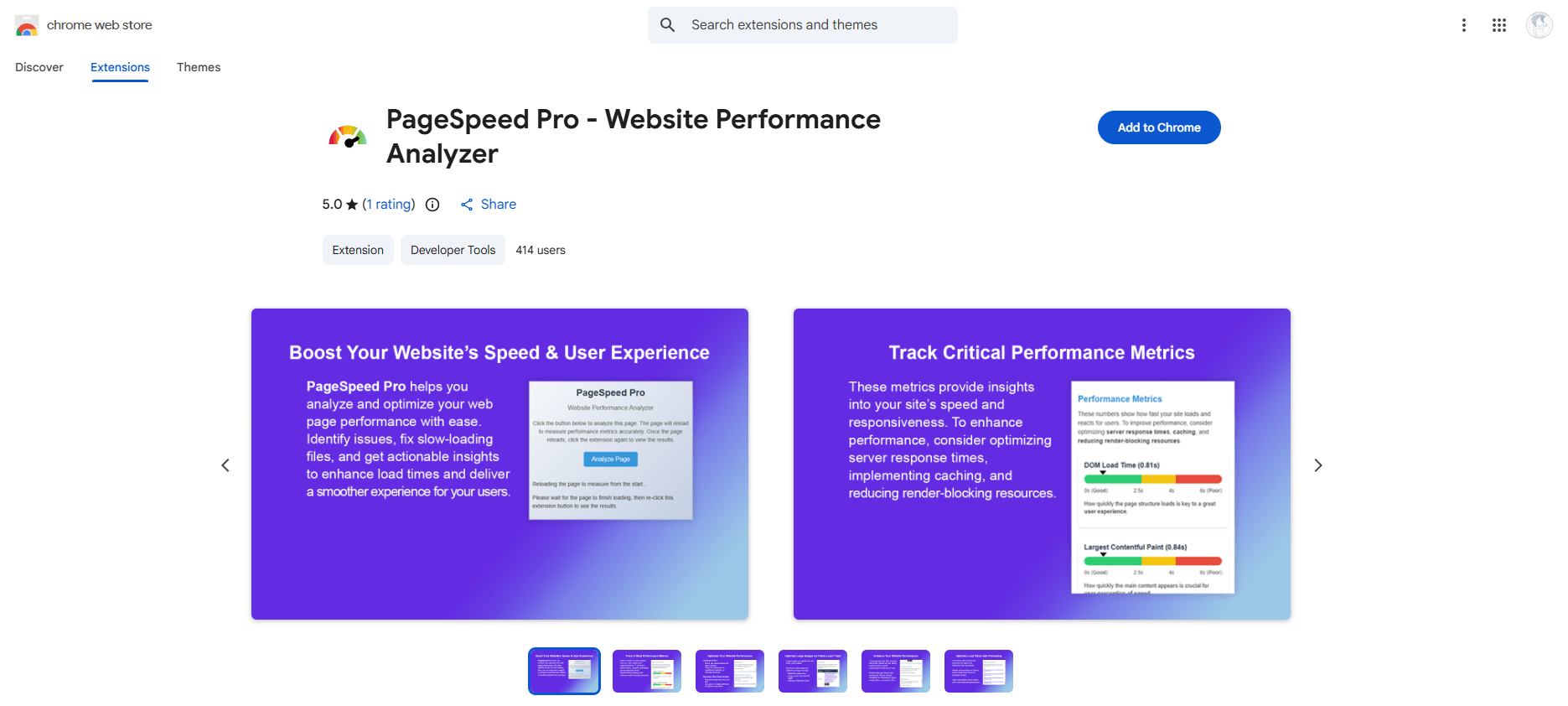
Performance Analyzer also offers another great advantage: the analysis runs in real time—meaning it happens as the page loads—so you get instant results. To view them, just click the extension icon next to the address bar.
It's a super handy plugin! You'll definitely appreciate how fast it is.
You've probably run into this before—the dreaded "404 error."
Annoying, right? 😫
If it bothers you as a web user, just imagine how frustrating it is for your readers to land on your site through a broken link, or to be browsing your site, spot a headline that catches their eye, only to find out it's no longer available.
Landing on a page with broken links hurts the user experience and drives up your bounce rate.
As a result, visitors are less likely to return to your site, and your organic search rankings take a hit. On top of that, Google may pick up on the fact that your site isn't offering relevant content, isn't getting traffic, and its crawlers may run into dead links along the way. 🔗
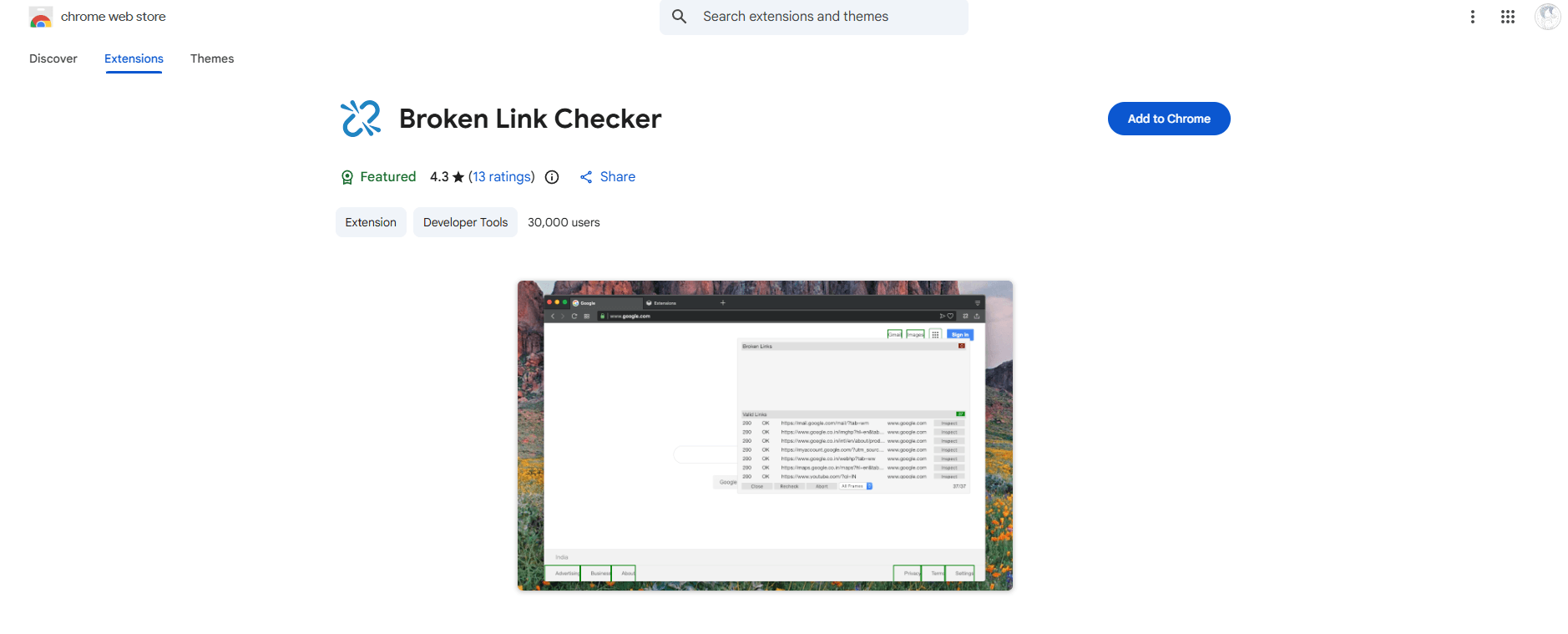
Luckily, there are extensions out there to help you avoid these kinds of situations and protect your site. One of them is called Broken Link Checker. This tool lets you detect broken links and pinpoint their exact location in seconds.
As with other plugins, you can choose manual mode if you don't want to miss a single error, or automatic mode if you'd rather save time. It all comes down to your priorities.
No matter what your job is, this extension will be a great ally if you work on websites.
It's not a tool for analyzing websites—it's more like a virtual notepad that keeps track of every task to finish or detail to fine-tune, whenever you need it. ✍️
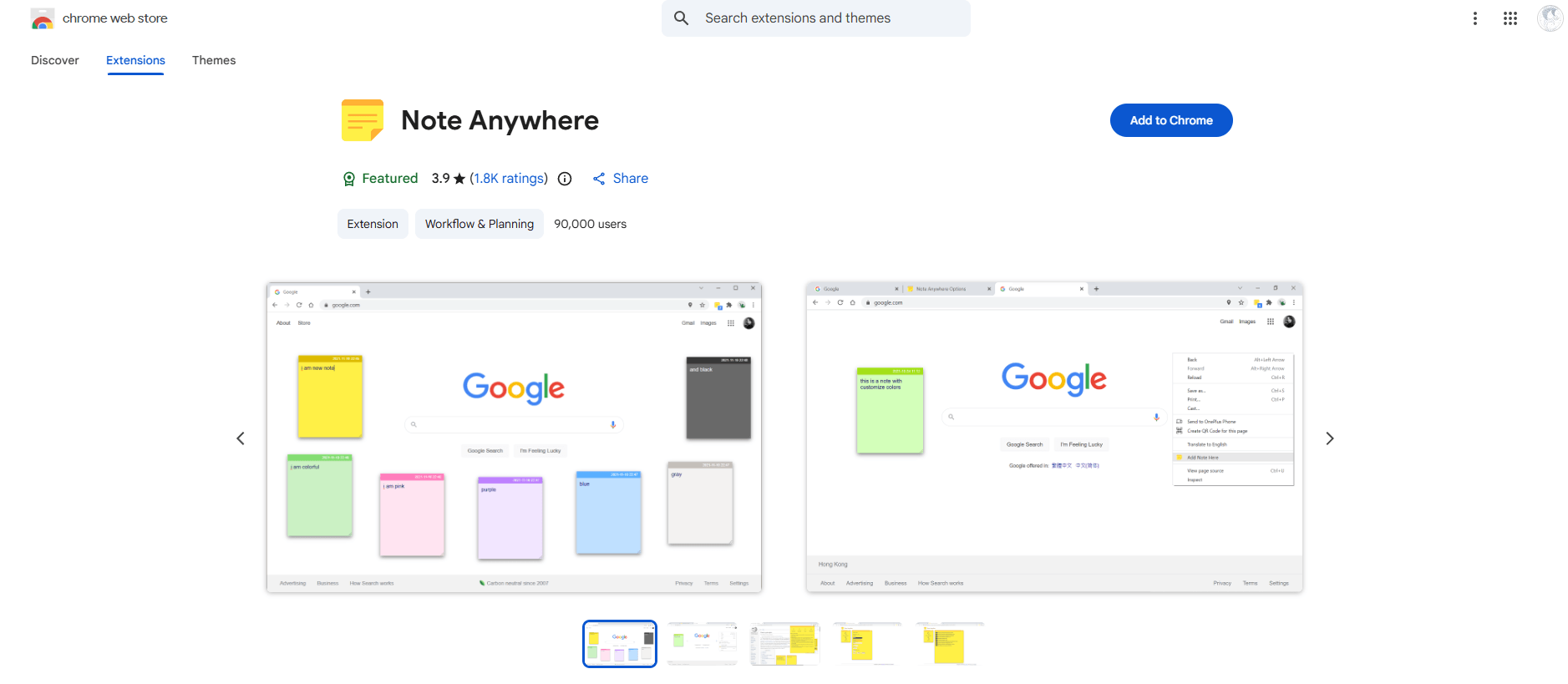
Just like with the other extensions mentioned above, simply visit the site you want to analyze and click the extension icon next to the address bar. A note will pop up—one you can edit anytime—and it'll stay there until you delete it.
This extension is a lifesaver for those moments when your memory fails you.
Here's one last extension worth mentioning for web analysis, and its features are pretty impressive. With a single click, you can identify the technologies tracking a site in real time.
This gives you insight into what's really going on: whether page-tracking tools are in play, if a tag manager is running, or if solutions like Ads or DoubleClick are present.
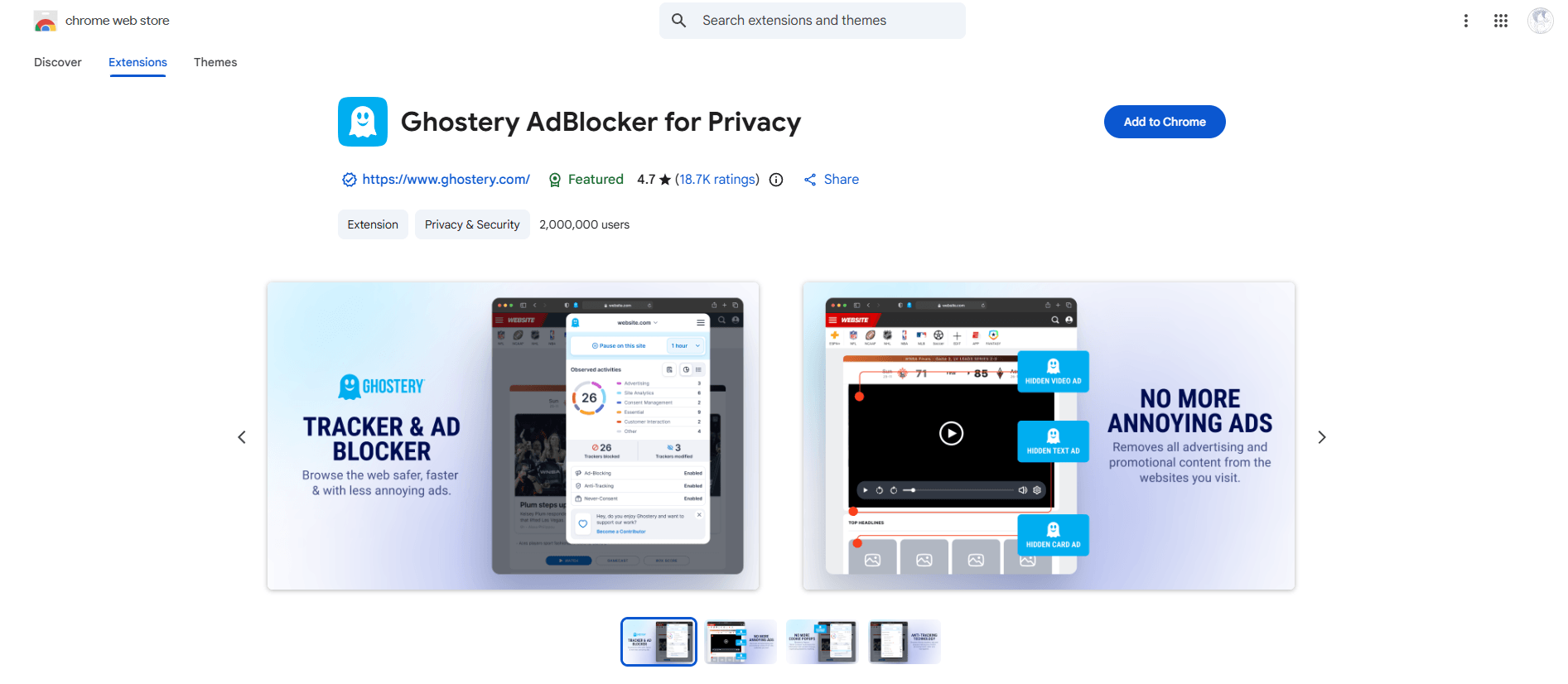
These technologies, known as trackers, are exactly what Ghostery detects.
Here are a few plugins specifically built for competitive intelligence:
SimilarWeb estimates your competitors' traffic and traffic sources directly from your browser.
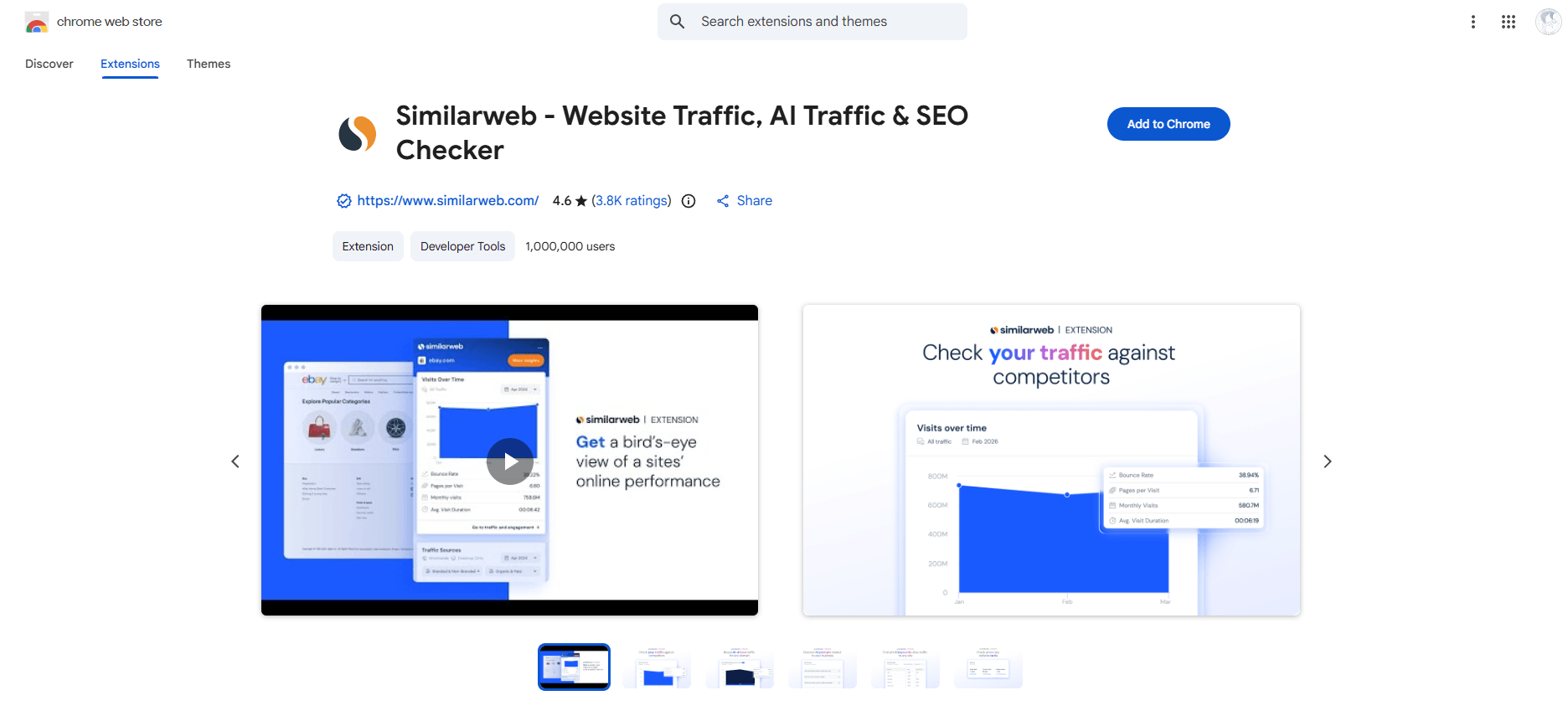
Wappalyzer instantly detects the technologies used on any website.
These Chrome extensions open up strategic opportunities to sharpen your approach.
Artificial intelligence is transforming the way you browse the web and making content creation easier than ever.
Chrome extensions powered by generative AI can handle your most complex tasks with remarkable ease.
Discover how a lead generation extension can give your sales prospecting strategy a real boost…
These powerful Chrome extensions are a quick win for your daily creative productivity:
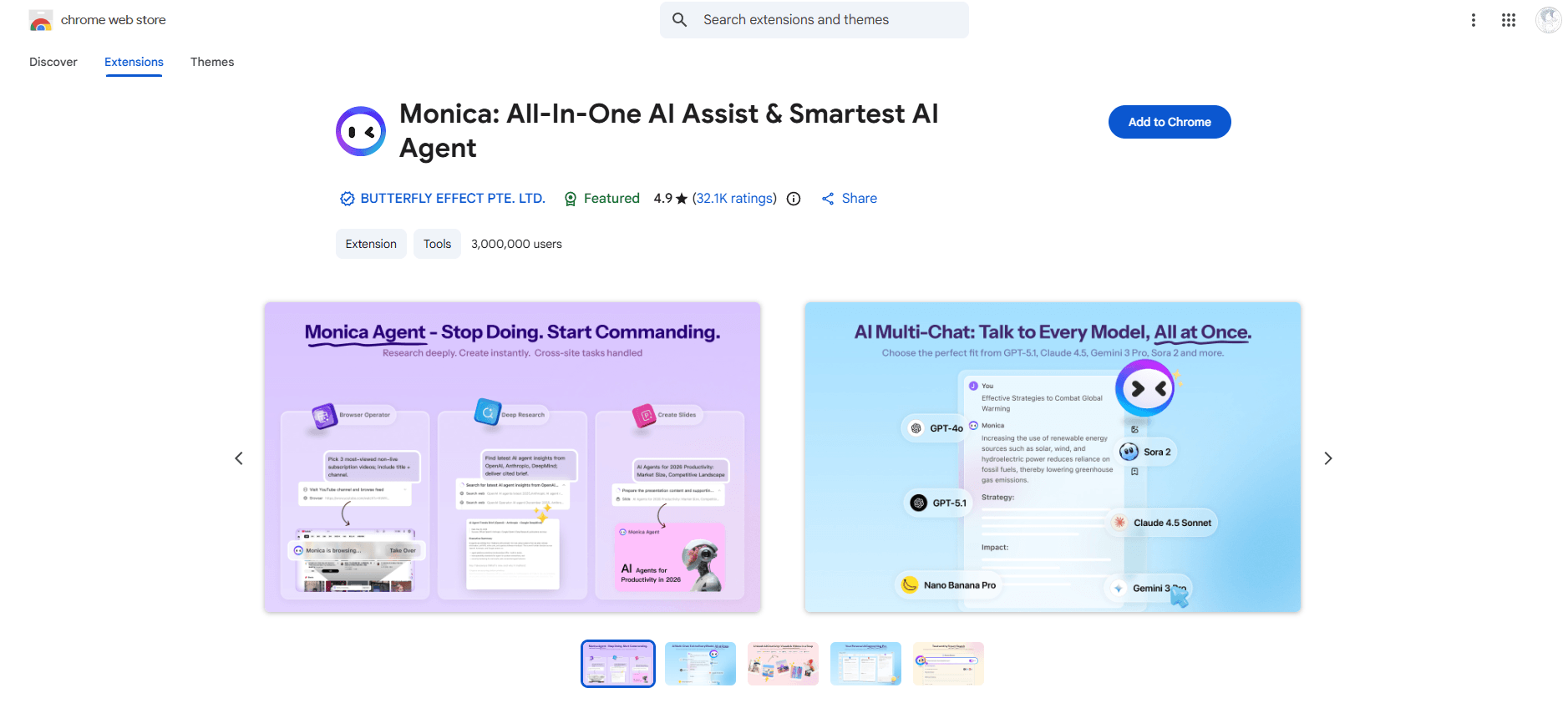
Monica: Highlight text on any website to instantly summarize or rephrase it with built-in AI.
Sider: A sidebar assistant that analyzes the current page and gives you relevant answers on the spot.
HARPA AI: Automate your processes, extract valuable data, and monitor websites—no coding required.
QuestionAI: Comes with a virtual assistant that can answer even your most specific questions. 🤖
All in all, these extensions handle writing and analysis without ever getting in the way of your workflow.
Use them regularly, and you'll notice just how much smoother your workdays become! 😊
Last but not least, here are a few plugins to level up your lead generation and sales follow-up:
LeadIQ sends your leads straight to your CRM.
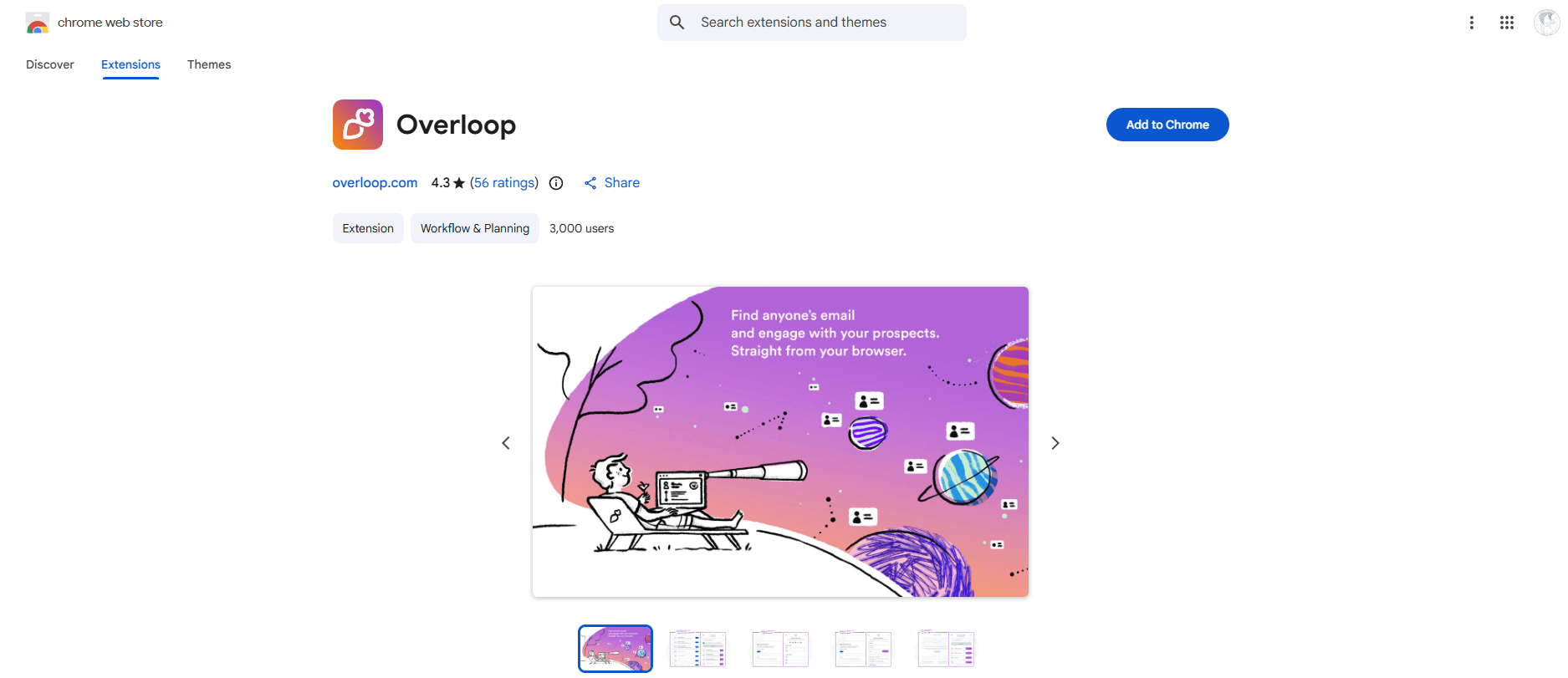
Overloop can pull emails from an entire domain. These powerful tools also tap into generative AI to qualify your leads with impressive accuracy. 📧
Salesloft shows you the complete history of your interactions and tells you the best time to follow up.
Streak builds a CRM right into your Gmail inbox. This extension makes life a whole lot easier for salespeople who use Chrome for prospecting.
And that wraps up our list of the best Chrome extensions!
Now you know about some great marketing, organizational, management, and SEO tools that can make your life easier—and your daily work a lot more enjoyable. 😌

Last update: August 07, 2026