
SiteW makes website creation easy and enjoyable thanks to a solution without technical or financial constraint.
Testimonials, interviews and examples of created websites. Discover our users’ reviews and creations.
Our history, news and commitments. Beyond online service, discover SiteW.
All resources at the service of your online presence.
12 minutes
If it feels like everyone has been publishing an ebook in recent years, you’re not imagining it.
With the rise of content creators and the growing number of people turning to digital books each year, ebooks continue to gain popularity. 🌟
Compared to traditional publishing, digital publishing comes with much lower overhead costs and makes it possible to get your book onto virtual shelves far more quickly.
So, if you’re looking for a new way to monetize your expertise, why not create your own ebook to complement your blog or professional website. 📖
An ebook is the digital version of a traditional book, designed to be read on computers, smartphones, tablets, and other electronic devices. 💻📱
Just like its physical counterpart, an ebook can include a cover, a table of contents, chapters, page numbers, footnotes, and more.

If you run an online training site, an ebook can be an excellent way to offer additional content as an upsell. In digital marketing, this type of resource is known as lead magnet. 🧲

Lead magnets are free resources designed to provide your audience with high-value content in exchange for their email address.
The idea is to engage your audience and encourage them to join your email list, enter your conversion funnel, or ultimately make a purchase.
In addition to being a cost-effective content marketing tool, e-books offer the following benefits:
Immediate satisfaction: Readers can download them instantly, without having to wait for delivery as they would with a physical book.
Portability: Readers can take their ebook with them wherever they go.
Sustainability: Because they’re digital, ebooks help reduce unnecessary paper waste. 🌱
Long-term marketing value: Ebooks can help position you as a thought leader in your industry. Plus, unlike a blog or newsletter, you don’t need to constantly update e-books.
Accessibility: Readers can increase the font size or enable text-to-speech features, making ebooks accessible to a wider audience. ♿
Ease of search: Readers can use the search function to navigate the content and jump directly to specific sections. 🔎
Opportunities: E-books allow you to include links to additional content, helping you keep your audience engaged with your online presence.
Search Engine Optimization (SEO): If your ebook is available online, it can help drive traffic to your business website through SEO-optimized keywords.
Low upfront cost: You can repurpose existing content to create an ebook, which means it can be produced relatively quickly. You also don’t need a lot of equipment to get started. 💰
In the age of conversational AI, you might wonder whether creating an ebook is still worthwhile.
After all, it’s easier than ever to find information using seemingly all-knowing AI tools like Gemini or ChatGPT…
And yet, people often still have a strong desire for content or human interaction, especially when they’re trying to solve a problem.
Ready to launch your ebook? Here are the steps to follow…
The first step is to decide what you’re going to write about.
But before you do that, you need to know who you’re writing for…
If you’re already doing marketing, you probably have a good idea of the type of customers you want to attract. This usually involves creating buyer personas or customer avatars.
To build these profiles, you can combine surveys and online research with data from your web analytics.
This will give you a clearer picture of your customers’ age, gender, and education level, as well as their main interests.
Now that you’ve defined your target audience, it’s time to find the right topic:
On your blog, look at the questions people ask in the comments section. If you have enough comments to identify recurring trends, note the most common questions and consider exploring those topics in greater depth in your ebook. 💬
Ask your audience directly what they’d like you to write about. For example, ask them what challenges they’re currently facing.
You can ask these questions using social media polls, but if you already have an email list, it may also be worth conducting a survey by email. 📧
You can also enter your main keywords on one of the following sites:
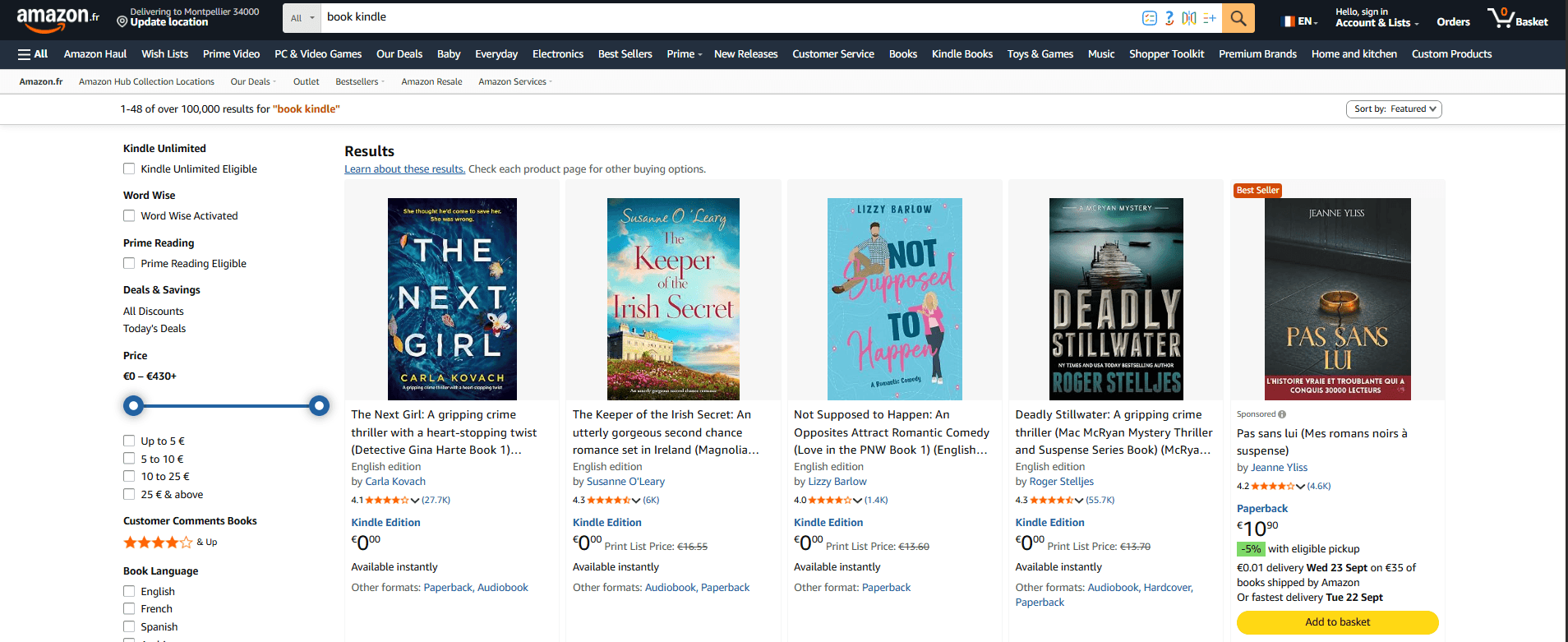
In Amazon’s Books section to see what’s trending in the field you want to write about. 📚
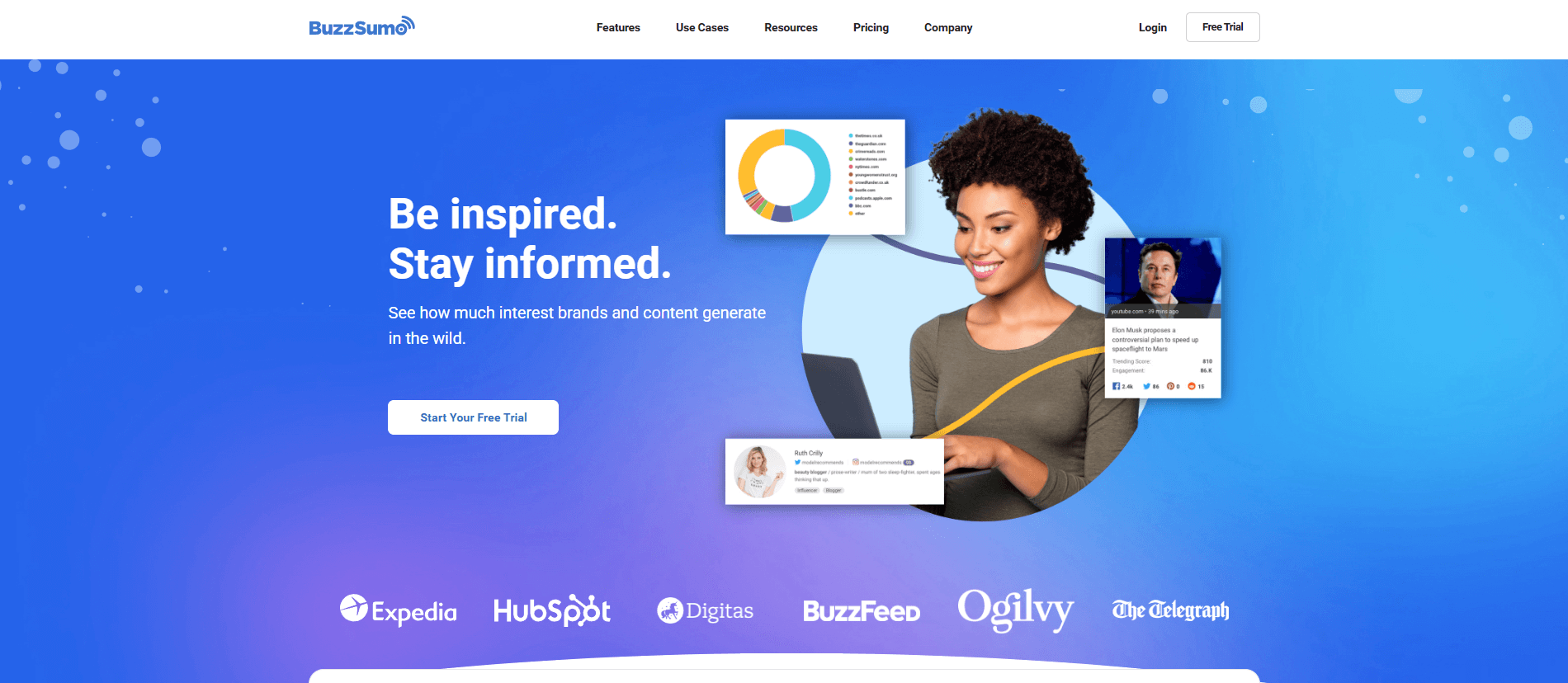
You can also use a tool like BuzzSumo to identify the most widely shared topics and find inspiration for your ebook.
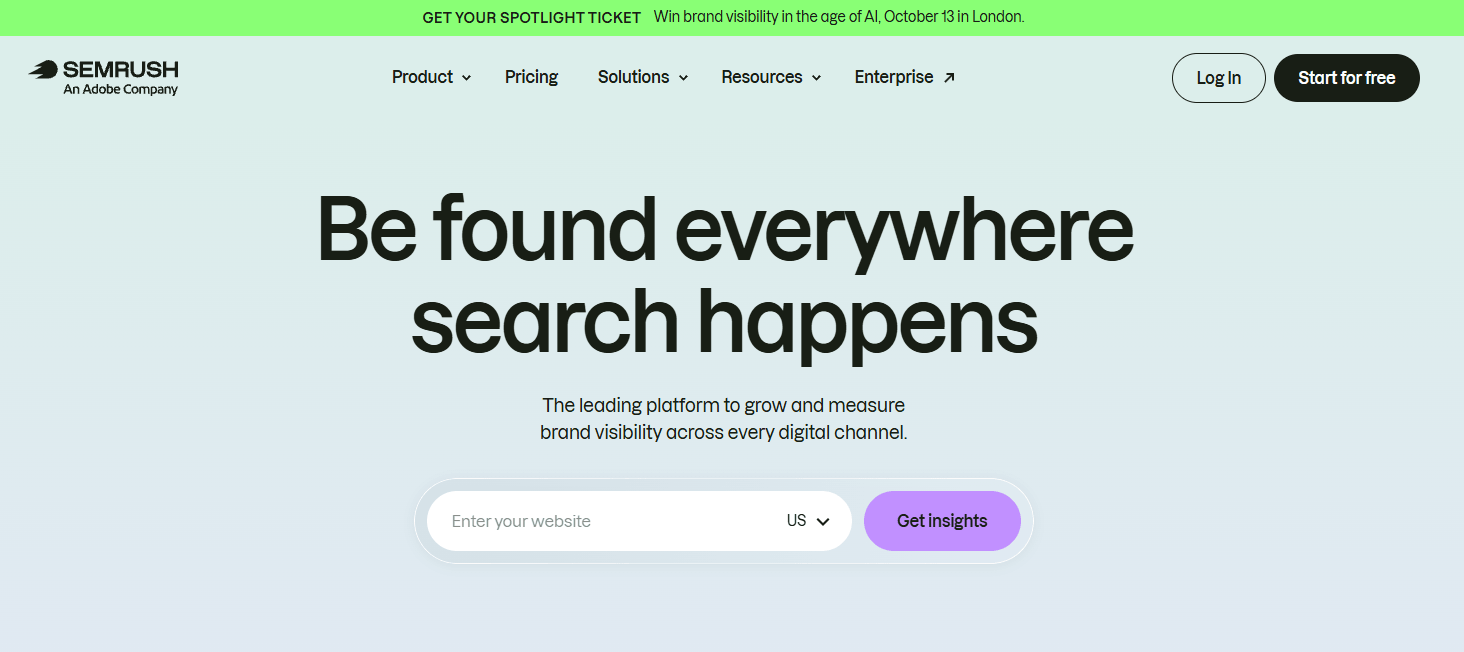
On Semrush, use the "Topic Research" section. Alternatively, try the "Keyword Magic Tool" to check keyword search volumes and explore other useful information related to your chosen topic. 💡
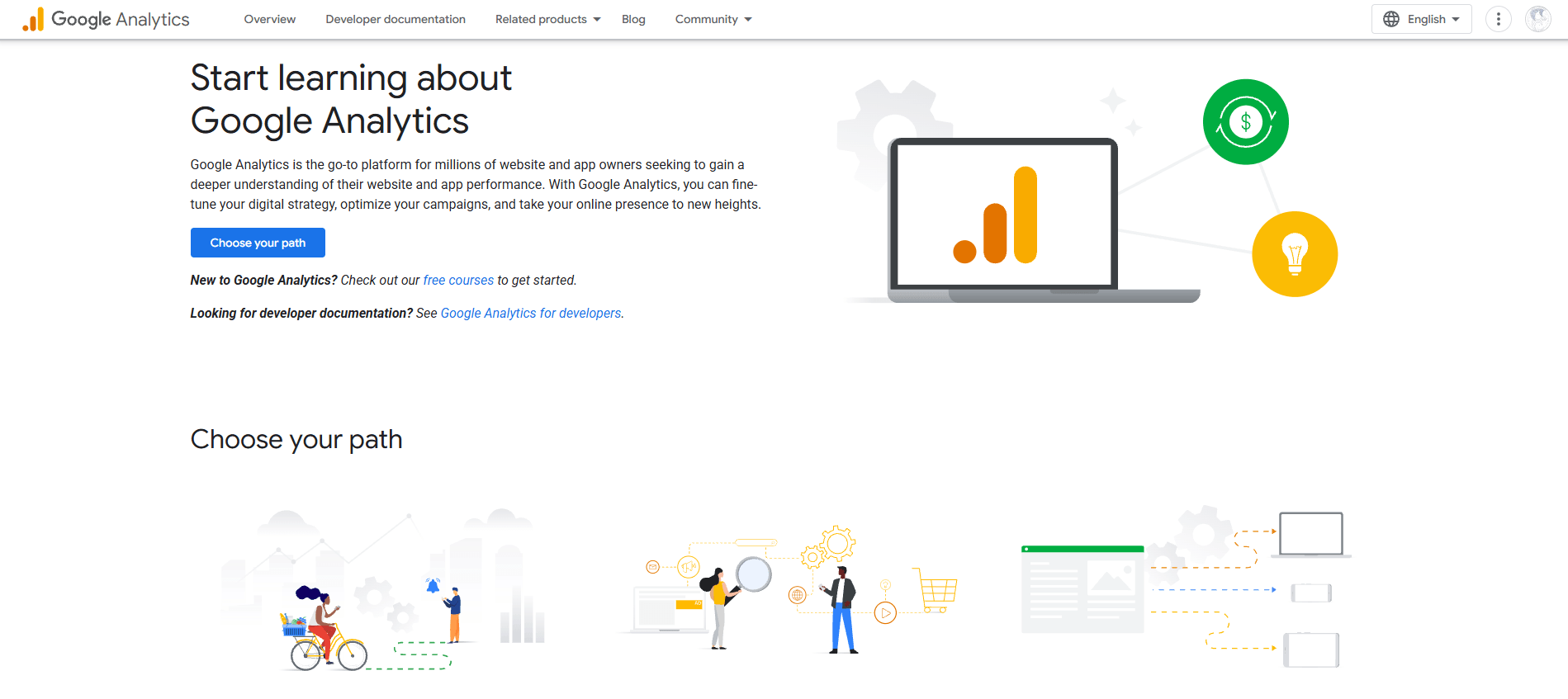
In your own web analytics, use Google Analytics to identify your most popular website pages. If several of them relate to a particular topic, that’s a good indication that your visitors are interested in it. 📊
Once you have a solid idea in mind, the next step is to create the content for your ebook. ✍️
One of the main advantages of creating an entirely new ebook is that it’s completely unique, which can be a strong marketing selling point.
Repurposing your existing content can also be a great option.
Here are two ways to structure your ebook using this approach:
The chapter-based method
Also known as the “hub-and-spoke” method, this approach involves creating an outline based on the most popular “pillar articles” on your blog.
The excerpt method
What if you don’t have any flagship articles that are long enough to work with?
You can use excerpts from several different articles, and combine them around similar themes.
You can always add new elements, such as anecdotes or testimonials. This will help make the ebook feel fresh, since the existing content is being presented and organized in an entirely new way.
The easiest way to create an ebook is to use a high-quality piece of content as your starting point.
Always plan your project in advance. Having a clear outline can help you avoid writer's block and makes it easier to check that you've covered everything once the project is complete.
There’s no ideal word count or page count for an ebook. It all depends on your audience and the topic you’re covering.
Generally speaking, as long as you cover your chosen topic thoroughly and provide readers with all the information they need, there’s no reason to worry too much about length.
However, here are some average figures:
Standard book: 50,000 to 110,000 words
Short story: 1,000 to 7,500 words
Nonfiction book: 10,000 words
Don’t forget to have your ebook read by someone who won’t hesitate to give you constructive feedback. 👀
Before sharing your ebook, use online proofreading tools such as Grammarly to eliminate spelling and grammar errors. That way, your proofreader can focus on the content itself, making sure that it is relevant and that the reasoning is logical and consistent.
The structure of your ebook should be logical and easy to follow.
Here’s an example of how you might structure your book:
Cover: Include the title, an optional subtitle, and your name.
Table of contents: This helps readers navigate your ebook, much like a navigation menu on a website.
Introduction: This is typically between 2 and 5 pages long, depending on the overall length of the ebook.
Main body: Each chapter of your ebook should address a major theme.
Conclusion: Summarize the main message of your ebook and leave readers with a final thought that inspires or motivates them. The conclusion should be about the same length as—or even shorter than—the introduction.
Copyright notice: Copyright protection applies to your original content even without a copyright notice, but including one is generally considered good practice.
Before creating your ebook, there’s one final decision to make: choosing the right file format.
Depending on your audience, you may want to consider some of the following file types:
PDF: “PDF” stands for “Portable Document Format.” This format is extremely popular because it’s easy to create and works well across different platforms.
EPUB: This stands for “Electronic Publication” and offers greater flexibility. It allows content to reflow automatically to fit different mobile devices and tablets. This is known as a layout-agnostic format, meaning the content adapts to different screen sizes without affecting readability.
MOBI: This format originated with the Mobipocket Reader software, which was acquired by Amazon in 2005 and discontinued in 2016. However, the MOBI file extension remains a common e-book format, compatible with most e-readers, particularly Kindle devices. It is a minimalist format that supports bookmarks, notes, annotations, and JavaScript. Although it has certain limitations, such as the inability to embed audio or video content, it supports digital rights management (DRM), which helps prevent unauthorized reproduction for commercial purposes or illegal access to protected content.
AZW: This is an e-book format designed for Kindle, Amazon’s e-reader. AZW files are based on the MOBI format but offer better compression.
ODF: This stands for “OpenDocument Format,” a file format specifically designed for OpenOffice.
IBA: This format is associated with the Apple iBooks Author app. IBA files can also be converted to the iBooks format so they can be imported directly onto iPads. They support video, audio, images, and interactive features, but are used only for books published in iBooks Author.
The next important step is choosing the right software to create your ebook.
Here are a few affordable tools you can use to design your ebook…
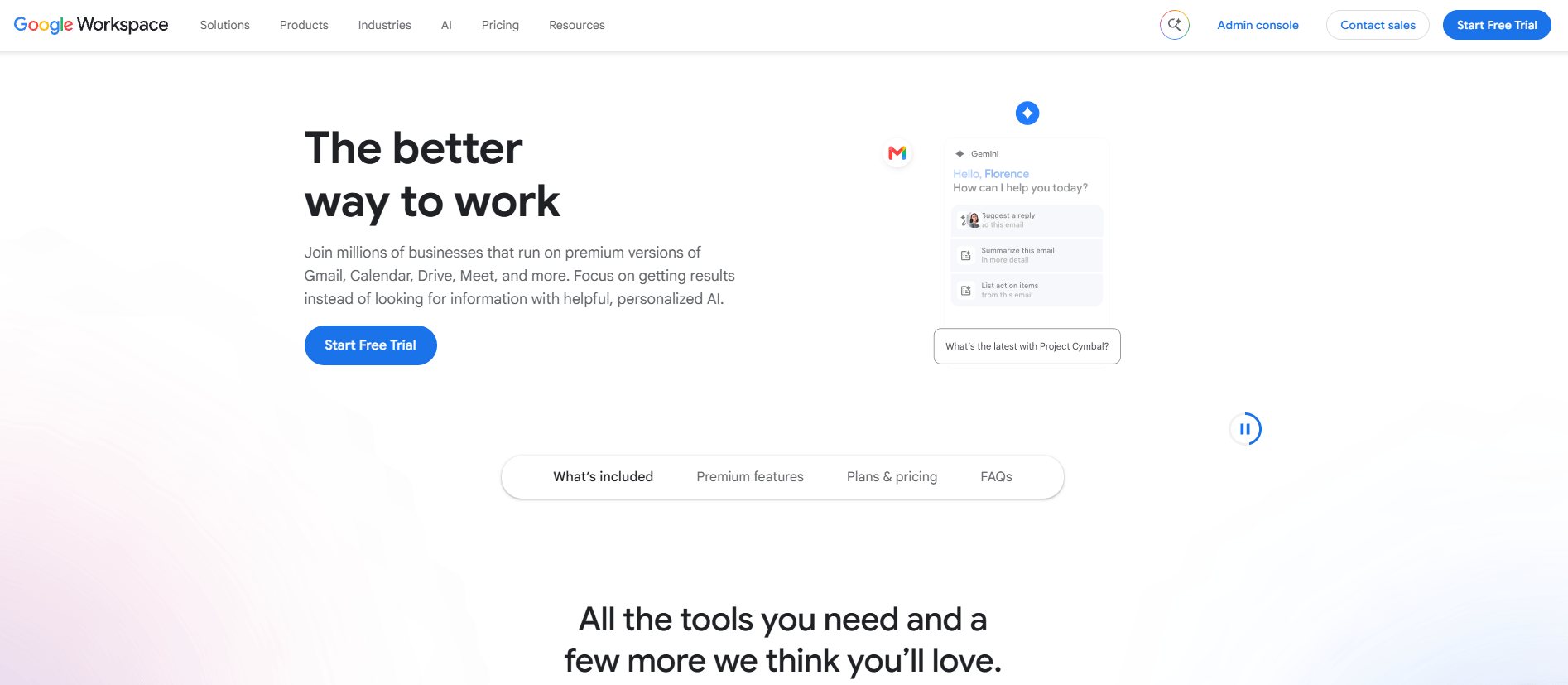
Google Docs
Google Docs is a highly popular online word processor for writing and collaborating on documents.
It’s easy to use, although its templates are fairly basic. 📄
Pages
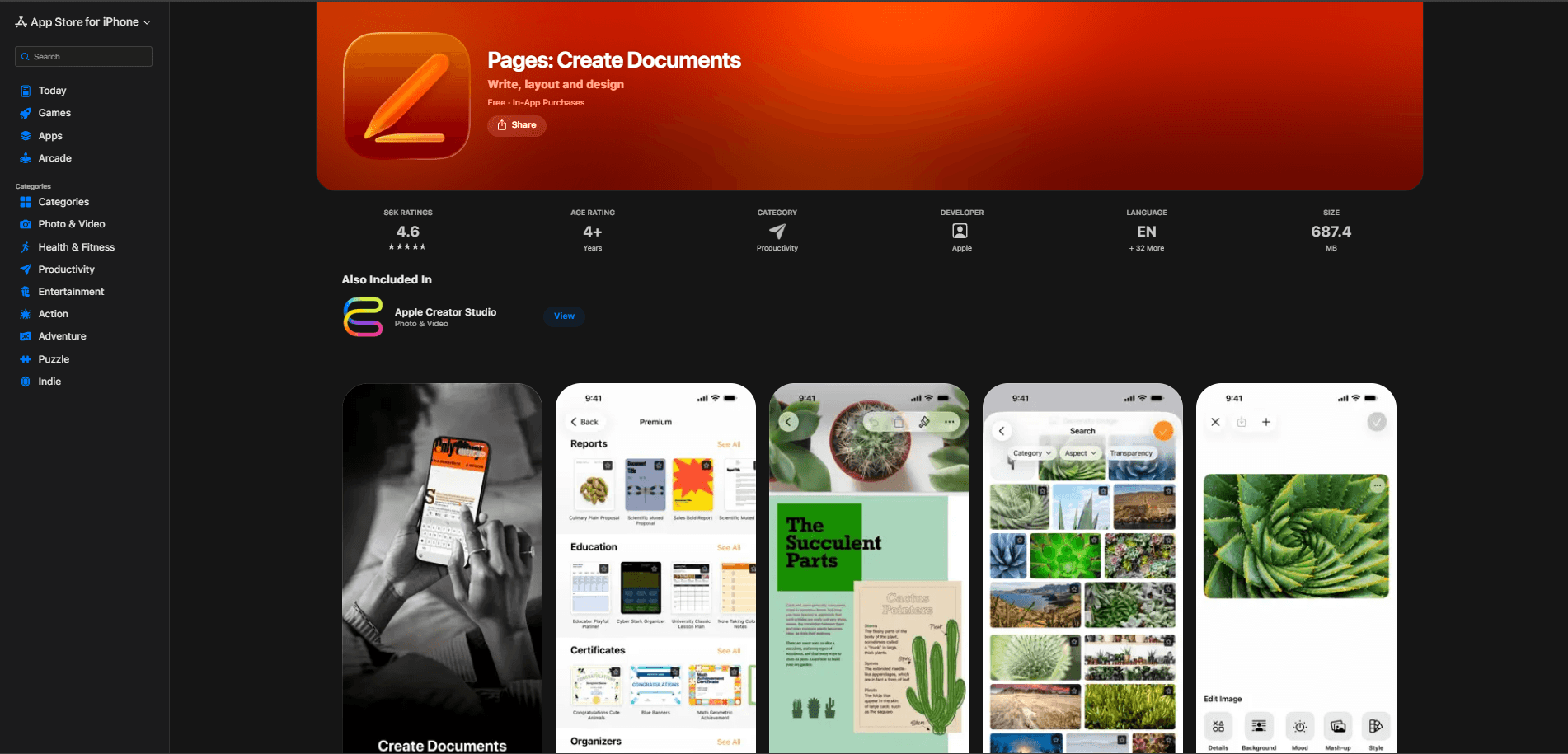
Pages offers stunning ebook themes for Apple users.
It is Apple's native word processor, similar to Microsoft Word. But it offers more modern and minimalist templates that will appeal to fans of clean, simple design.
Beacons
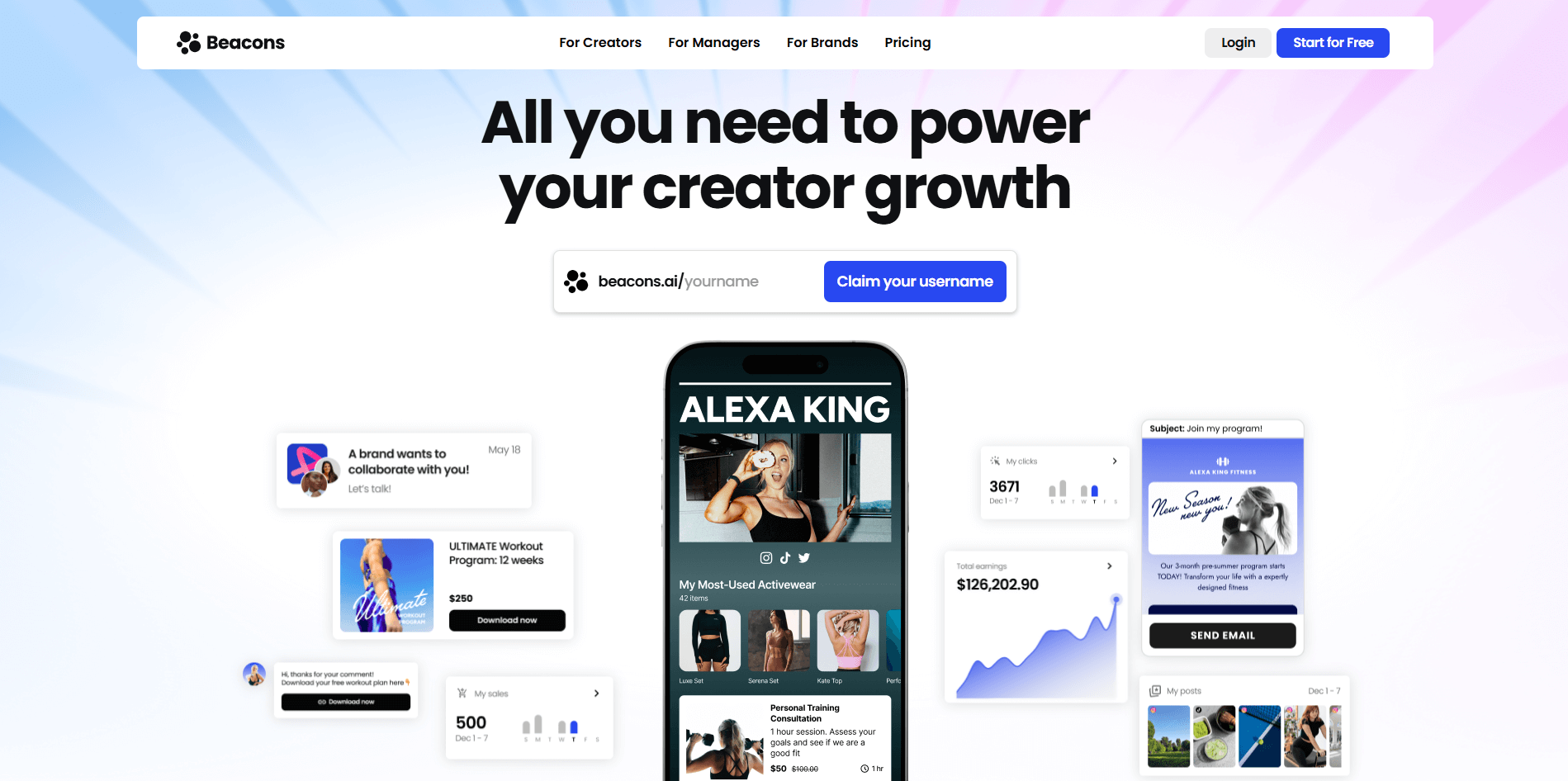
Beacons is a web app designed to help you turn your blog posts into ebooks.
The main downside is that you'll need to pay to remove the watermark and unlock additional options, such as saving your theme—a particularly useful feature if you plan to create multiple e-books.
InDesign
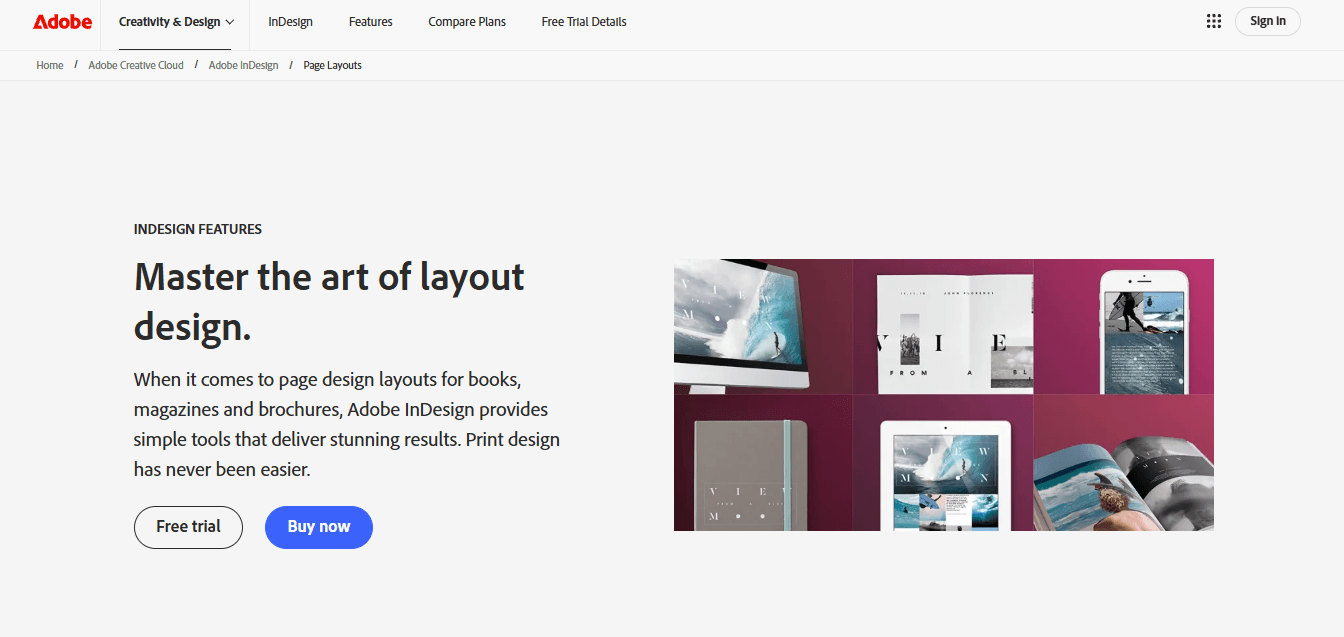
Adobe InDesign allows you to design your own ebook cover.
If you have an Adobe Creative Cloud subscription, InDesign is a great option for designing your ebook’s layout. 🎨
Unlike Word and Pages, it offers more advanced features, such as a wider selection of fonts and layer stacking, giving you complete control over every aspect of your design.
However, it does have a steeper learning curve. Fortunately, there are plenty of online tutorials available to help you get familiar with the software.
Your ebook can be offered for free through a landing page linked to your website.
A landing page is a web page designed to promote and describe your offer. It includes a form that visitors must fill out with their contact information in exchange for access to your ebook.

… You’ve got SiteW!
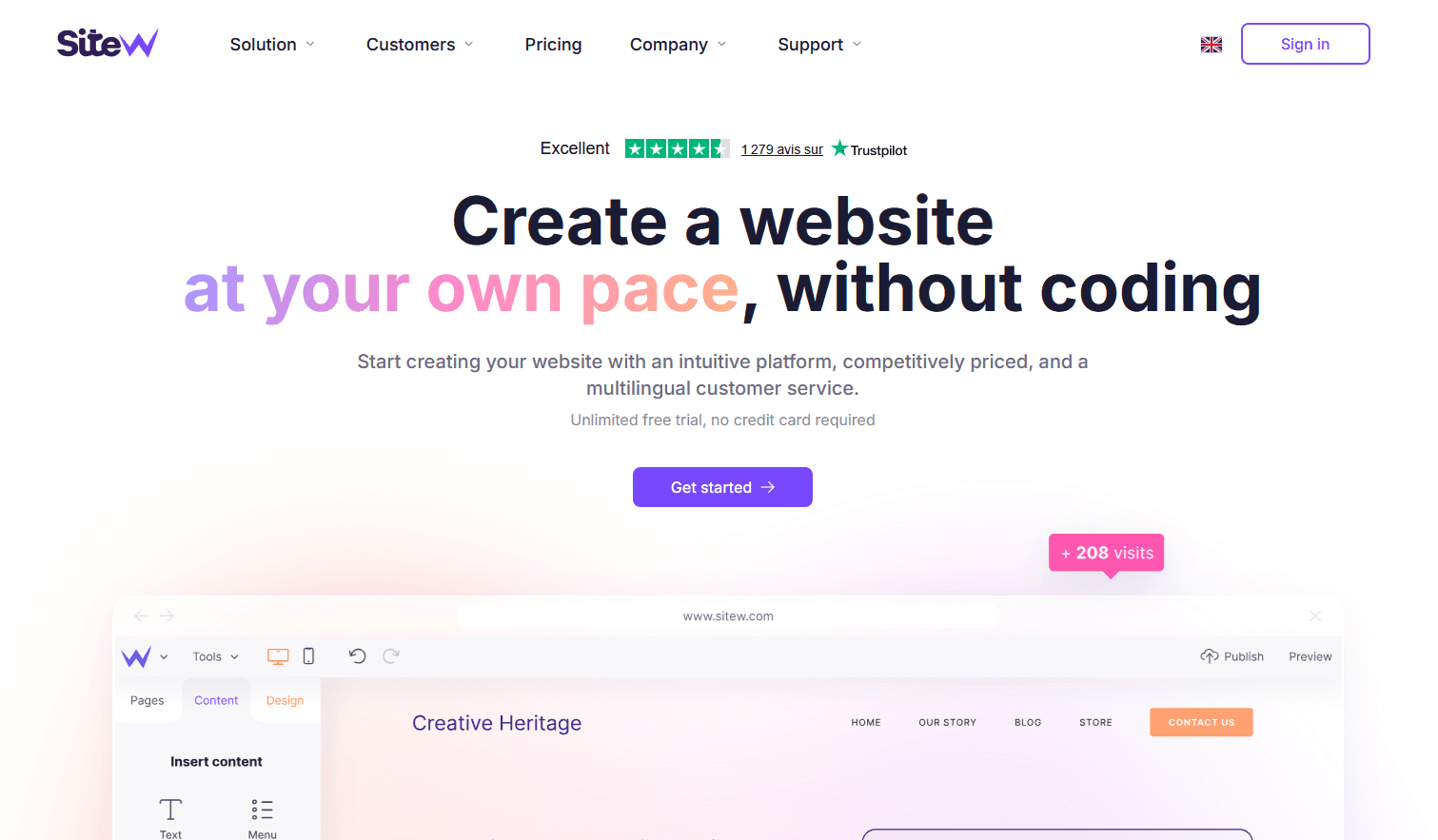
With just a few clicks, you can build a landing page that reflects your brand, with a custom form for collecting your readers’ email addresses so you can send them your e-book. Easy, fast, and convenient! 👌🖱️
Here are a few ways to round out your promotional strategy:
On your website (through pop-ups, sidebar widgets, etc.)
In your blog posts
Via email
Through paid advertising
Through co-marketing partnerships
On social media
These tips will help you create a visually appealing ebook that captures and holds your audience’s attention.
You can use more sophisticated fonts for your book’s title and headings, but for the body text, it’s important to choose a simpler, highly readable font.
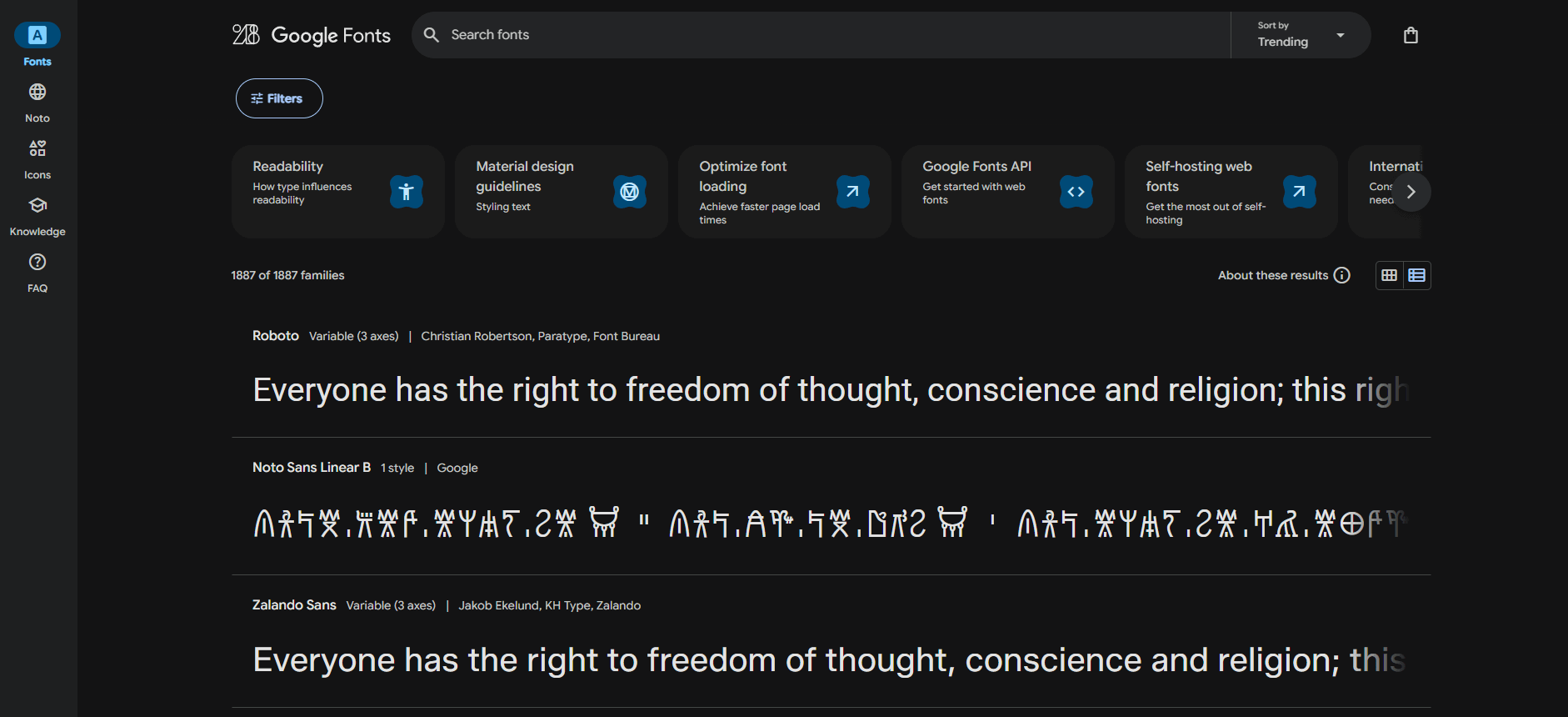
You can find excellent open-source fonts on Google Fonts, which are free to use for your projects.
Line length and spacing can have a significant impact on reading comfort:
Align your text to the left to improve the readability of your ebook.
Make it easier for the reader’s eye to find the beginning of each new line by keeping lines to around 45–75 characters and using appropriate line spacing.
Break up text-heavy pages with visual elements. Adding attractive photos or graphics gives the reader’s eyes a chance to rest from time to time. 🖼️📷
Adding colors as a design element can make your ebook more attractive and easier to navigate. 🌈
But don’t overdo it: choose 2 or 3 shades and use them consistently throughout the book.
Another effective way to capture your readers’ attention is to highlight relevant quotes or statistics from your blog, industry experts, or industry studies—using bold text, for example.
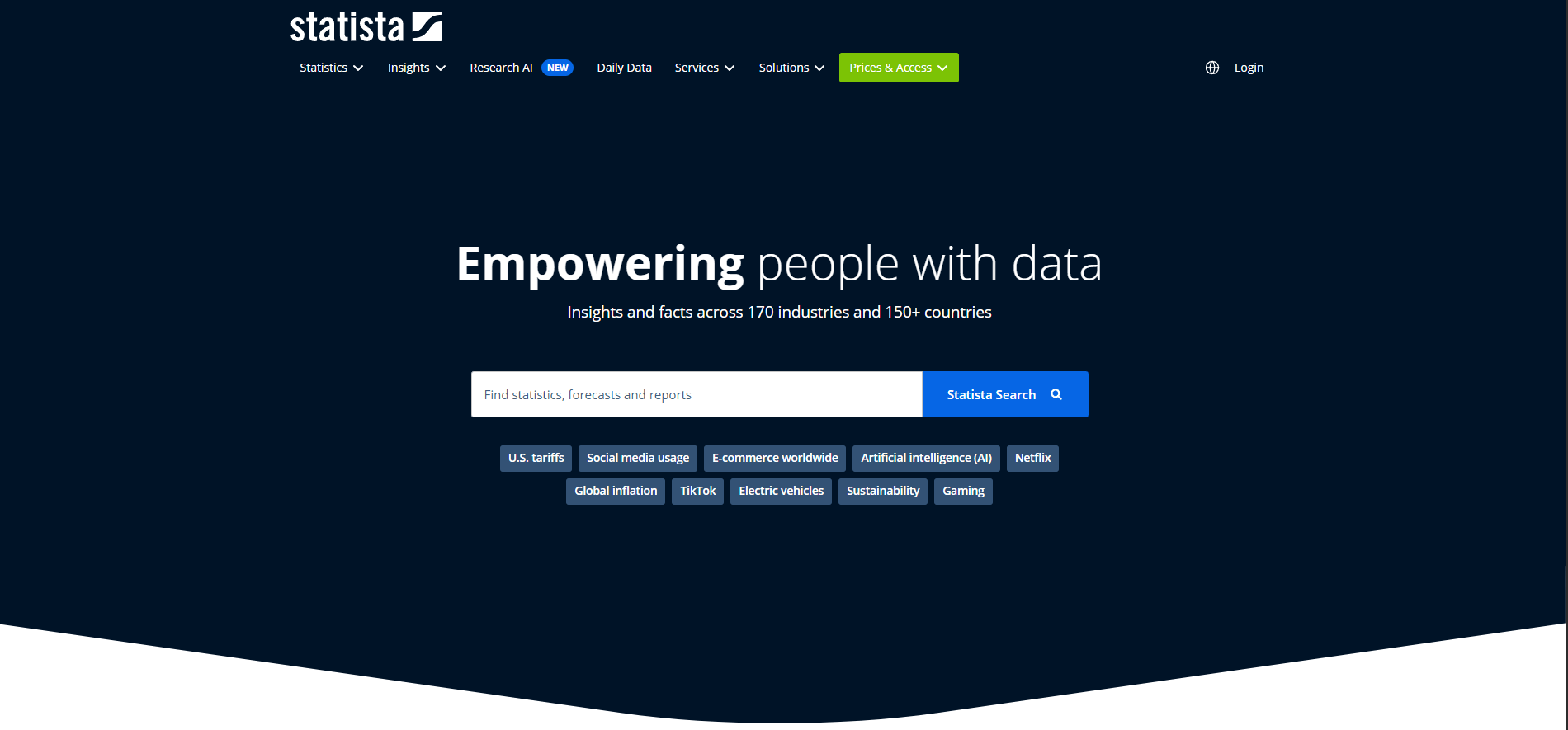
You can find useful statistics on websites such as Statista.
Most creators publish ebooks for marketing purposes: to build a paying community, showcase their expertise, or drive readers to their website.
Whatever the goal, you’ll need calls to action (CTAs) to tell your readers what to do next.
Here are a few examples:
Encourage readers to share the book on social media.
Include a link to your website. 🔗
Add a link to an online course that explores your ebook’s topic in greater depth. 🎓
And there you have it!
We’ve gone from a simple blog post (or several) to a finished ebook in just a few minutes—which is pretty darn fast.
Think you can do better? Create your own ebook! 📝
Last update: October 23, 2026